Briefing Product ASMR: Specify the Sounds You Need Before the Shoot
Specify audible product actions, approve a sample, and review clean sound separately from the edit. Includes an action checklist and shoot email.


“Shoot some ASMR” can produce a quiet opening sound beneath a polished music track. Product-sound content needs a more specific brief: what action should be audible, how it relates to the picture, and whether a separate clean-sound version is required. Agree on a short sample before the full shoot.
Replace mood words with audible actions
“Satisfying” and “premium” are difficult to accept or reject consistently. Name the sound: the release as a cap opens, water pouring from start to finish, or a zipper closing fully. Choose actions the actual product supports. Avoid asking creators to manufacture a sound the product does not make or presenting a subjective listening experience as a health benefit.
OneCrew helps teams manage creator collaboration records and email. Keep the action list, reference clips, location sound to retain, and reviewer in the collaboration table. The production team can then retrieve the specific sound deliverables for this commission.
Put the action, picture, and sound on one line
| Example action | Picture and sound | Sample check |
|---|---|---|
| Open the cap | Show contact through removal and retain the actual sound | The action is distinguishable without obvious microphone handling noise |
| Pour into a cup | Keep picture and sound aligned through the complete pour | The water sound is continuous with a complete ending |
| Set the product down | Show real contact in the agreed setting | The contact sounds natural and is not covered by music |
These are examples, not universal recording specifications. Let the creator test microphone choice, distance, and room conditions with the product, then agree on one sample. If it needs work, distinguish a quiet source, background interference, distortion, and music masking instead of only asking for “louder.”
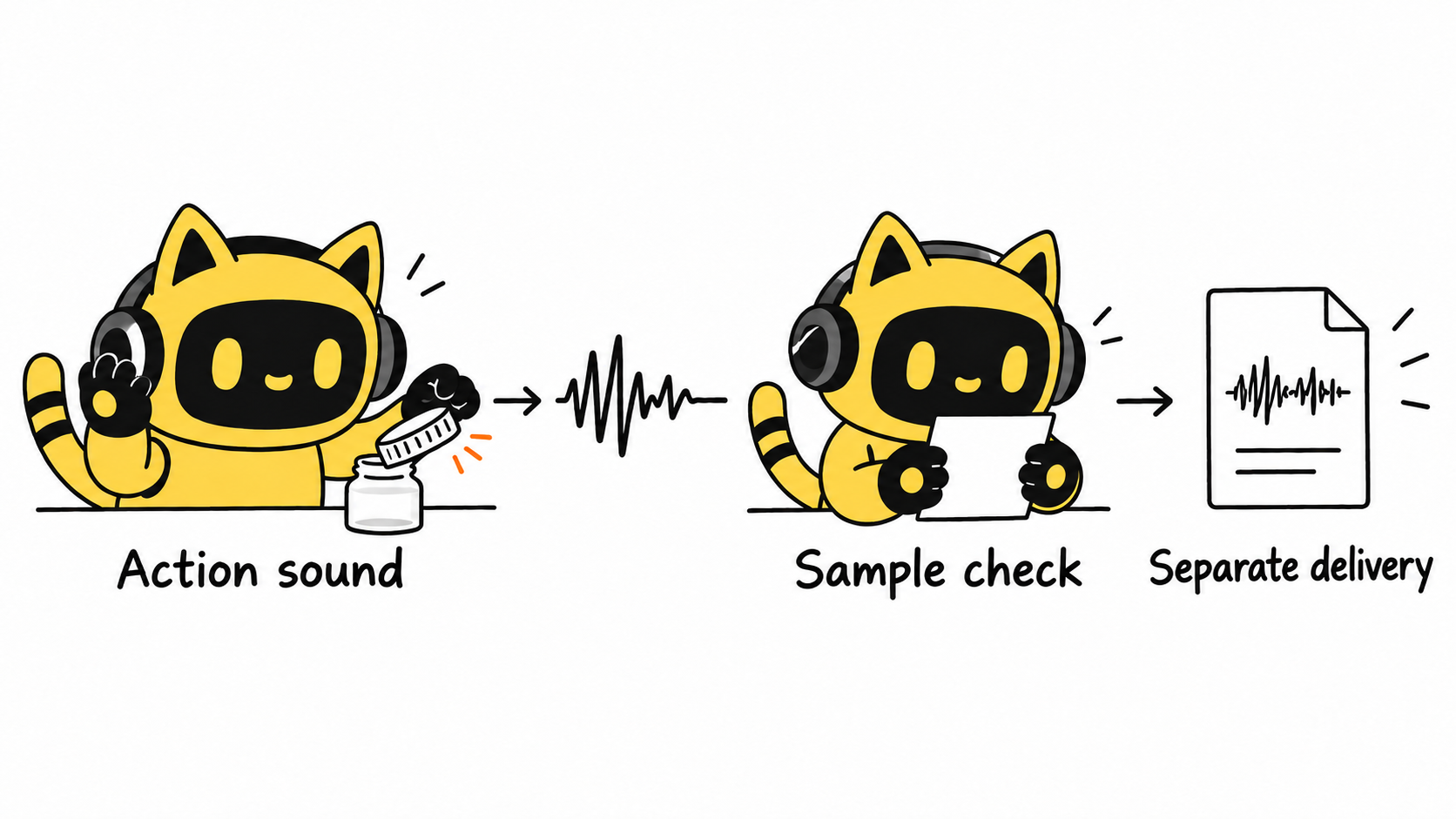
Approve a sample before recording every action
Include the sample and any associated fee in the agreed scope. Have the reviewer use an agreed listening setup and identify which action works and what needs adjustment. Keep playback conditions consistent during later reviews so a change in listening conditions is not mistaken for a recording defect.
Review synced sample feedback in OneCrew, record the approved version and changes, and prepare the go-ahead draft. Here, the specified product actions drive acceptance. For the visual demonstration itself, see how to assess faceless product-demo creators.
The cap-opening sound in sample v2 works. Please use the same recording setup for the remaining actions. Keep the pour complete from start to stop, and deliver the agreed original-sound version separately from the music edit. Match filenames to action IDs and flag any change of location or recording method first.
Review original sound and the finished edit separately
Listen for complete actions, obvious unwanted noise, and distortion, then check synchronization. If sounds need replacing in post, agree on the source and usage with the creator and editor. Do not quietly substitute another product’s sound as evidence of this product’s behavior.
For the next commission, list three sounds, their references, and the sample reviewer in OneCrew. Prepare the brief from that record so delivery can be judged against a shared, audible target.



