The Translation Is Correct. Why Does the Creator Say It Sounds Wrong Locally?
Review local creator feedback line by line. Adapt wording and scenarios while keeping product facts accurate and recording the approved version.

If a translation is accurate but a local creator says it sounds awkward, ask them to identify the phrase, explain the context, and suggest an alternative. Separate product facts that must stay accurate from wording that can change. Review each proposal with its rationale and approval owner so a more natural delivery does not quietly change the promise.
Turn a vague reaction into a concrete edit
“We wouldn't say that here” needs a little more detail. Is the wording overly formal? Is the situation unfamiliar? Does the joke need explaining? Ask what the creator would say to this audience and why it would work better.
OneCrew is an AI workspace for organizing creator collaboration records, worksheets, and email communication. Give OneCrew the original copy, the creator's suggestions, and their explanations. Organize a worksheet with one proposed change per row so reviewers can assess each decision without comparing two entire scripts from memory.
| Copy element | Possible adaptation | What still needs checking |
|---|---|---|
| Product capabilities | Everyday wording | Meaning, limits, and claims remain accurate |
| Opening situation | A familiar local use case | The scenario fits the actual product |
| Analogy or joke | Rewrite, remove, or state directly | No unsupported meaning is introduced |
| Action prompt | Natural local phrasing | The destination and offer conditions still match |
Test the wording in a complete situation
Suppose the script describes people struggling to find the latest shared file. A creator might propose opening with the way they would normally ask a colleague for the final version. The brand can accept that conversational framing while checking the factual explanation of version handling. This is an editing example, not a reported customer story.
Have the creator read the revised paragraph in context. A smooth sentence can still repeat the preceding line or sound wrong for a professional buyer. Review the intended audience, channel, and speaker alongside the market. Geography alone does not establish the right tone.
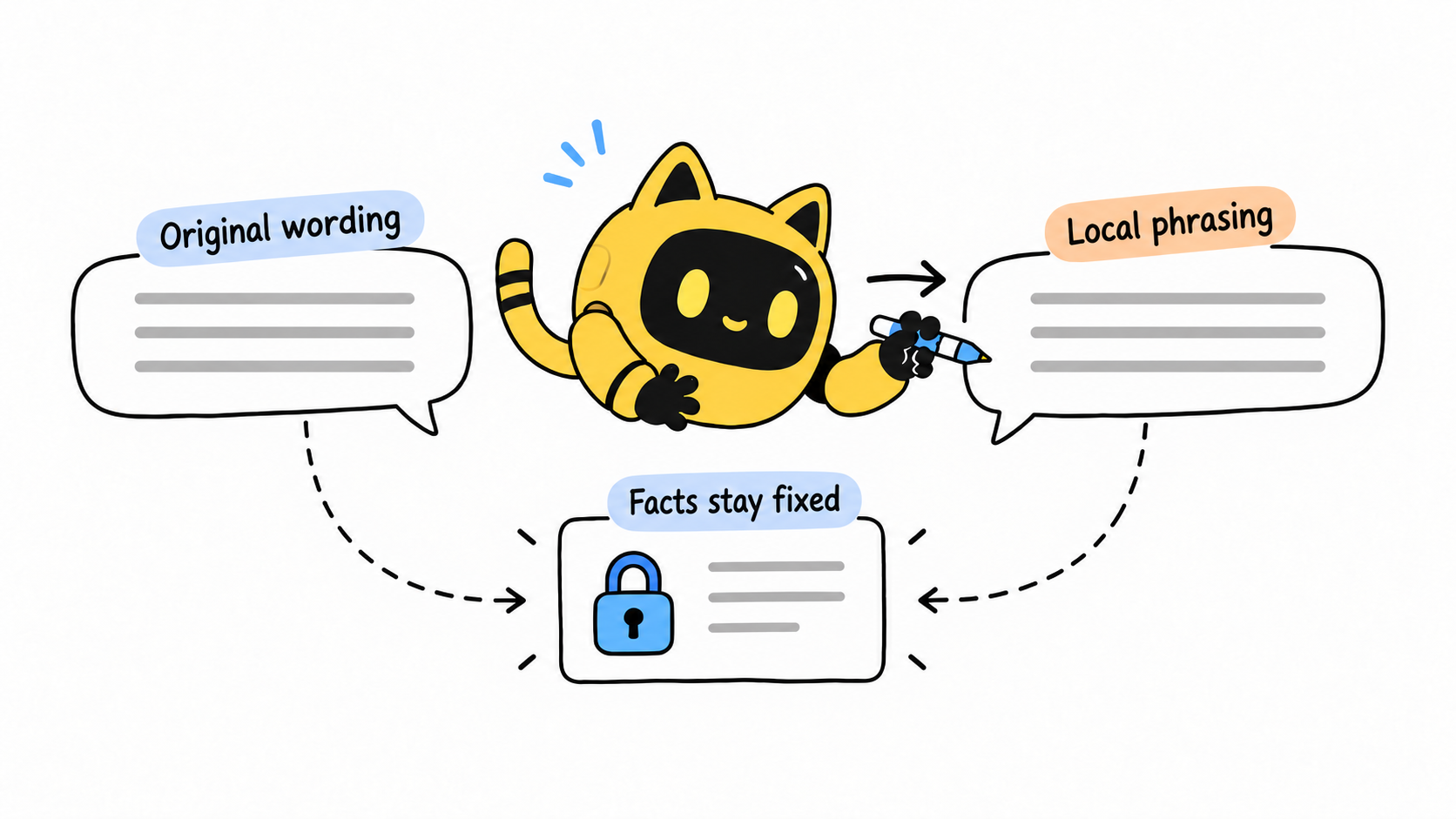
If reviewers disagree, ask another person familiar with the audience to explain what each version implies and how it sounds. Then assign the final decision to the brand owner. More opinions are not automatically better evidence, and one creator's preference should not become a claim about an entire market.
Approve a version, not an abstract tone
A useful request is: “Please mark the lines that feel unnatural, suggest wording you would use in this situation, and explain each change. Flag edits involving features, outcomes, prices, or offer conditions for brand review.”
Use OneCrew to organize your version records and synced collaboration emails, prepare those follow-up drafts, and record approved phrasing. Put the language reviewer, fact checker, and final approver against the relevant edit. The team can then trace the wording when captions or spoken delivery change. For an already recorded video your team cannot understand, use the foreign-language content review method.
Save the complete approved paragraph, version, and approver. Tell the creator which facts and phrases still require approval if changed. Bring those decisions into OneCrew as project material for the next brief, and continue reviewing new suggestions in their actual context.



