A Creator-Led Discord Q&A: Plan Speaker Requests and Product-Question Handoffs
Assign the creator host, Stage moderator, and product-answer owner. Rehearse speaking requests and track unanswered questions after the event.

For a creator-led Discord Q&A, distinguish the host, Stage moderator, audience, and product-answer owner. Agree on how people request to speak, who invites them, and where unanswered questions go. Test the sequence with the actual accounts before the event so the assigned roles have the permissions they need.
Separate hosting from channel controls
Discord Stage channels support voice events with speakers and an audience. Audience members can request to speak, while Stage moderators can handle requests and arrange speakers. Discord's guidance describes the Community server requirements. Have the organizer verify the current server setup and permissions.
OneCrew is an AI workspace for organizing creator collaboration records, worksheets, and email communication. Give OneCrew the organizer's role assignments and event material. Build a worksheet around action, owner, required permission, and test result. The creator can focus on hosting while the community moderator knows when to operate the controls.
| Live action | Owner | Pre-event check |
|---|---|---|
| Introduce topics and keep pace | Creator host | Can speak and understands the sequence |
| Handle requests and invite speakers | Stage moderator | Successfully processes a test request |
| Confirm product facts | Brand product owner | Can join the conversation when needed |
| Record unresolved questions | Named note-taker | Knows the record location and next owner |
Rehearse an entire audience turn
Have a test audience member request to speak. The moderator invites them, and the host cues the question. Confirm who returns them to the audience and prepares the next person. Being able to enter the channel is only the beginning of this test.
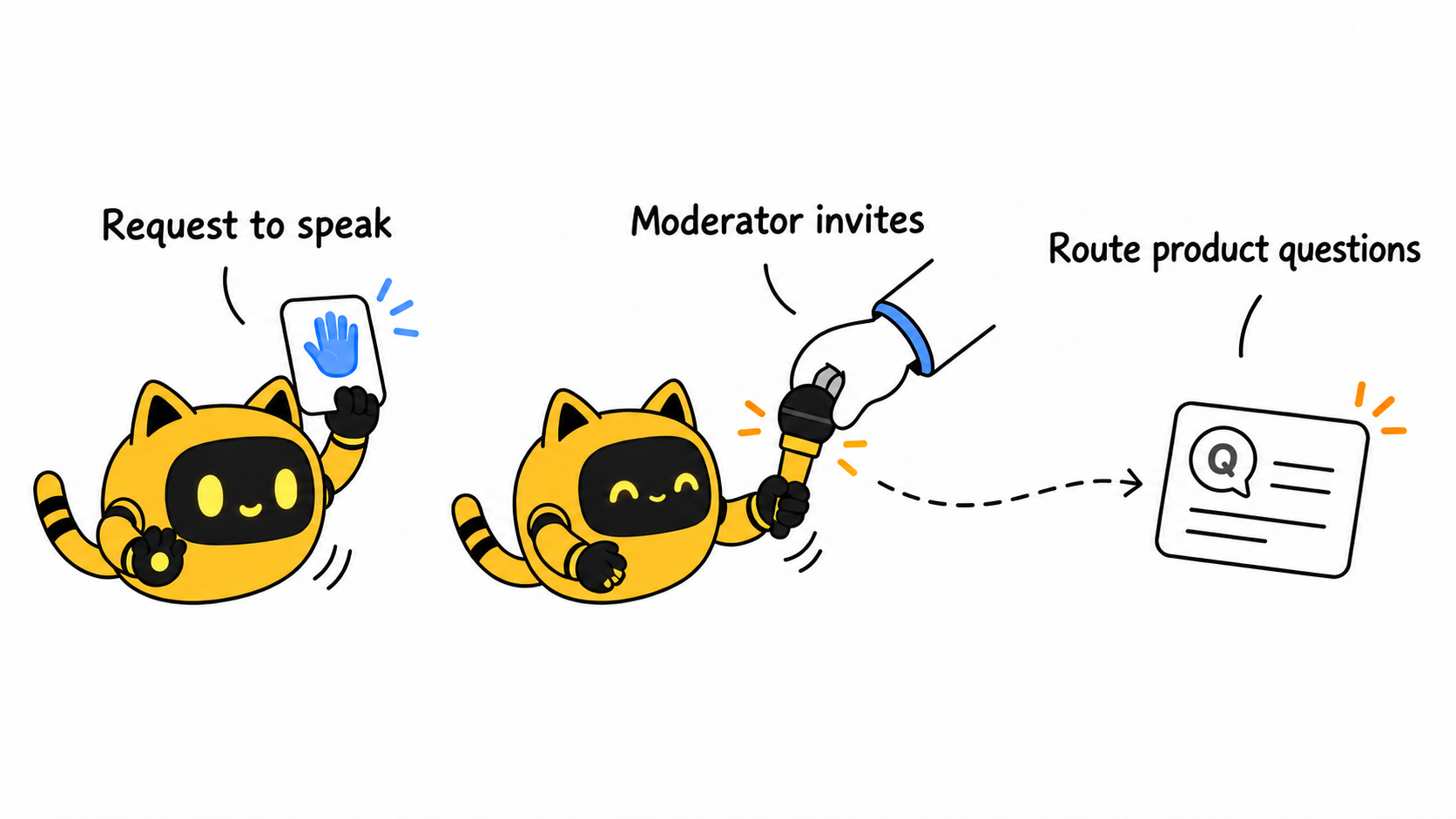
If written questions are also accepted, identify the channel or submission route and the person who relays them to the host. Do not assume the creator can speak and monitor every message simultaneously. One person may hold several roles, but each action still needs a clear owner.
Give unanswered questions somewhere to go
The creator may not know the current pricing, compatibility limits, or roadmap. Ask the product owner to handle facts they can confirm. If nobody can verify an answer live, capture the question's meaning, the fact requiring a check, and the follow-up owner. Agree on where subsequent public answers will appear rather than guessing to keep the conversation moving.
An invitation can say: “You will open the session, connect the questions, and close the discussion. Our community moderator handles speaking requests; our product owner confirms product details. The note-taker records unresolved questions. We will rehearse a full request-to-speak and question handoff.” Use OneCrew to prepare that confirmation draft from the supplied roles and synced collaboration emails, then organize remaining preparation tasks. For a product presentation sequence, see the live-demo run-of-show method.
After the event, bring the organizer's question notes into OneCrew and organize them by answered, awaiting confirmation, and responsible person. Speaking controls manage the live turn; a follow-up record carries the answer responsibility beyond the session.



