Creator Posted but Has Not Shared Ad Access: How to Stop Chasing Authorization Codes
Define ad authorization before publishing, separate Meta partnership-ad and TikTok Spark Ads workflows, and verify access in the receiving ad account.
The creator’s post is live, but the media team is still waiting for ad access. Define the platform permission, content, ad account, usage period, due date, and owner in the brief, then follow up on the specific missing action. Instagram/Meta partnership ads and TikTok Spark Ads have different authorization paths; a vague request to “send whitelisting” leaves too much to guess.
Turn “ad authorization” into operational fields
Do not stop at “the brand may use the content in ads.” Record the platform, specific post or account scope, use, ad account, market, start and end date, extension process, person who requests access, and person who verifies it. Compensation and rights should match the terms both parties confirm.
OneCrew is an AI workspace for creator records, email work, and partnership progress. Teams can store the permission type, content, owner, due date, and status on each collaboration record, then prepare reminders from confirmed terms. The queue shows exactly what is missing instead of sending the same chase email to every creator who posted.
Separate the Meta/Instagram and TikTok paths
Instagram/Meta: partnership-ad permission
Meta’s 2024 partnership ads guide distinguishes account-level and content-level permissions; content-level handoff can involve post settings or an Instagram partnership ad code. Have the media owner confirm the applicable route before giving the creator instructions. Check current account eligibility and controls rather than treating an older screenshot as a universal interface.
TikTok: Spark Ads authorization method and term
TikTok’s official documentation says Spark Ads can use a creator’s organic post with authorization. Supported routes include authorized posts, account connections, platform syncing, and post authorization codes. Set the authorization period for the actual campaign and review it before expiry. Some Content Suite authorization requests default to 365 days; that is not a universal term for every route and project.
| Field | Instagram/Meta example | TikTok example |
|---|---|---|
| Permission | Partnership-ad promotion | Spark Ads post authorization |
| Object | Partner content/account relationship | Organic post/authorized account |
| Handoff | In-platform permission or request | Sync, account authorization, or post code |
| Record | Content, ad account, term, status | Post, ad account, term, status |
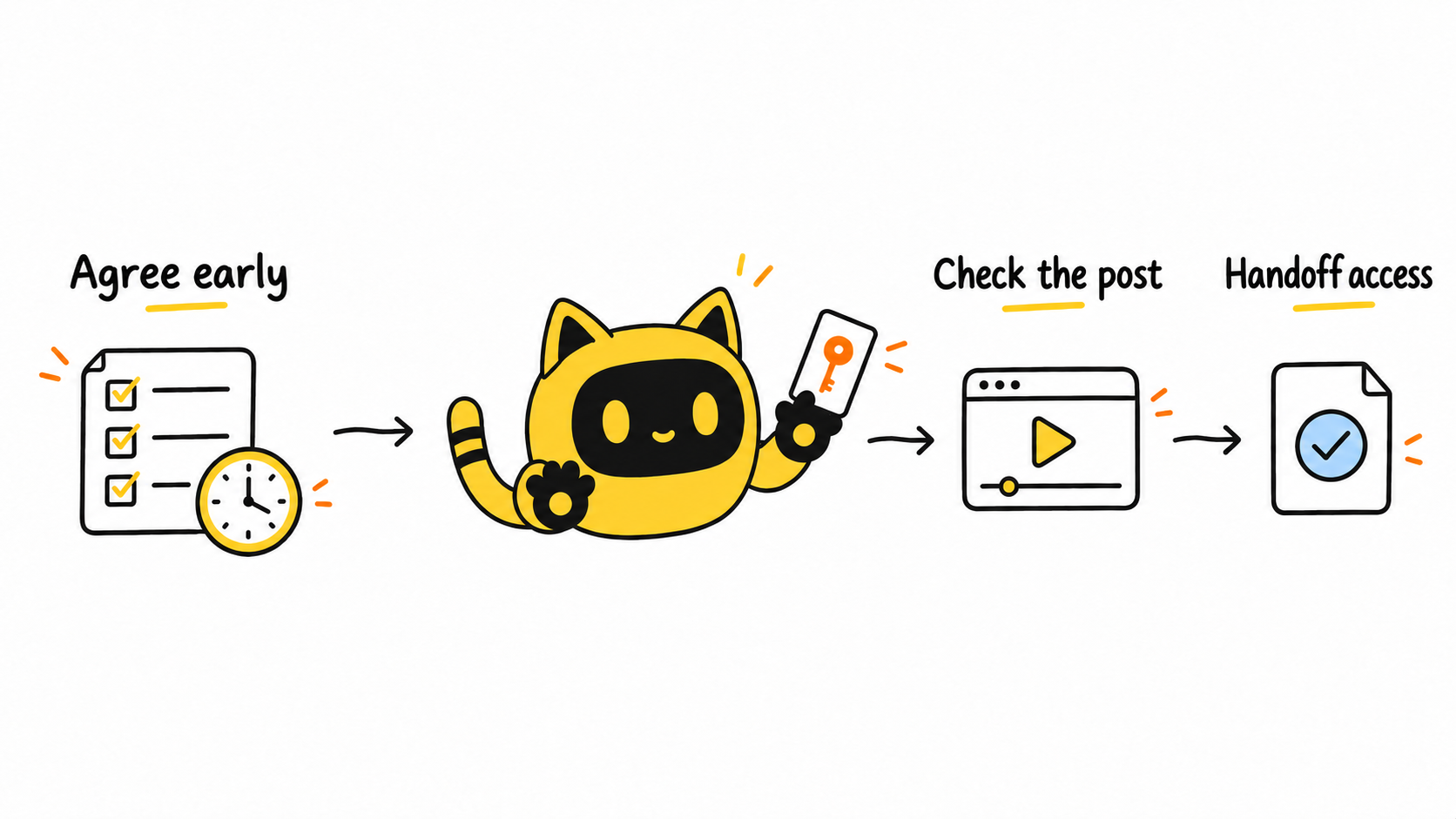
Schedule authorization at four moments
1. Partnership confirmation: define the scope
State whether publishing and paid amplification access are both deliverables, who will run ads, how long access is expected, and how extensions are approved. If the creator’s quoted fee excludes the use, resolve it before production.
2. Before publication: send one-page instructions
Use current platform steps, screenshots, or official links and confirm that the creator’s account has the applicable option. Tell the creator when to act and what evidence completes the handoff. Do not combine terminology from two platforms in the same instruction.
3. On publication day: check prerequisites
Save the final post URL and check the disclosure, content version, and agreed details. Keep disclosure review and ad-access verification as separate checklist items, using the requirements for the actual platform and market.
4. After publication: chase only the missing action and verify it
Name the post, missing action, original due date, and one operating link. When a code or permission arrives, the media owner should test that the correct ad account can select it and record the verification time. “The creator says it is enabled” is not the same as usable access.
A follow-up template
Hi [Name]—thanks for publishing [post link/content name]. Under the terms confirmed in [document/date], the remaining step is [exact platform action] for [ad account/market/term].
Please complete it by [date, time, time zone] using [official instructions or short steps], then reply with [code, authorization screenshot, or request status]. If the option is not visible, send a screenshot of the page you see and we will confirm the correct path for that account.
Thanks, [Owner]
Review the recorded terms and previous messages in OneCrew before preparing the reminder as an email draft. Check the recipient, deadline, and operating link before sending. In the corresponding worksheet, record a status such as Awaiting creator action, Received, Media verification, Usable, or Extension pending, together with an owner and review date, so the brand, agency, and media team can follow the same handoff.
Minimum authorization handoff fields
- Creator, platform, account, and post URL
- Permission name and authorization method
- Receiving brand ad account
- Start, expiry, and review dates
- Secure location of the code or request record
- Creator completion and brand verification times
- Exception reason, owner, and next action
Frequently asked questions
Can the brand wait to request access until a post performs well?
The decision to activate media can wait, but the possible use, price, and expected term should be discussed before production. Adding a new use after success can trigger renegotiation and delay.
Does receiving a code mean the ad is ready?
No. Verify that the correct ad account can select the post, the term is active, and the content matches the authorization scope.
How early should an expiry reminder be sent?
Set the review date around the campaign schedule and leave enough time for creator, brand, and agency action. Do not assume every platform or authorization route has the same default term.
If the creator has already accepted access but the ad account still reports an error, use the partnership-ad permission troubleshooting workflow to check the exact accounts and operator.
Start with the next scheduled creator post
In OneCrew, complete the permission type, post, ad account, term, owner, and verification state for the next deliverable, then send platform-specific instructions before publication. Moving access into the formal handoff is what makes the process scalable.



