Plan a Creator Audience Poll and Its Reporting
Define the decision, balance poll options, and agree on result snapshots before creators post. Interpret responses in the context of who participated.


A brand asks creators to poll their followers about a new product. One option sounds especially appealing; another reads like an afterthought. Some creators send an early screenshot, others wait two days, and the team compares the results as though they were collected under the same conditions.
Decide what the poll will inform, then agree on the question, options, and reporting time. The responses can inform a content choice or reveal participant preferences. They do not directly predict purchases across the wider market.
Give each question one decision to support
If the decision is which demonstration to film first, ask which use case people want to see. If it concerns color preference, keep the other attributes consistent. Changing price, style, and extras at the same time makes it difficult to interpret the result as a preference for color.
OneCrew helps brands organize creator information, collaboration emails, and worksheets. Record the intended decision, audience, and question version with the collaboration. That gives invitations a common basis and helps the team spot rewrites that change the question.
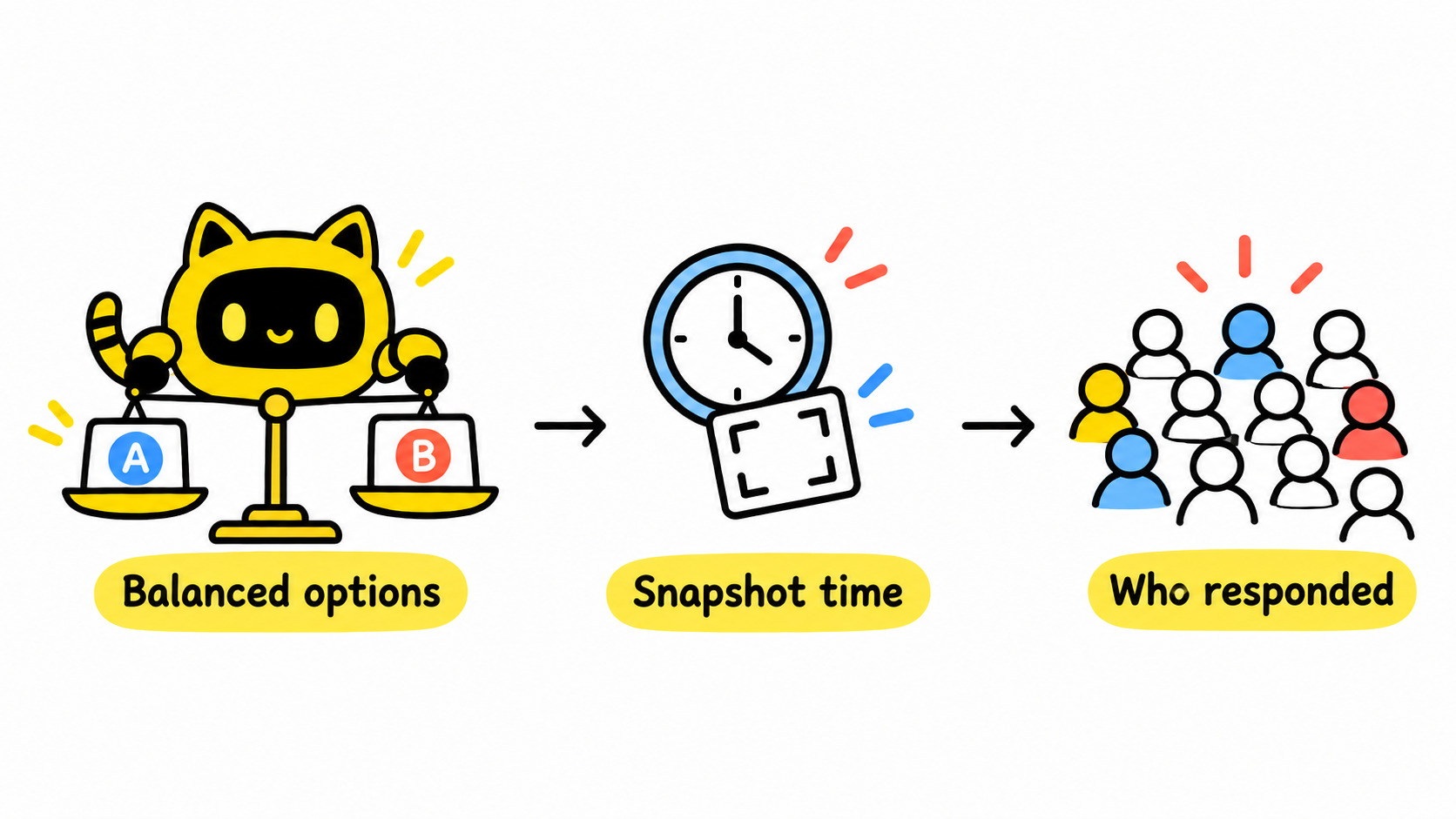
Present the options on comparable terms
“Lightweight, stylish beige” and “black” are not equivalent descriptions. Use parallel names, equally informative images, and necessary context. Decide in advance whether the question needs a “neither” option or another response route. Pew Research Center’s questionnaire guidance explains how wording and option order can affect responses.
Here is a hypothetical poll for choosing a video topic, not forecasting sales.
| Item | Example |
|---|---|
| Decision | Which backpack demonstration to produce first |
| Question | Which packing demonstration would you like to see first? |
| Options | Everyday commute / Short trip |
| Keep consistent | Question wording, image detail, and result snapshot time |
Agree on the reporting fields before posting
Confirm the platform, account, and available poll format. For example, YouTube’s posting guidance includes text and image polls. Check what the account currently supports rather than copying a format from another platform.
Request the post link, actual question and options, publication time, snapshot time, option results, and total participation when the platform exposes it. If only percentages are visible, preserve that format; do not manufacture precise vote counts. When responses continue after reporting, label the result as a snapshot.
Use a OneCrew worksheet to track each creator’s publication time, reporting deadline, and missing fields. Prepare follow-up drafts around the specific gaps rather than asking everyone to resend their entire submission.
Interpret the result in the context of its respondents
Creators differ in audience, exposure, and willingness to participate. Check collection conditions before comparing results. Small or substantially different respondent groups should not be combined into a supposedly representative market percentage. Expressing a preference is also different from making a purchase.
Please publish [approved question version] at [time and time zone]. At [reporting point], send the post link, actual options, result screenshot, and visible participant total. Let us know before changing the wording or publication time. We will use the result to decide [specific content choice].
Once the poll informs a direction, coordinate multiple creators with Several Creators, Nearly Identical Scripts: Assign Distinct Angles Before Filming.
Set up one poll in OneCrew with its decision, approved question, and reporting requirements before approaching creators. When responses arrive, turn them into a content action while preserving who participated and how the result was collected.



