Outdoor Creator Shoots: Agree on Weather Holds and Backup Scenes Before Booking
Prepare outdoor creator shoots with weather decision owners, review times, and backup scenes. Confirm schedule and cost changes before changing the plan.


The outdoor shoot is booked, but the conditions no longer match the plan. Your team thinks an overcast day is fine; the creator is concerned about access and the location. Nobody agreed on a backup scene or the cost of moving the date.
Before booking, identify weather-dependent shots, decision points, on-site authority, and realistic alternatives. Creative preferences and safety conditions need separate consideration. A publication deadline is not a substitute for a site assessment.
Identify the shots that actually depend on weather
Review each planned shot. Does it need a particular natural-light effect, or simply a clear demonstration of an action? Must it happen at that location, or could part of the material be filmed indoors? Do not wait for rain to discover that the script only supports one approach.
OneCrew is a workspace for creator partnership records and emails. Put weather-dependent shots, primary and backup dates, open conditions, and owners in a worksheet. A rescheduling discussion can then focus on the content actually affected.
Agree on checks and decision owners
Set times to review weather and access information, identify who contacts the on-site team, and decide when participants will be told whether to travel. Forecasts provide information at a point in time, not a guarantee. Relevant safety limits should be assessed by qualified people familiar with the activity and local conditions.
| Agreement | What to specify |
|---|---|
| Checkpoints | When conditions are reviewed and participants notified |
| Authority | Who can stop filming and who approves creative and cost changes |
| Alternatives | Available dates, locations, and substitute shots |
| Communication | Who informs the creator, crew, location, and brand |
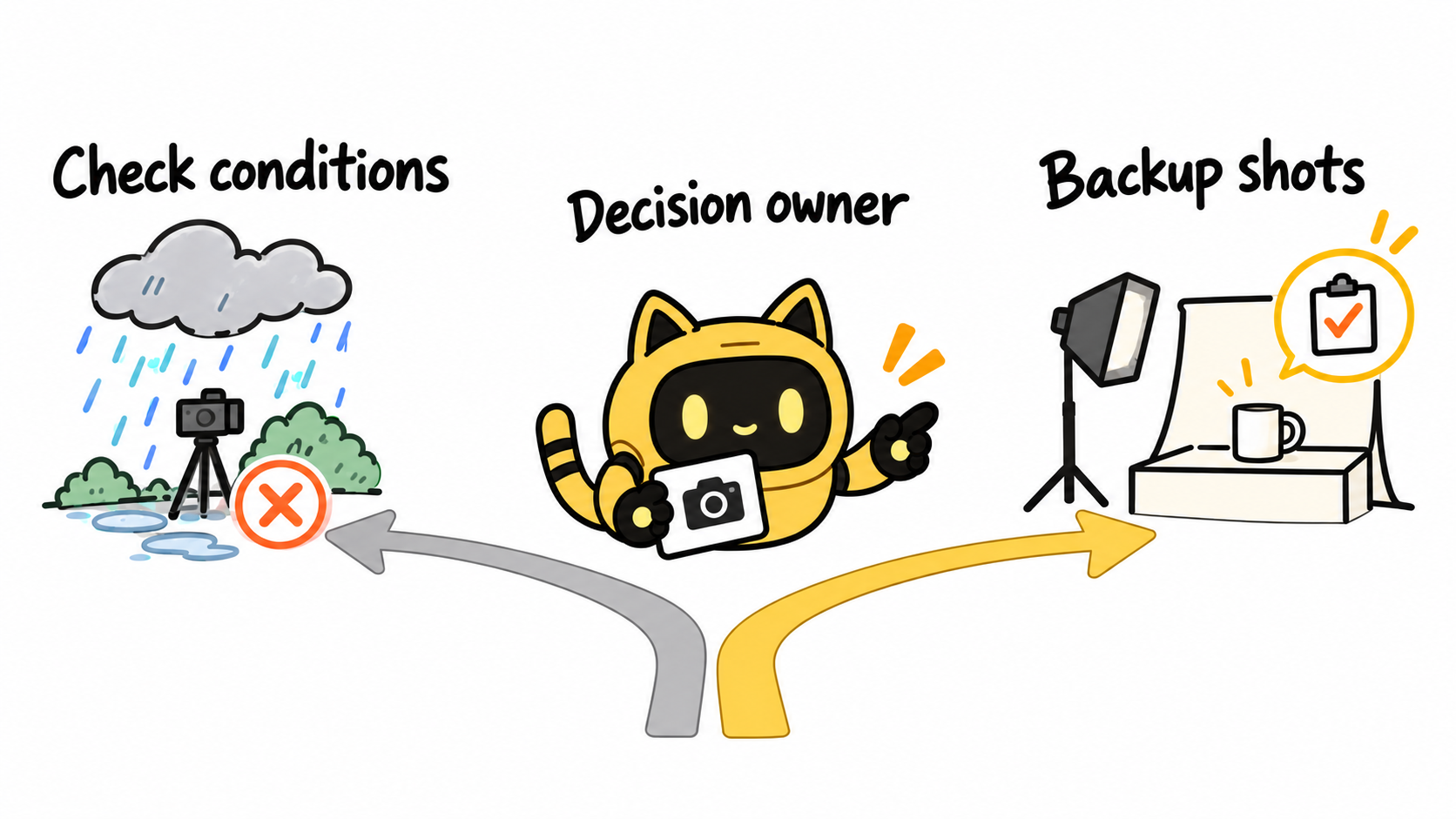
Make sure the backup still serves the purpose
An indoor close-up may supplement an outdoor-use demonstration without replacing it. Classify alternatives as replacements, supplementary material, or proposals requiring approval. The brand and creator should decide together.
Before moving to another location, check its conditions and required permissions. Do not label an unverified location as ready. Waiting, travel, and additional filming can change the workload and should have an agreed scope.
Update each affected shot in OneCrew and prepare a revised confirmation from the email record. State which old instruction has been replaced and what remains unresolved so nobody travels on an outdated plan.
Discuss costs before booking and reconfirm changes
Clarify how travel, location bookings, preparation, and reserved time will be handled, what can be moved, and who approves additional work. Use the parties’ actual agreement rather than assuming weather costs always belong to one side.
Following the conditions check at [time], we need to adjust [shot or date]. The confirmed plan is [backup date or alternative shots]. [Item] is still awaiting [owner]. The previous instruction for [item] is replaced. Costs will follow [agreed basis]. Please confirm receipt of this version.
If the disruption has already occurred, review the delivery, feedback, and publication dates separately as part of the schedule change.
Once a postponement is agreed, use the rescheduling confirmation workflow to record the new date, next check-in, and affected deliverables.
Record the next outdoor partnership’s weather checkpoint and backup shots in OneCrew. When the plan changes, the team should be able to act on a considered option rather than renegotiate the entire shoot.



