A creator partnership weekly report people can act on
Report creator progress, blockers, decisions, and next actions with consistent counting rules. Use existing records to prepare a weekly report people can act on.
“Contacted 80 creators. Received 15 replies.” Your manager still needs to ask whether any were a good fit, why negotiations stalled, and what needs approval next week. If the report only counts activity, the useful conversation has to happen elsewhere.
An actionable weekly report connects progress, blockers, decisions, and next steps. Explain what changed in the partnerships before presenting the numbers that support your assessment.
Lead with changes, then counts
Focus on meaningful movement: a candidate entered negotiations, a quote was confirmed, a draft arrived, agreed content was published, or a partnership was postponed or closed.
Define the population behind each number. Creators first contacted this week and creators who replied this week may be different groups. Dividing one by the other can produce a misleading reply rate.
Keep the reporting dates, time zone, counting unit, and definition of progress consistent. State whether you are counting people or individual partnerships.
OneCrew is an AI workspace for finding creators, organizing leads, and managing outreach. It keeps contact, campaign, and follow-up records and supports reviewing email exchanges. Use that existing information to prepare a progress summary, then verify it against your reporting period and counting rules. You spend less time reconstructing the week from individual inbox searches.
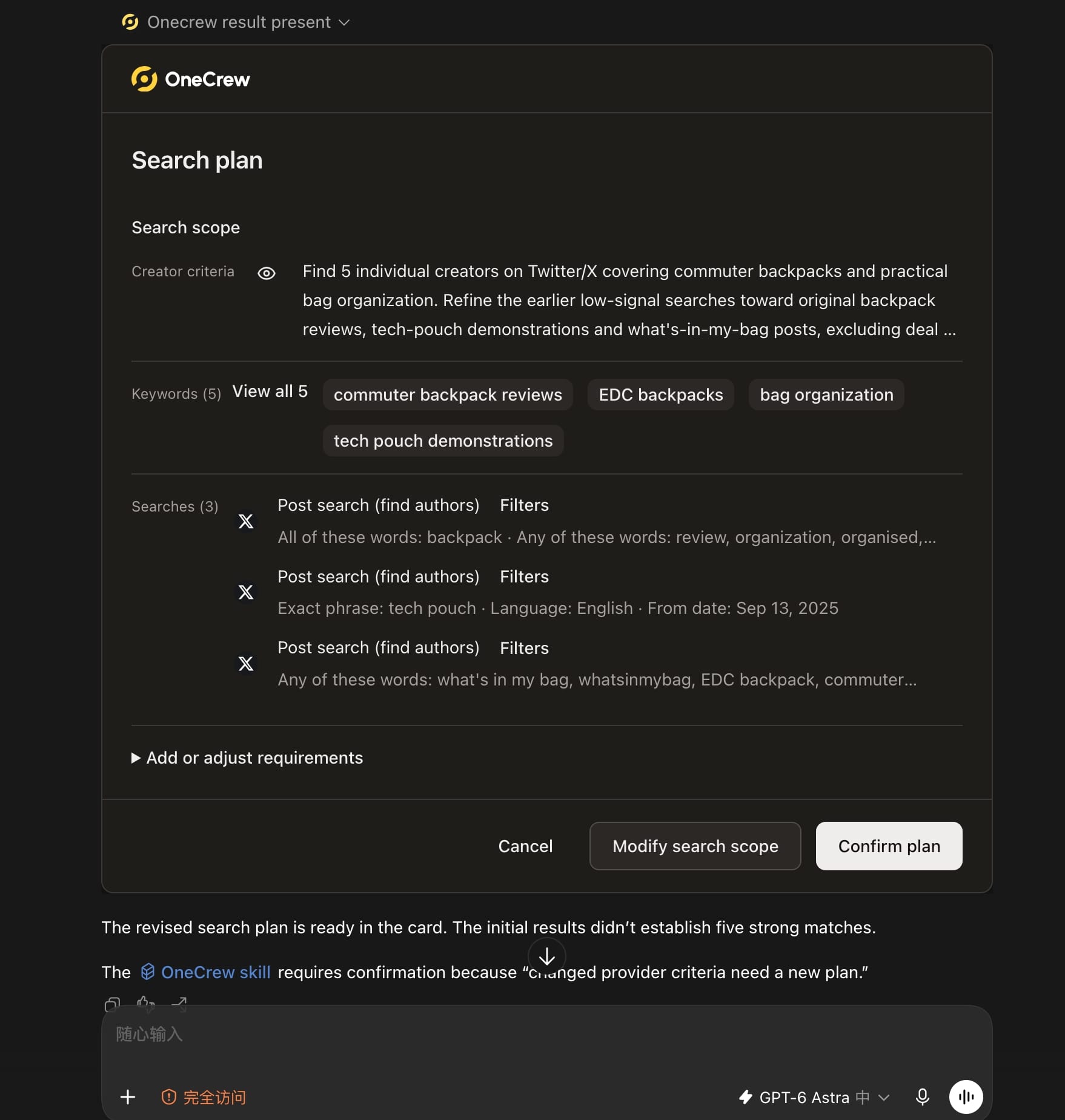
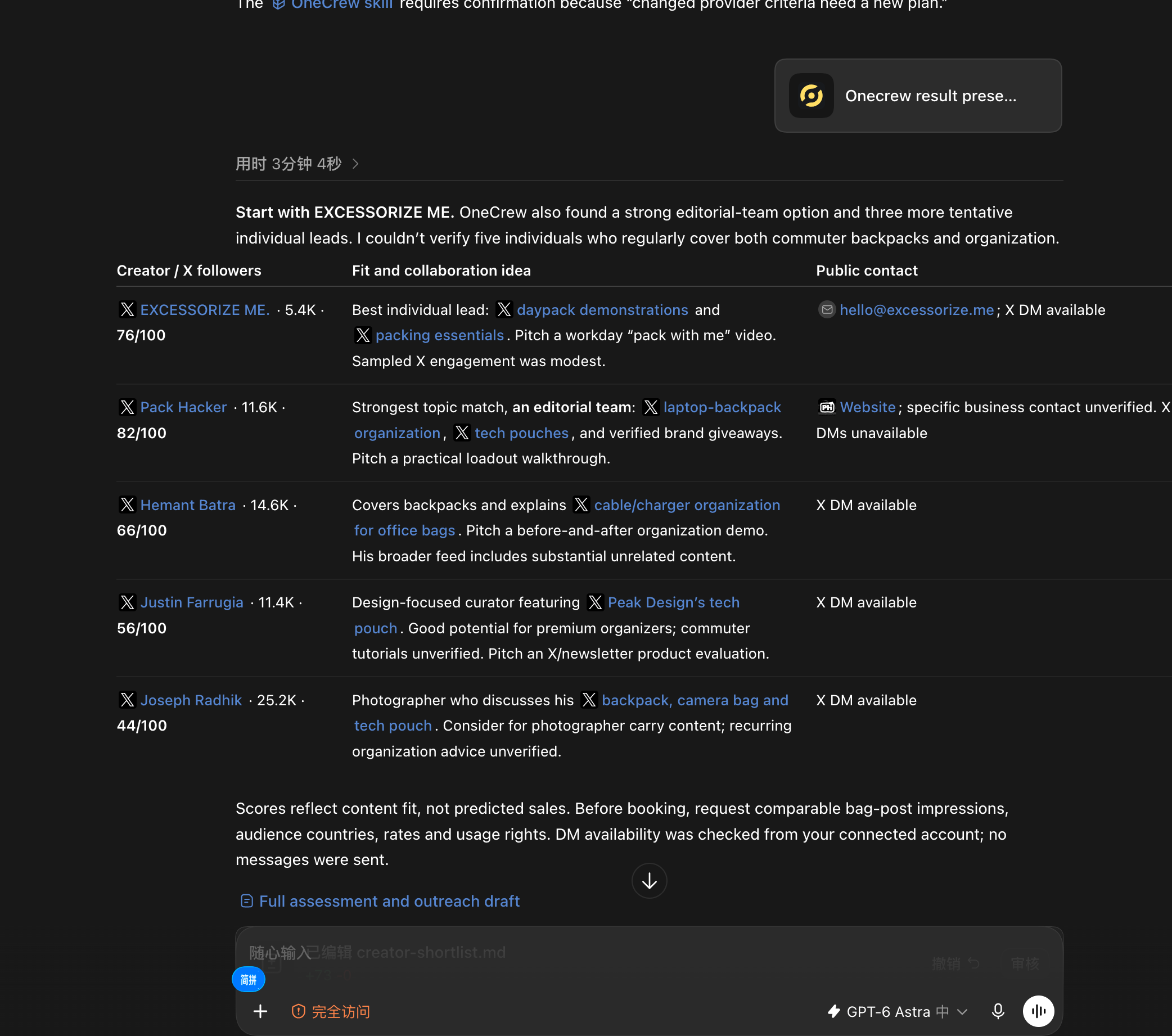
When new creators enter the workflow without their fit evidence and contact paths, the next teammate has to repeat the research. Ask an AI connected to OneCrew: “Use OneCrew to find 5 creators on Twitter who share commuter backpacks and bag organization tips. Help me figure out who would be a good fit for a collaboration and how to contact them.” Confirm the plan, review the candidates, and start the next step from the verified result.
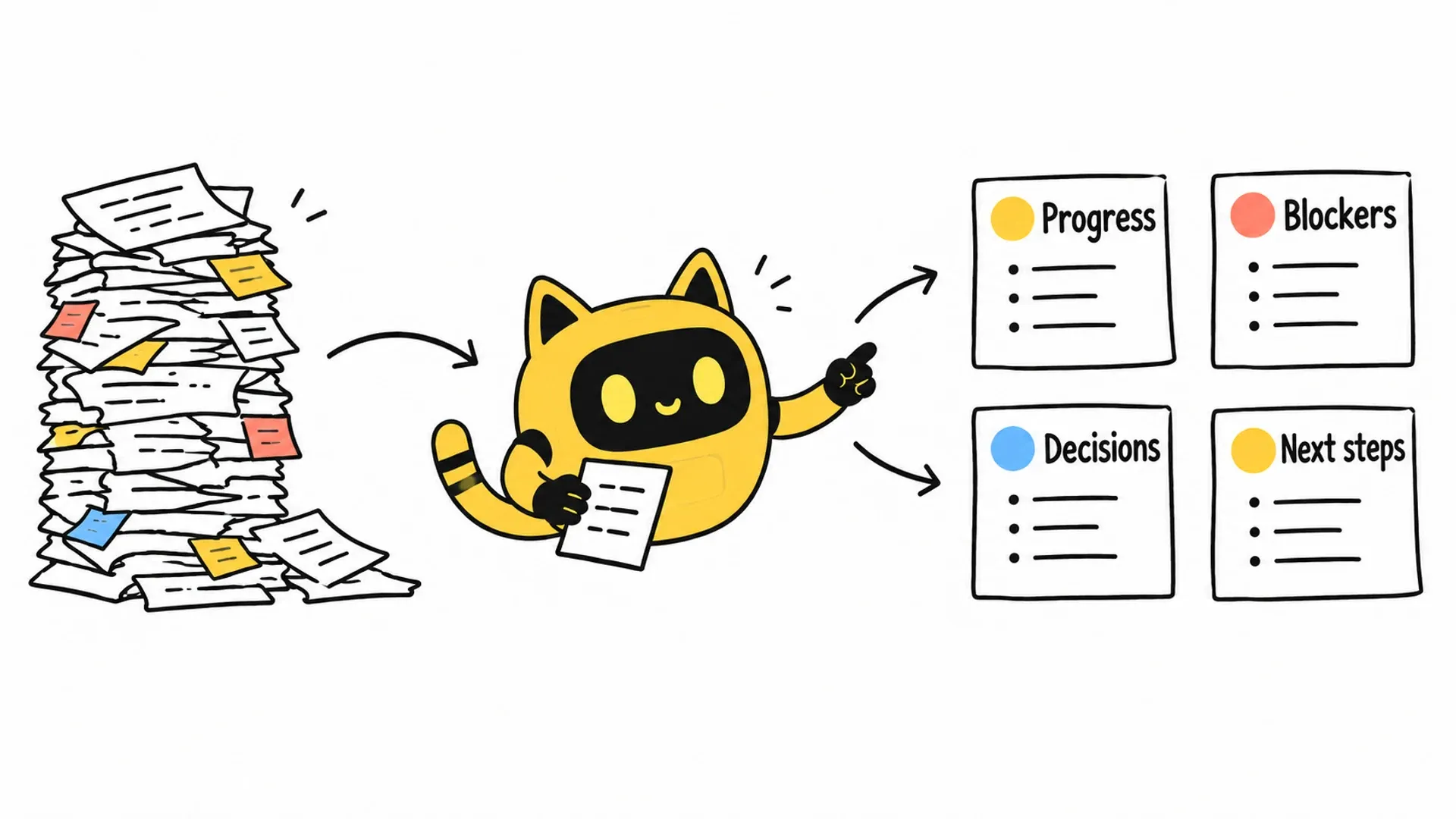
Use four sections for a one-page report
| Section | Question | Example entry |
|---|---|---|
| Progress | What moved forward? | Two creators confirmed the brief and entered shoot preparation |
| Blockers | What is stuck, and why? | Missing model details prevent confirmation of the filming plan |
| Decisions needed | Who needs to decide what? | Product owner to confirm compatibility before the creator reply |
| Next week's actions | Who will produce what? | Review upcoming shoots and complete the missing asset packs |
These entries illustrate the format; they are not campaign results. In your report, each item should point to the relevant partnership record.
Ask the AI connected to OneCrew to organize the available records into these four sections, citing the relevant campaign or message for each item. You can focus on checking what changed, the counting scope, and the decisions needed rather than copying conversations into a fresh report.
Explain the impact of a risk
“Risk of delay” offers little help. “Brand feedback is still pending; if it is not confirmed by Wednesday, we need to agree on a new first-draft date” gives the reader something to act on.
If someone already owns the issue, update their progress and check date. If the team needs a decision, describe the options and the specific approval required. “Continue following up” should not become the default answer to every blocker.
Report incomplete data accurately. If content is live but sales information is still being collected, record delivery and missing performance information separately. You can report progress without inventing a final outcome.
For a blocker, review the relevant contact history in OneCrew and ask the AI to identify the missing information and the question to ask next. After review, prepare the reply or follow-up task. The report then connects a stated risk to an action someone can take.
Make the next report easier to write
Review the decisions and next actions before sharing. Does each have an owner, an object, and a check date? Replace “increase outreach” with a specific next activity and its intended output.
Try the four-section format this week using the available campaign, conversation, and follow-up records in OneCrew. Verify the progress, blockers, decisions, and next actions, then turn approved next steps into follow-up tasks. The report becomes part of running the work instead of a document you send and forget.



