Sent product A, got a video about product B? Check the handoffs
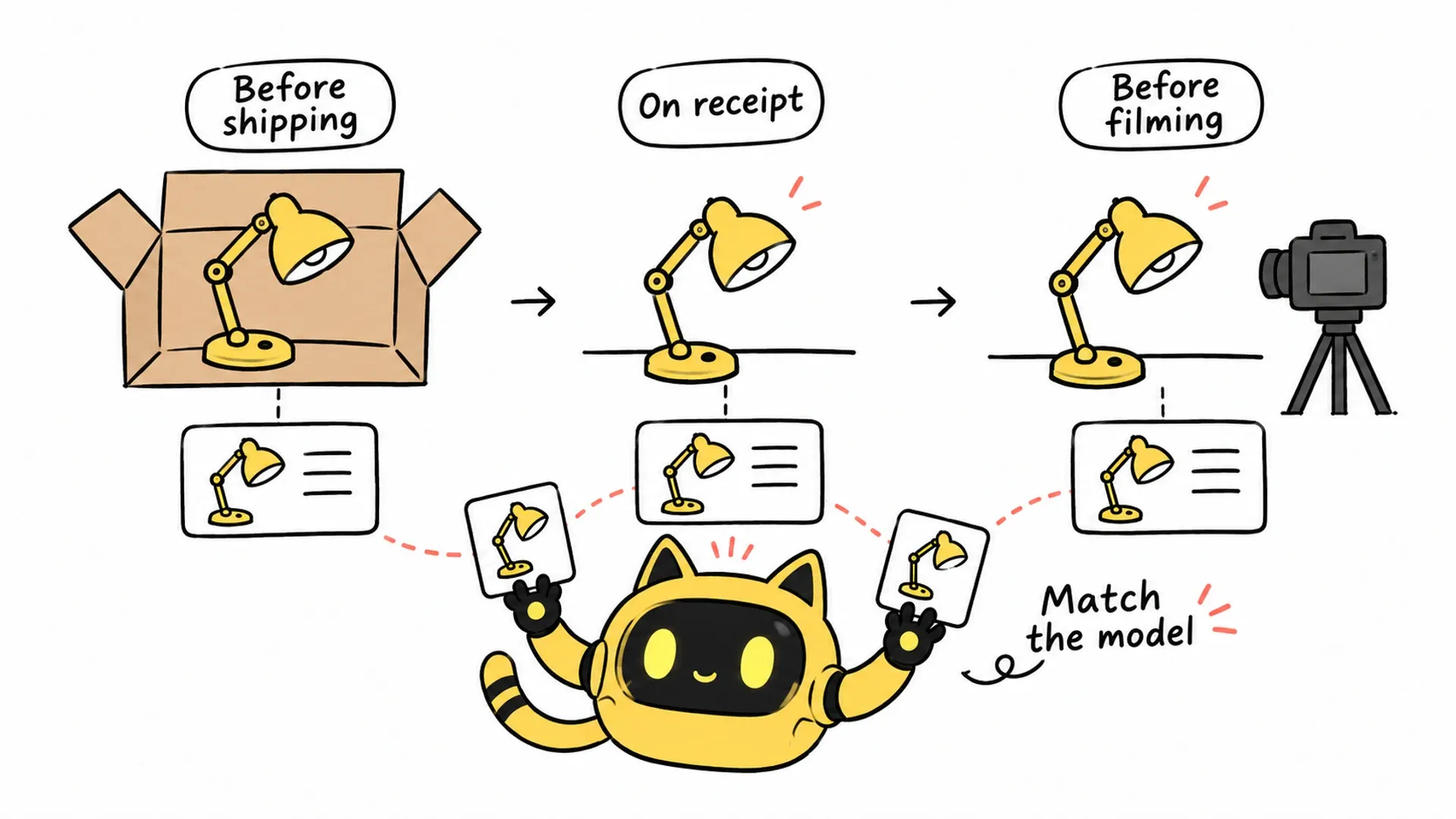
Check the product model, brief version, and link before dispatch, after receipt, and before filming so creators have consistent information for the shoot.
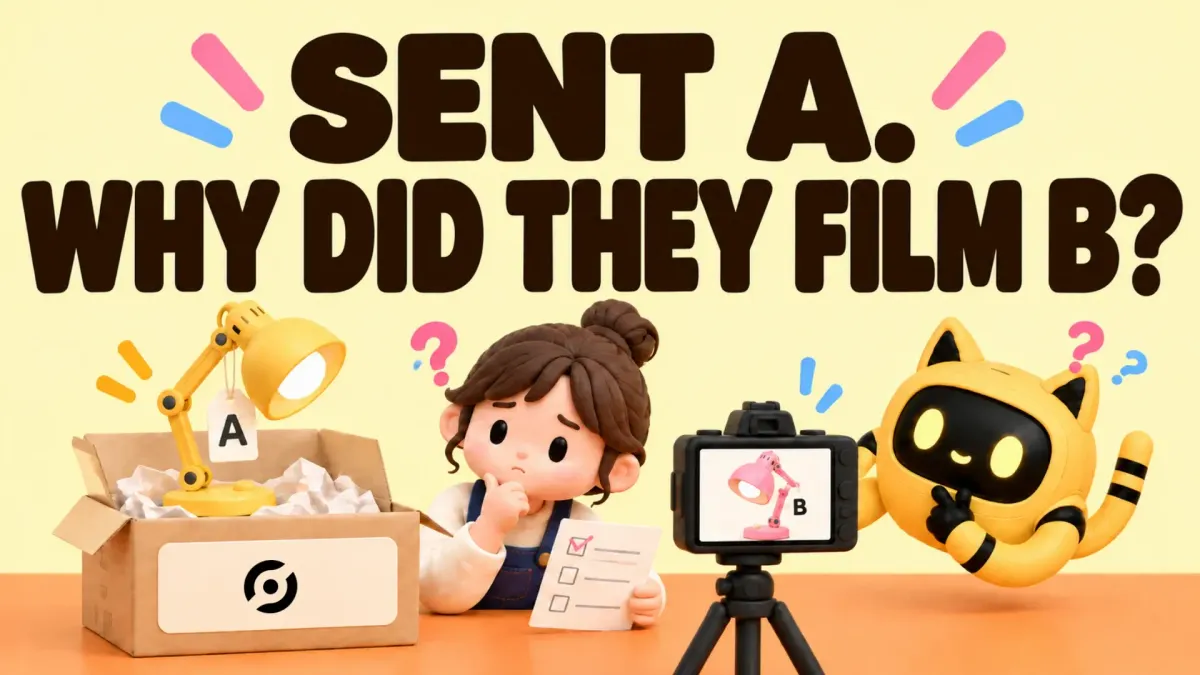
The sample was delivered and the video arrived, but the creator featured another product from your store. Similar packaging, confusing names, or an old brief can each lead to a costly round of clarification.
A seller described this kind of mismatch in a community discussion. A practical prevention process checks the brief against the packed item, confirms what arrived, and verifies the model and link before filming. “Delivered” alone does not establish that the right product is ready for the shoot.
Before dispatch: match the brief to the item
Prepare a product confirmation card with the model or SKU, color and specification, reference image, correct product page, and brief version. For multiple samples, identify each item rather than relying on one group photo.
| Checkpoint | Verify | Keep |
|---|---|---|
| Before dispatch | Campaign brief matches the packed product | Confirmation card and packing record |
| After receipt | Model and relevant accessories match the agreement | Creator confirmation and, where useful, an item photo |
| Before filming | Product and intended link are correct | Current brief and confirmation |
Have someone who knows the product verify specifications and compatibility before those details reach the creator.
OneCrew is an AI workspace for finding creators, managing communication, and following up on partnerships. Give the connected AI the confirmed campaign product details and relevant email history to prepare the confirmation card. That reduces the work of locating models and links across separate messages. Have the product owner check the card before dispatch and confirmation.
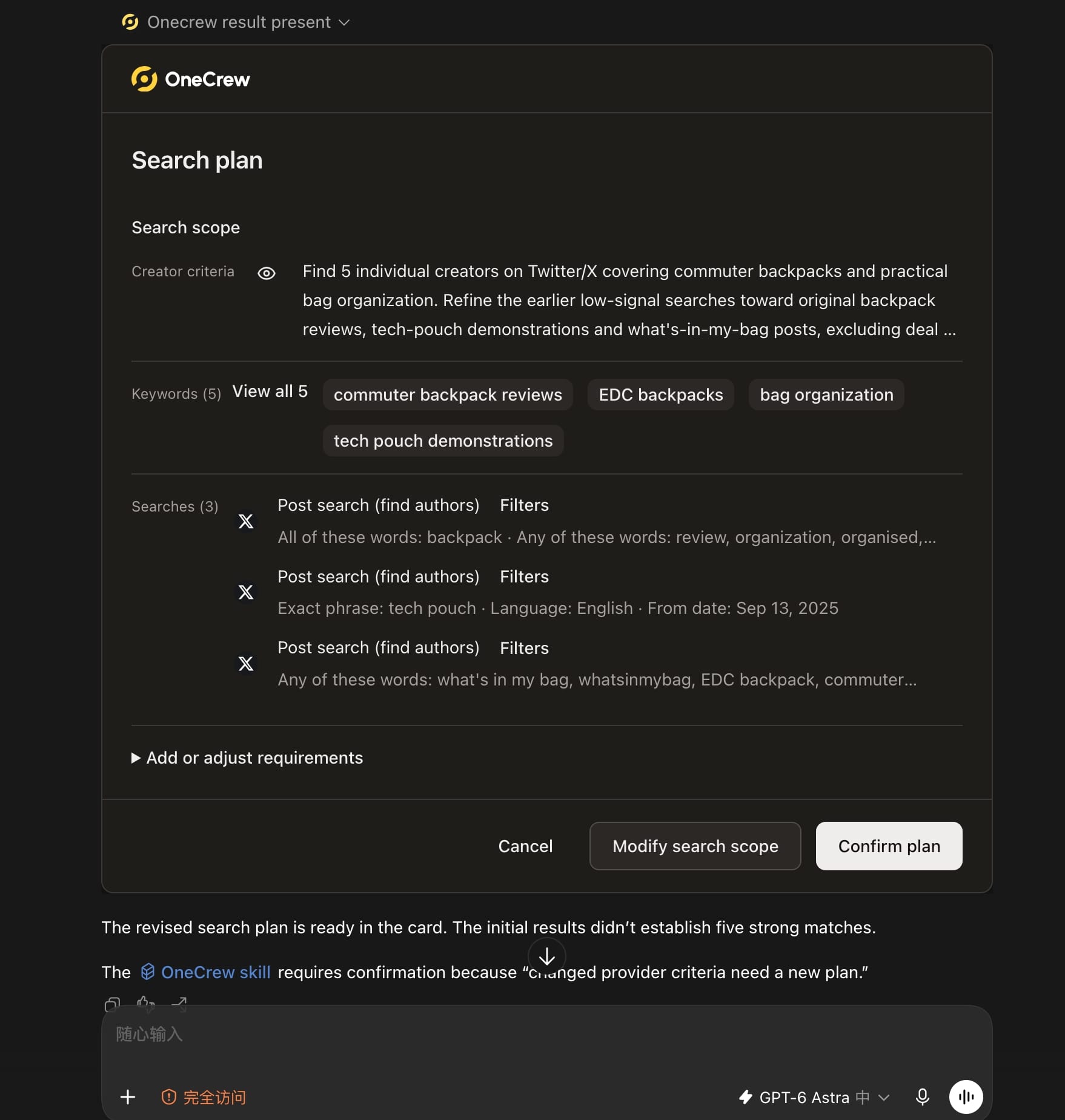
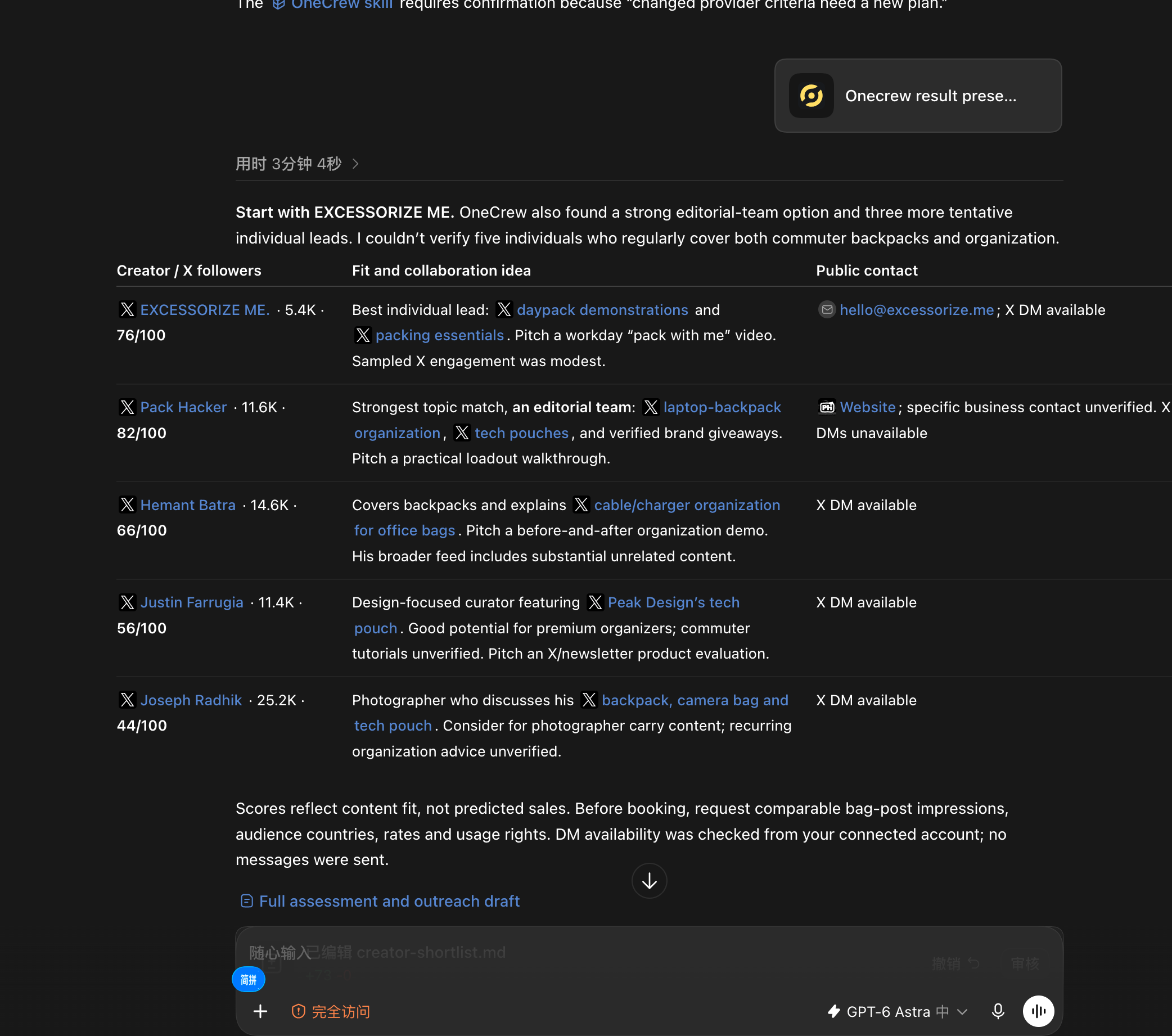
When new creators enter the workflow without their fit evidence and contact paths, the next teammate has to repeat the research. Ask an AI connected to OneCrew: “Use OneCrew to find 5 creators on Twitter who share commuter backpacks and bag organization tips. Help me figure out who would be a good fit for a collaboration and how to contact them.” Confirm the plan, review the candidates, and start the next step from the verified result.
After receipt: confirm the product, not just the parcel
Ask the creator to check the model identifier and any color, size, or accessory details that affect filming. Request only the information needed for the partnership; a product photo does not need to include their address.
Review the confirmation on the brand side too. If the item is wrong, decide whether to replace it or adjust the project, then agree on timing. Do not ask the creator to proceed while the product remains uncertain.
If they already own a different version of your product, explicitly identify which one this campaign covers and what is easy to confuse.
When confirmation arrives, review it in the relevant OneCrew contact context. Ask the connected AI to separate confirmed details from conflicting information and prepare any clarification needed. You can work through specific discrepancies instead of relying on memory of which version was discussed.
Before filming: use one current brief
The model may be unchanged while a link has moved, or the product name may stay the same across versions. Keep the confirmed link and brief together. Mark older versions as superseded and explain any changes.
A confirmation message can be straightforward: “This shoot is for [model/color], linked here: [URL]. Please use the [date/version] brief and confirm that the item you have matches before filming.” Replace the placeholders with verified information.
During draft review, check the visible product, spoken name, and description link. If something differs, identify the location and determine whether the issue is the item, the wording, or the URL before agreeing on revisions.
For the pre-shoot email, supply the latest confirmed brief and product link, then ask the AI using OneCrew to draft the message and flag conflicts in older records. Review before sending and create follow-up tasks for confirmations still needed. Version checks become part of the next conversation.
Start with the next sample going out
Add one confirmation card to the next shipment and connect dispatch, receipt, and pre-shoot checks.
Before the next sample goes out, use the confirmed product details and relevant conversations with OneCrew and the connected AI to prepare a confirmation card. Check it, draft the receipt and pre-shoot confirmations, and record open questions as follow-up tasks. Keeping the model, brief, and link aligned gives both sides a clearer basis for filming.



