Too Much Script for a 60-Second Creator Video? Cut the Brief First
Time the read and demonstration, then decide what to say, show or remove. Includes a revision email and a clear approval workflow for creator scripts.
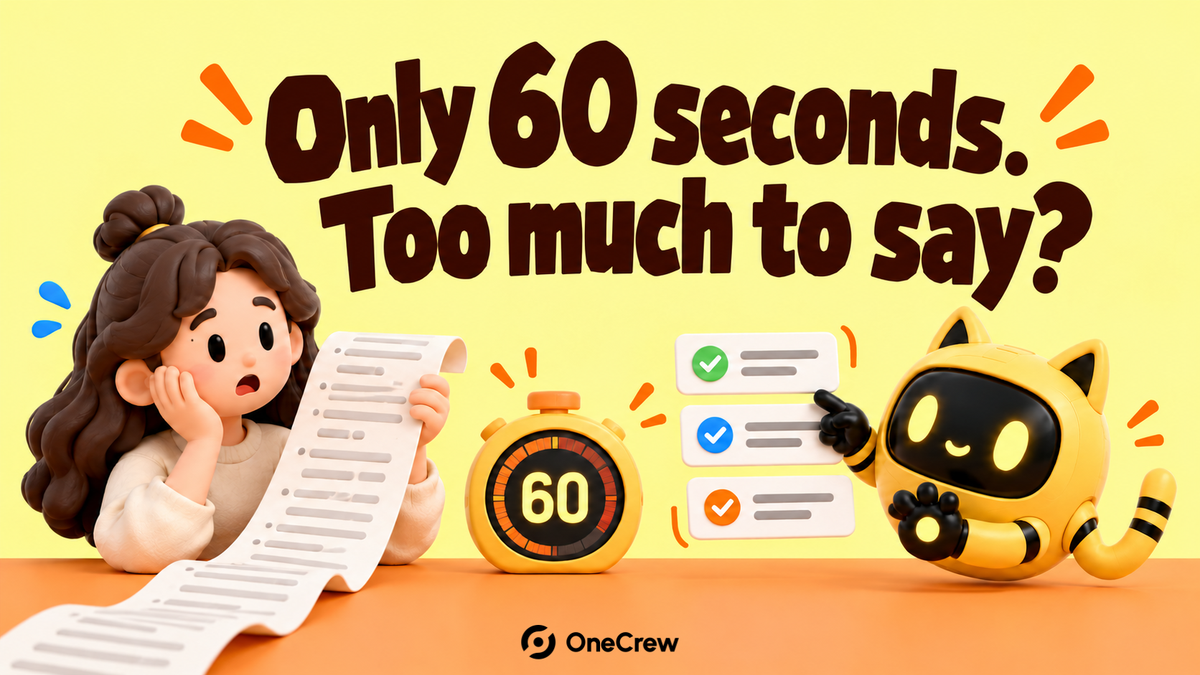
The brief asks for materials, dimensions, features, an offer and the brand story—all in a video under 60 seconds. Reading everything sounds rushed; removing a line risks another revision. First run a timed read that includes the product actions, then decide what must be spoken, what can be shown and what belongs elsewhere.
In one creator’s account, a brand wanted more than ten required sentences and several topics within a minute. The issue is not a universal rule that every short video must say less. It is that approving a written brief does not establish that the performance will fit.
Time the performance, not just the words
Read the script at a natural pace and include picking up the product, opening it, showing details and changing shots. Give important actions enough time to be understood. Speeding up the edit is not a reliable solution to an overloaded brief.
OneCrew is a workspace for creator information, project records and collaboration email. Save the current script link, version and timing result, then check the existing discussion for which lines are required and which were suggestions. The team can make decisions against one shared version.
Sort the information by its job
Write one sentence describing what the viewer should understand. For example: “This organizer keeps frequently used items separate and easy to reach.” Prioritize the information and actions that establish that point. A brand-history paragraph may belong in another piece of content.
| Information | Possible treatment |
|---|---|
| The central point and essential qualifications | Preserve accurate meaning and confirm the conditions that must remain. |
| A visible product action | Let the shot demonstrate it; use narration for what the picture cannot explain. |
| The same point repeated | Combine it into one line without changing the claim. |
| A feature unrelated to this video’s main idea | Remove it from this round or discuss separate content. |
Moving words into captions still requires reading time. It does not create unlimited space. Have the responsible reviewer confirm any necessary disclosures, conditions or qualifications before changing their wording. Brevity should not make the statement misleading.
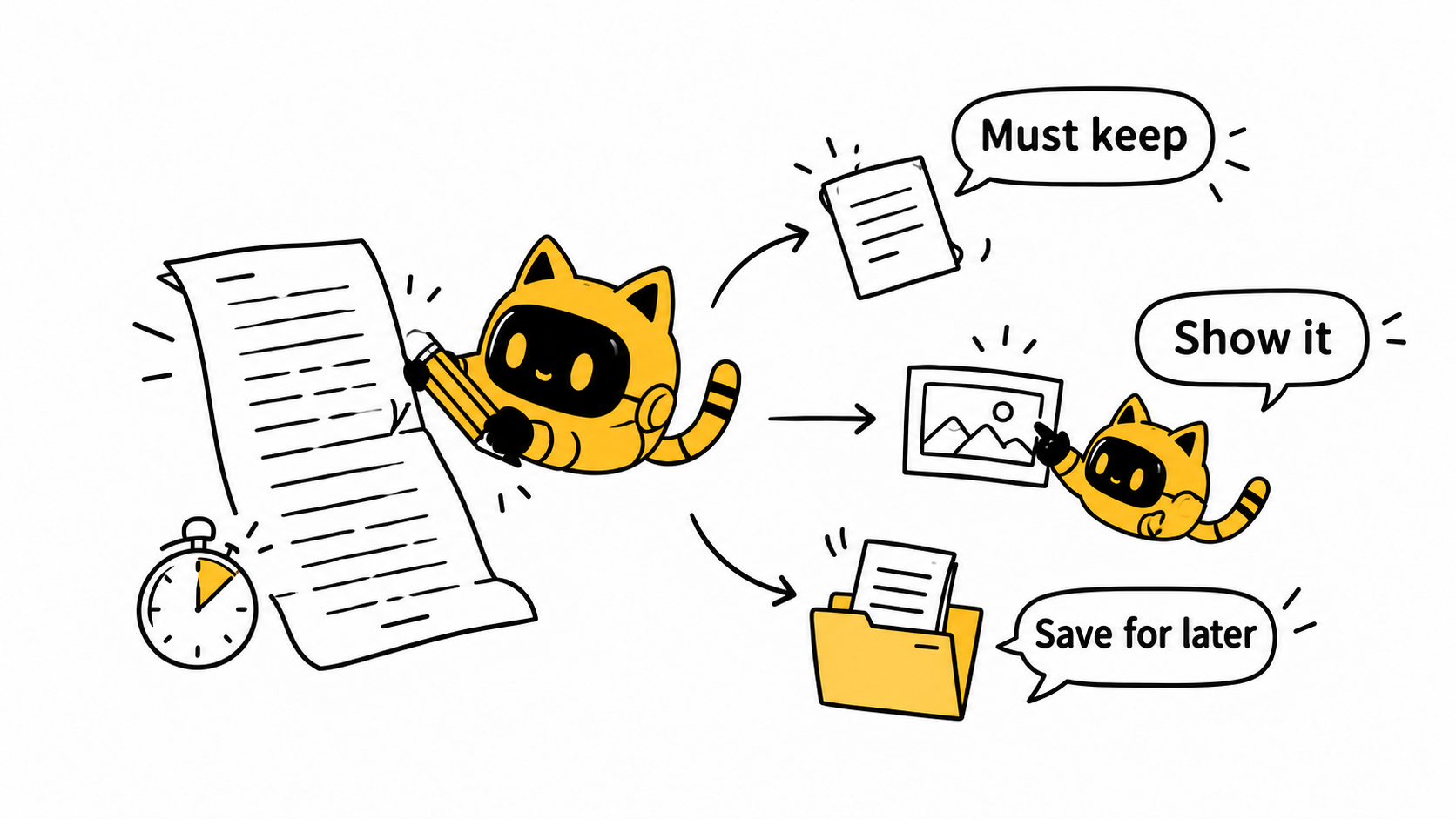
Send one concrete revision plan
Show the original line, the proposed change and the reason. “Remove the repeated capacity claim and retain the packing demonstration” is actionable; “Make it snappier” is not. Consolidate internal feedback first so one reviewer does not restore what another has just cut.
In OneCrew, record the keep, remove and open-question decisions with the approver. Use them to prepare the next email, preserve the old script link and identify the new filming version. For the wider preparation, use the brand onboarding checklist.
A script-trimming email
Hi [Name], we timed [script version], including [demonstration actions], and it does not currently fit naturally within [target duration]. We suggest retaining [central point], showing [information] visually and removing or moving [content].
The required qualification is [wording or source]. Could you confirm whether this approach works at a natural pace and flag any shots that need more time? Once we agree the revised version, we will use it as the filming brief.
If it still does not fit, change the content objective
Discuss a longer duration, a narrower topic or separately scoped pieces of content. Do not ask the creator to shoot every request first and expect editing to reconcile incompatible requirements later.
Start with the next script in OneCrew: put the brief beside its actual timed read and prepare a clear set of choices. The decision is what this video needs to explain, not how quickly the creator can speak.



