Emails landing in spam after a domain change? Check the sending setup first
Check sending services, authentication, list migration and test evidence when emails start landing in spam after a store domain change.

You change the store's domain, send a campaign and hear very little back. A test message to your own inbox lands in spam. Is the new domain misconfigured, or did something else change with the list and sending process?
A Shopify user raised this concern after a domain and list migration. The timing makes the change worth investigating. It does not establish the cause on its own.
First, identify which service sends each type of email
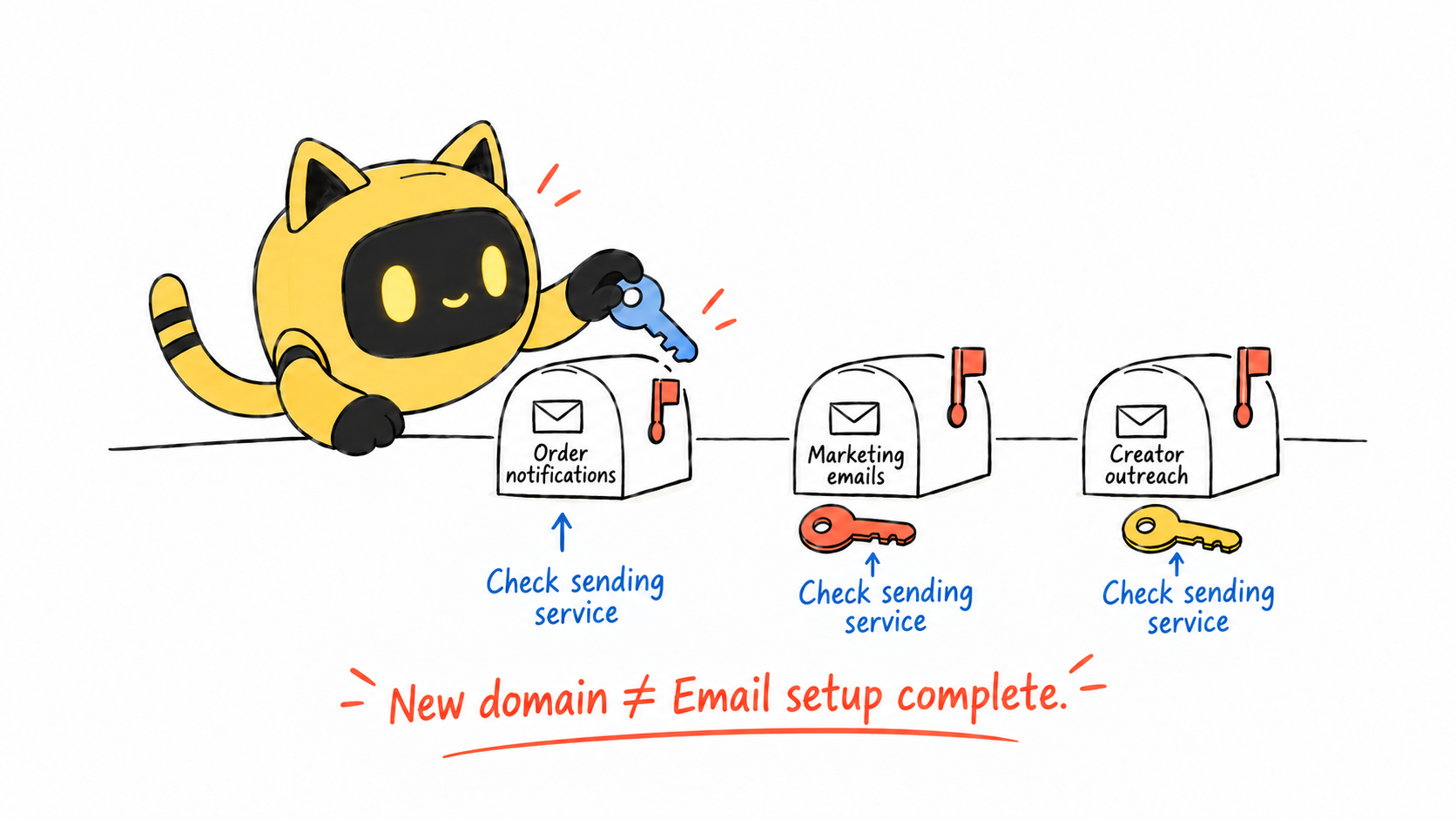
Order notifications, marketing campaigns, support replies and creator outreach may use different services. Checking your office mailbox does not tell you whether the marketing platform is configured correctly.
Record the From address, sending service, start date and migration changes for each type. Inspect an actual message's headers. A familiar display name is not evidence of successful authentication.
For creator outreach, start with the connected account and the actual message. OneCrew is an AI workspace for creator discovery, conversations and follow-up. Teams using it can check the connected brand mailbox, then compare the conversation with the message headers and record the confirmed sending service. That gives the person checking configuration a specific affected email to investigate.
Have the person responsible for email check SPF, DKIM and DMARC
These mechanisms concern sender authentication. Review them against the services you actually use and the applicable requirements in Google's sender guidelines. Requirements differ by sending volume and other conditions.
Check whether the new domain is configured for every active sender and whether real messages pass the relevant checks. Use your provider's instructions instead of copying another company's DNS records. Preserve configurations that other sending services still need.
Passing authentication is one part of delivery. List quality, recipient feedback and sending reputation can also affect where a message lands.
Did the migration preserve unsubscribe and suppression records?
Moving a list means more than copying email addresses. Keep subscription sources, unsubscribes, bounces and suppression records with it. A new domain does not change a recipient's previous request to stop receiving marketing.
Having purchased from a store, visited a website and subscribed to marketing are different things. Review unclear address sources before sending to the full list. A successful import confirms that records were loaded, not that every person expects the next campaign.
Gather evidence with a controlled test
Use addresses you control to check bounces, authentication results, links and brand presentation. Inbox placement in those accounts describes that test; it is not a measurement of placement across the whole list.
Keep sending volume controlled while investigating. Changing the subject line, template and domain in quick succession makes the cause harder to isolate.
| Evidence | What it helps establish | What it does not establish on its own |
|---|---|---|
| Bounce message and error code | A specific delivery failure | That every recipient is affected |
| Authentication results | Part of the technical sending setup | Guaranteed primary-inbox placement |
| Placement in test accounts | How those accounts received the message | Placement across the entire list |
| Clicks, replies and complaints | Some recipient activity and feedback | A single confirmed root cause |
If the affected account is connected to OneCrew, follow the user guide's controlled test: send to an inbox you own, reply, then sync the conversation back. Record sending, receipt and sync separately, and give delivery errors to the person responsible for the sending service. A complete test provides more useful evidence than an account status alone.
Then check whether the message makes sense to the recipient
Does the subject match the body? Do links go to the right destination? Is an attachment necessary? Can someone understand why you contacted them?
Randomly replacing supposedly sensitive words will not resolve an underlying configuration or list problem. Keep a collaboration invitation recognizable as a collaboration invitation.
If you need provider support, collect the send time, redacted errors, sending domain and affected message types. Specific examples make the investigation much more useful.
After checking the setup, return to the creator's conversation in OneCrew. Ask the AI to prepare the next draft using verified product details and the creator's actual question. Review the brand name, links and proposed terms before sending so the message continues the discussion rather than restarting it without context.
Would switching back to the old domain fix it?
That depends on the cause. If the problem involves the list or sending practices, reverting the domain may leave it in place. Confirm what changed, make a controlled rollback where appropriate and keep a record of the result.
Repeatedly changing domains is not a substitute for addressing recipient feedback or configuration problems.
Does this also explain unanswered creator outreach?
Use the same approach to check delivery, then review contact accuracy, collaboration fit and the invitation separately. No reply is not proof of spam placement. A successful delivery test is not proof that the offer is compelling.
Separating delivery from the recipient's decision to respond gives you a clearer next action: investigate the sending setup, or improve the invitation.
Once you have checked the sending setup, creator outreach still needs context: why this person fits the product, what you have already discussed and what the next message should address. How do you keep that context available when profiles live in a spreadsheet and replies arrive in an inbox?
OneCrew is an AI creator discovery and outreach workspace for brands. After you connect your brand email, it brings creator profiles, conversation history and collaboration progress together so AI can prepare invitations and follow-up drafts for you to review and send. If a creator previously asked about product specifications, for example, the next draft can address that question with the relevant details. When a reply arrives, your team can review the creator's interest, prepare the next step and keep ownership clear.
Start with one affected type of email
Identify the sending service, verification results and errors for one affected email type first. For creator outreach, start with the relevant OneCrew account and conversation, complete a controlled test and then prepare a context-aware follow-up. Keep delivery evidence and partnership progress distinct so the next action is clear.



