Influencer Outreach Email Marked as Dangerous? How New Brands Can Build Trust
Check authentication, sender identity, links, public brand evidence, personalization, and collaboration terms when an influencer outreach email is flagged as dangerous.
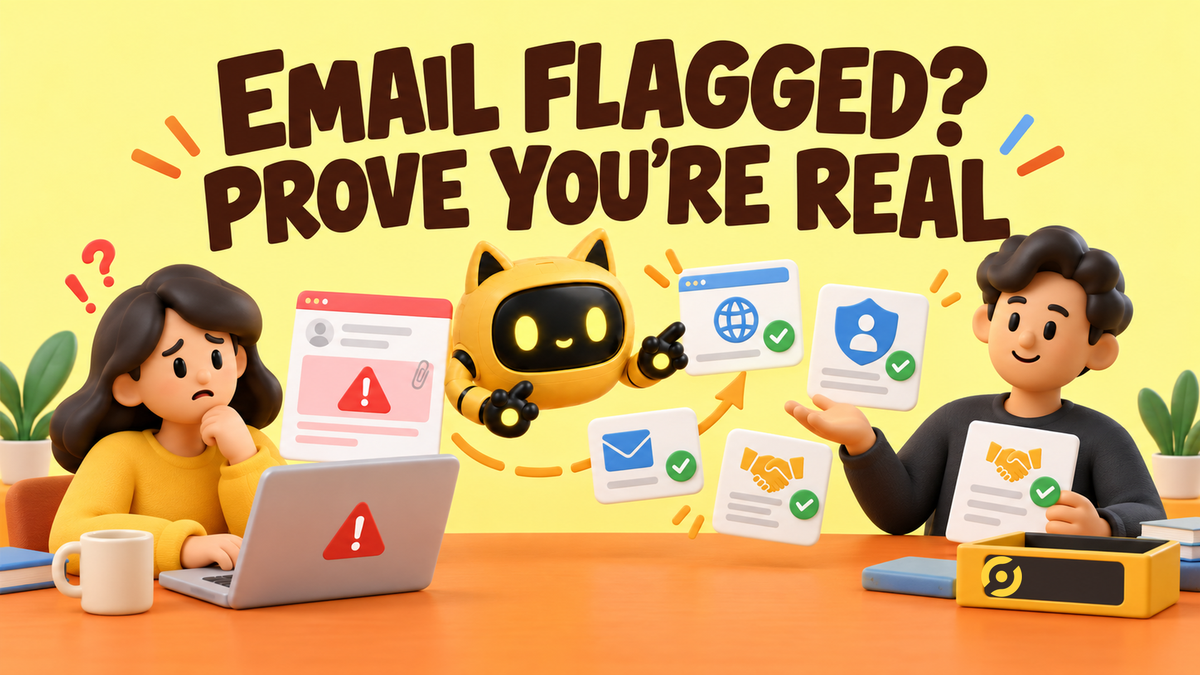
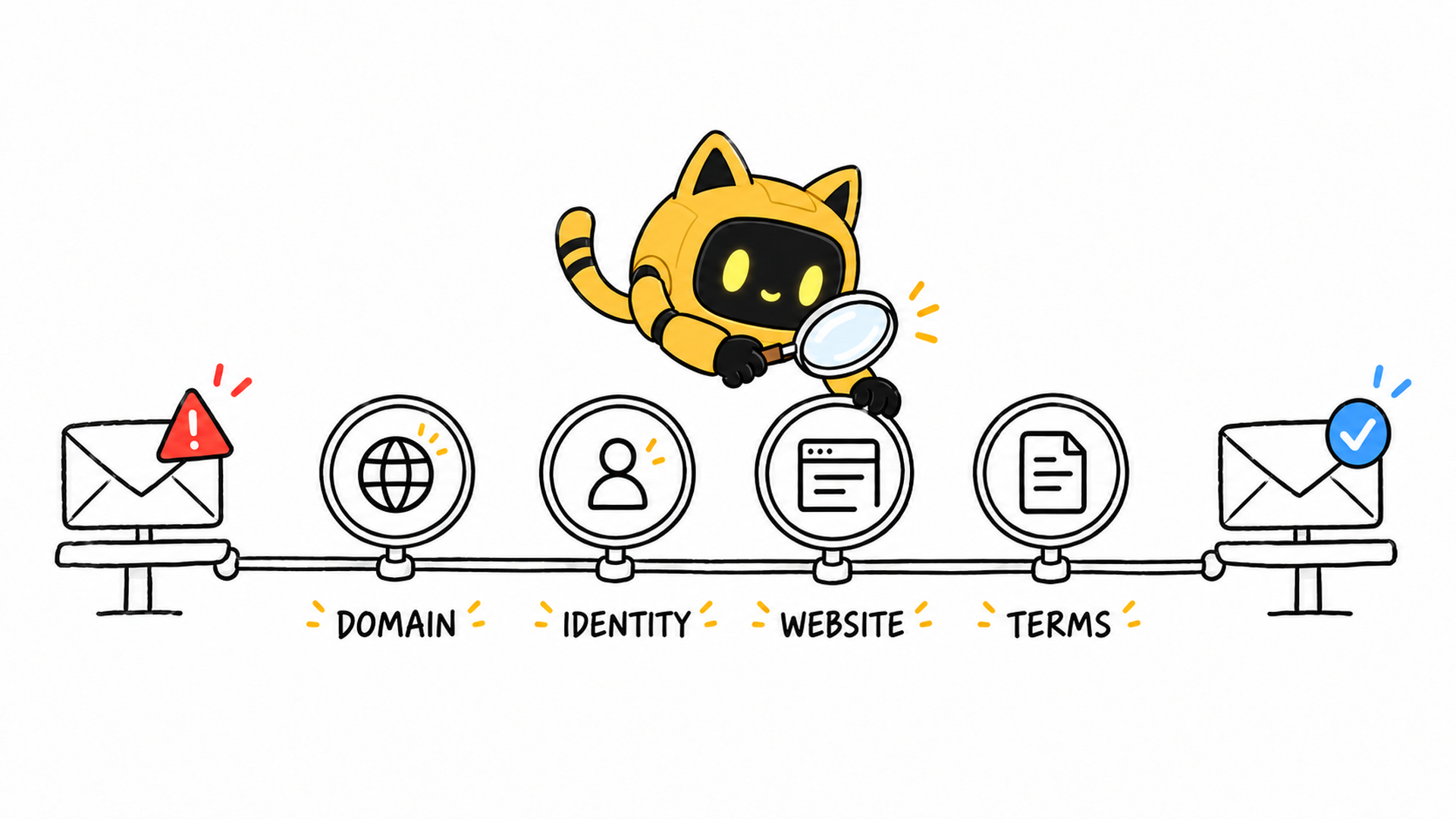
When a creator sees a “potentially dangerous” warning on an outreach email, a new brand should not start by making the copy friendlier. It should make four facts independently verifiable: the email came from the stated domain, the sender represents the stated brand, the brand and product actually exist, and the collaboration terms do not conceal an obvious risk.
Start by identifying whether this is a phishing warning, spam placement, or a delivery rejection. Then verify SPF, DKIM, DMARC, and domain alignment; make the website and sender identity easy to confirm; and rewrite the selection reason and commercial terms. Do not increase volume before you know what triggered the warning.
Separate three different problems before calling everything “spam”
In a real question in r/influencermarketing, a small-brand operator said that after contacting 31 creators, only a few agreed to collaborate. One recipient specifically said the mailbox provider had marked the message as potentially dangerous and questioned why an unfamiliar brand would choose a small account. Three problems may be involved:
| What happened | Where you usually see it | Check first |
|---|---|---|
| Security or phishing warning | A warning banner or click-through warning | Sender identity, impersonation, links, and attachments |
| Spam placement | Spam or Junk folder | Authentication, reputation, complaints, content, and sending behavior |
| Bounce or rejection | An SMTP error returned to the sender | Error code, authentication failure, invalid address, or provider policy |
Ask a cooperative recipient for a screenshot of the warning and save the original message headers. Do not stop at “Did it go to spam?” If the sending account shows an unknown login, unauthorized messages, or unexpected DNS changes, pause outreach and secure the account first.
Step 1: Use the original headers to verify authentication
SPF, DKIM, and DMARC are not three badges that become useful simply because the records exist. They answer different questions:
- SPF: Was the sending server authorized by the domain?
- DKIM: Does the message carry a signature that the sending domain can verify?
- DMARC: Does the visible From domain align with a domain that passed SPF or DKIM, and what should the recipient do when checks fail?
Google’s sender guidelines require all senders to personal Gmail accounts to use at least SPF or DKIM. Senders delivering more than 5,000 messages per day to Gmail accounts have additional requirements, including SPF, DKIM, DMARC, domain alignment, and one-click unsubscribe for applicable messages. A small brand may be far below that volume, but configuring all three authentication methods gives you a much clearer identity chain.
How do you run a test that someone else can review?
- Send from the real outreach account to a Gmail test inbox controlled by another person or team.
- Open “Show original” in Gmail.
- Record the SPF, DKIM, and DMARC pass or fail result and the domain used by each check.
- Compare the visible From address, Return-Path, DKIM
d=domain, and Reply-To. - If you use an outreach platform, confirm its sending service is authorized and that DKIM uses the brand domain.
- After a DNS change, wait for the provider’s stated propagation period and retest from an external inbox.
Save the date, sending platform, and header evidence. A DNS checker saying that a record exists is not enough; the actual email may have traveled through a different sending service.
Step 2: Check links, attachments, and identity mismatches
If authentication passes but the warning remains, inspect the message. The most concerning signals are usually inconsistencies in identity or destination, not one supposedly forbidden marketing word:
- The From address uses the brand domain, but Reply-To jumps to an unrelated public mailbox.
- The display name matches the brand, but the address uses a look-alike spelling instead of the website domain.
- A link appears to point to the official site but redirects through several unfamiliar tracking domains.
- The first email asks the creator to download an archive, open a macro-enabled file, or sign in to an unfamiliar file service.
- The sender’s name, role, and the team information on the website cannot be cross-checked.
- The creator is asked to pay shipping, buy gift cards, or provide sensitive information immediately.
Keep the first outreach message simple: one official website link and one verifiable brand social profile are usually enough. A collaboration brief can live on a web page or in a familiar PDF, with the same brand name and domain as the email. Contracts and payment details can move into a process both sides have confirmed.
Step 3: Give an unfamiliar brand a complete verification path
A creator will not trust a message because it says, “We are a legitimate company.” They will search for the brand, open the website, check social profiles, and look for the sender. The site should answer at least these questions:
| Page or evidence | Question it should answer |
|---|---|
| Product page | What is sold, who is it for, and does the product exist? |
| About or contact page | Who operates the brand and how can they be reached officially? |
| Privacy and terms | Is the site operator and data handling transparent? |
| Official social profiles | Is there ongoing activity that can be cross-checked? |
| Collaboration summary | Is it paid, what is provided, what is required, and how is payment handled? |
If the brand has just launched, say that it is working with its first group of creators and provide specific product, team, and budget information. A short history is understandable. A vague identity paired with an urgent link is not.
OneCrew is a creator discovery and outreach workspace for global brands. Teams can keep the brand background, product information, creator’s public content, contact route, and communication history in the same outreach record. Before drafting, confirm the channel, the exact content that created the match, and the public contact source. Then prepare and review the message from that evidence so the wrong name, unrelated compliment, or another creator’s details do not slip into the email.
Step 4: Explain why you chose this creator without sounding automated
“We love your amazing content” proves nothing. A credible selection reason includes three elements: what you watched, what you noticed, and why that observation relates to the collaboration.
| Weak version | More credible version |
|---|---|
| We love your content. | In “[video title],” you compared [specific difference], which directly relates to the [use case] our new product addresses. |
| Your audience is a great fit. | Recent comments repeatedly ask about [real problem], and our product is intended for people working through that decision. |
| You were carefully selected. | We are prioritizing creators who consistently make [content format] because this campaign needs a complete demonstration of [process], not a packaging shot. |
Keep the content URL and match reason in the OneCrew candidate record. Before sending, check whether every personalized claim leads back to something the team can open and verify. That creates a reusable starting point without turning personalization into unsupported praise.
Step 5: Answer the highest-risk questions in the first email
The first message does not need to contain the entire contract, but it should make these points clear:
- Who you are and which brand or legal entity you represent.
- Where you found the creator and why the match is relevant.
- What the product is and what deliverable you are considering.
- Whether the arrangement is paid, gifted, affiliate-based, or still subject to budget confirmation.
- The likely timing, intended content usage, and next step.
- The creator will not be asked to pay upfront and can confirm by replying directly.
A verifiable outreach template for a new brand
Subject: About “[video title]” — [Brand] collaboration for [product category]
Hi [Name],
I’m [name], responsible for [role] at [full brand name]. Our website is [website], and you can also verify the brand and my identity through [official social profile or company page].
In “[specific content],” you mentioned [specific observation]. We are developing a [product] for [audience or use case] and would like to discuss [format and quantity]. Your channel consistently explains [matching topic] rather than only showing products, which is why this campaign may fit.
Initial terms: expected timing [date range]; collaboration type [budget range / paid subject to confirmation / gifted and affiliate terms]; intended usage [platform and duration]. We will arrange [sample and shipping], and you will not be asked to pay any costs upfront.
If the direction is relevant, reply to this email and I can send a one-page brief. If it is not a fit, no problem at all.
[Name / title]
[same-domain email] | [website] | [official social profile]
Step 6: Diagnose with a small batch instead of scaling the warning
After changing the technical setup and the message, test a small group of highly relevant contacts. Change one major variable at a time and record the result:
- Send to test inboxes at different mailbox providers and confirm authentication and link presentation.
- Select five to ten genuinely relevant creators and review every message before sending.
- Record delivery, bounces, warning screenshots, replies, complaints, and unsubscribes.
- If the same security warning reappears, pause and return to the headers, domain, and links.
- Once the technical result is stable, test the subject line or email length without rewriting everything at once.
- Keep the message version, contact, reply, and next action in OneCrew to prevent duplicate outreach.
With a small sample, do not treat one change in reply rate as a final conclusion. The immediate goal is to confirm whether the warning still appears and identify obvious identity or content problems.
Frequently asked questions
Why can an email still be flagged when SPF, DKIM, and DMARC all pass?
Mailbox providers also consider domain and IP reputation, user complaints, content, links, attachments, and sending behavior. Authentication is a foundation, not a delivery guarantee. Review the actual warning and headers instead of repeatedly changing the subject line.
Can a new brand contact creators from a Gmail address?
The message can be sent, but an address on the brand’s website domain is easier to verify. If a public mailbox is used, provide stronger website, company, and sender evidence, and do not route replies to another unrelated address.
Why explain the selection when contacting a small channel?
Explain the business reason for the match without presenting a smaller audience as the benefit. Point to the topic, teaching style, or audience questions that make the creator relevant to this deliverable.
Once the warning disappears, can the brand immediately scale to hundreds of emails?
Increase volume gradually while watching bounces, complaints, and reply quality. Continue to verify contact sources, content fit, and opt-out handling. Passing a technical check is not permission to send indiscriminately.
Trust comes from evidence the recipient can check
Connect domain authentication, sender identity, the brand website, the creator selection reason, and the collaboration terms before optimizing for replies. Start in OneCrew with a small group of strong matches, save the public-content evidence and contact route, and keep every draft attached to its context. The team should always be able to answer: why this creator, what have we already said, and what happens next?



