Instagram DM or email: where should creator outreach start?
Choose a creator outreach channel based on the public business contact, existing conversation and message length. Keep the context intact when a conversation moves to email.

You send a DM and an email. A creator eventually replies, and two teammates both follow up. Adding channels has created duplicate conversations before it has created a partnership.
Use the business contact method the creator publishes, and continue an established conversation where it already exists. Check the public contact details, previous messages and the question you need answered before choosing a DM or email.
Follow the current public business contact
Check the profile, linked website and public management contact. If the creator asks for business inquiries by email, start there. If they direct brands to an agent or form, follow that instruction. Avoid guessing addresses or using comments to pressure someone into replying.
Confirm that the account and contact belong together. Retain the source and the date you checked it, especially when management details might change.
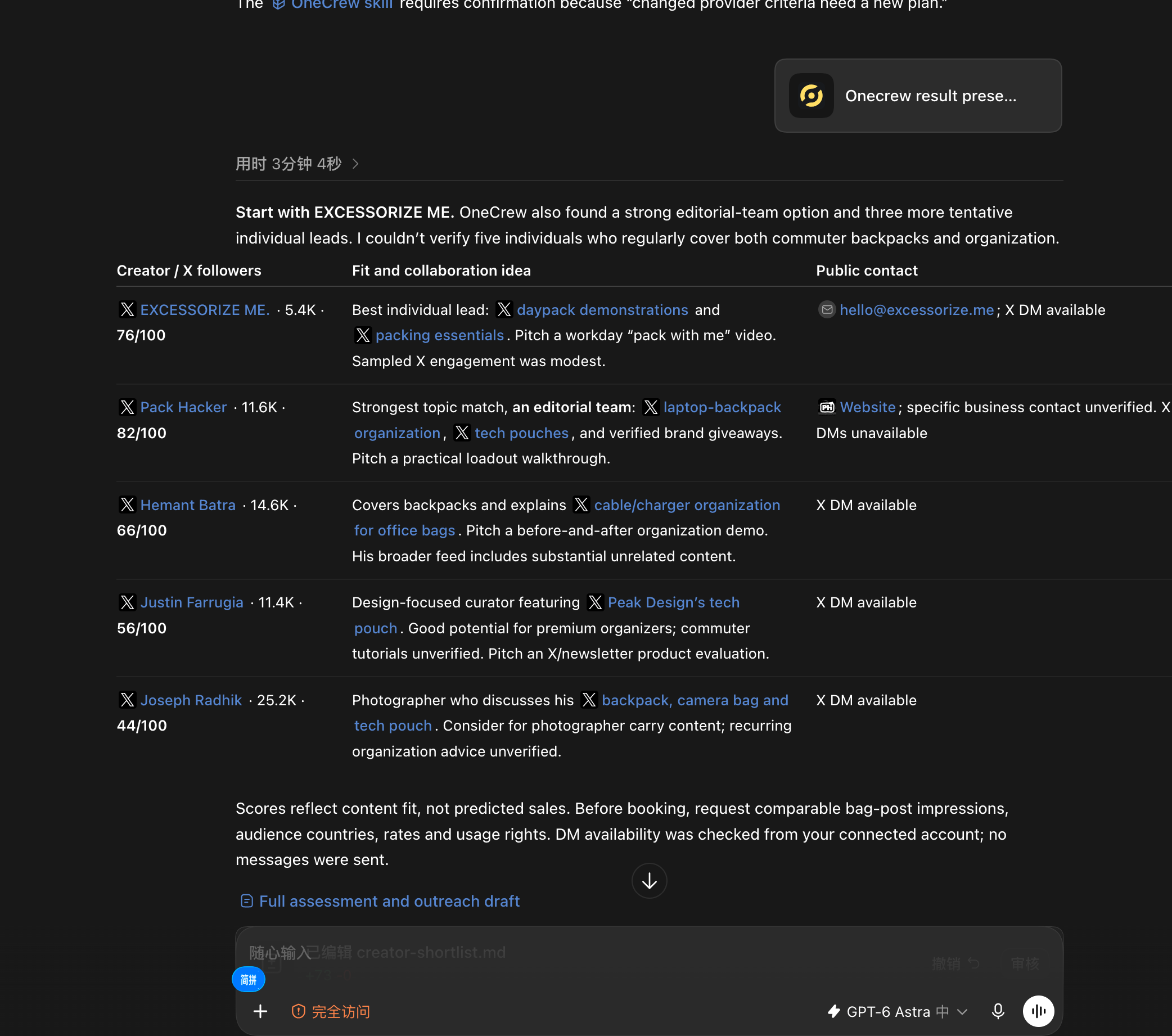
OneCrew is an AI workspace for finding creators, organizing leads and preparing outreach. Ask your connected AI to include public contact sources when researching candidates, then review and save the confirmed leads. Your team can start from that record rather than repeatedly searching for the same business address.
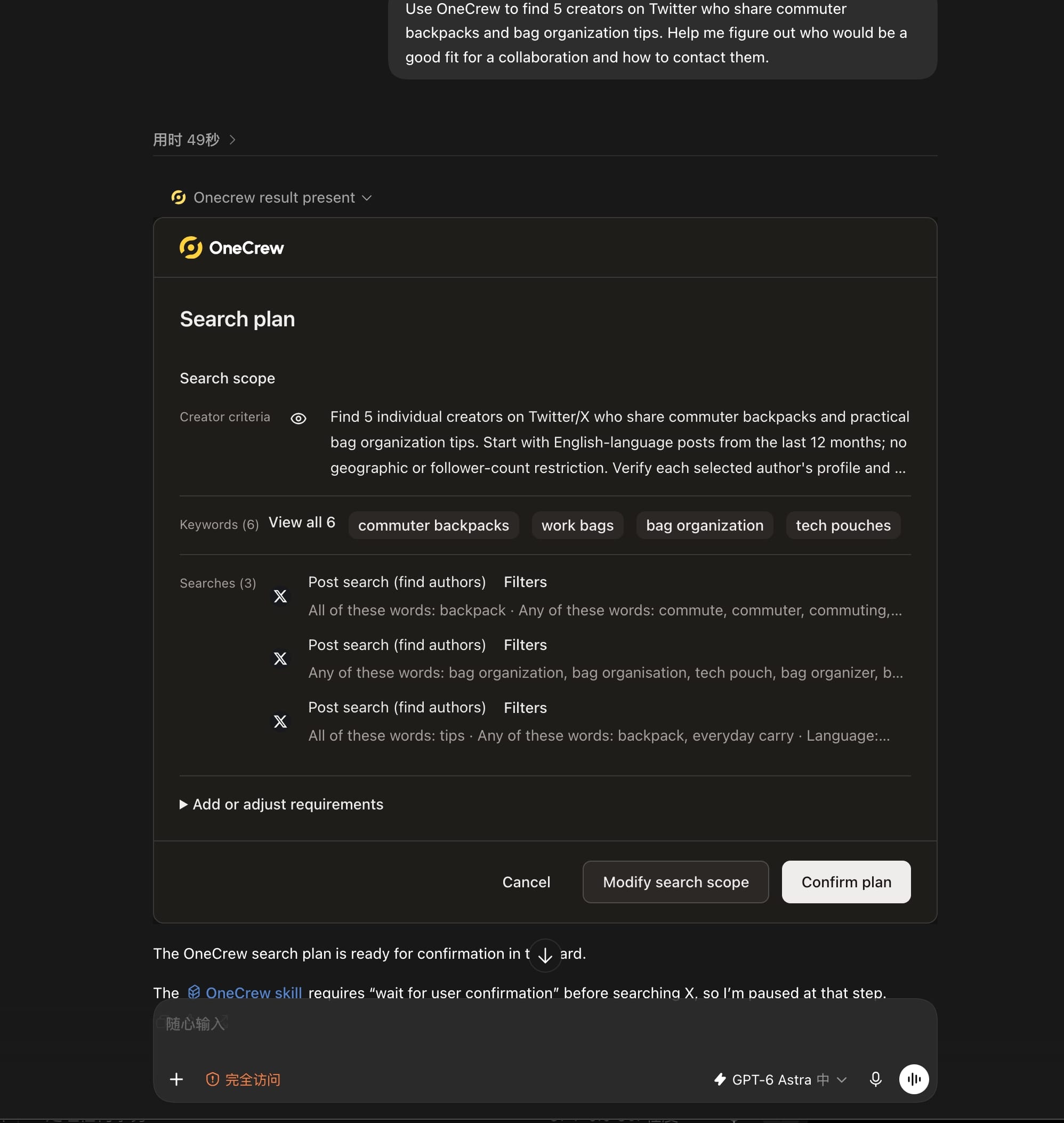
For example, ask your connected AI: “Use OneCrew to find 5 creators on Twitter who share commuter backpacks and bag organization tips. Help me figure out who would be a good fit for a collaboration and how to contact them.” Review the search scope first, then compare the content evidence and contact options for each candidate. In this example, the results distinguish individual creators from an editorial team and flag partial matches.
Match the message to the channel
A short DM can establish whether there is interest or confirm the best business contact. An email can hold more product and collaboration detail. Neither benefits from a vague “Want to collaborate?” that leaves the recipient guessing who you are.
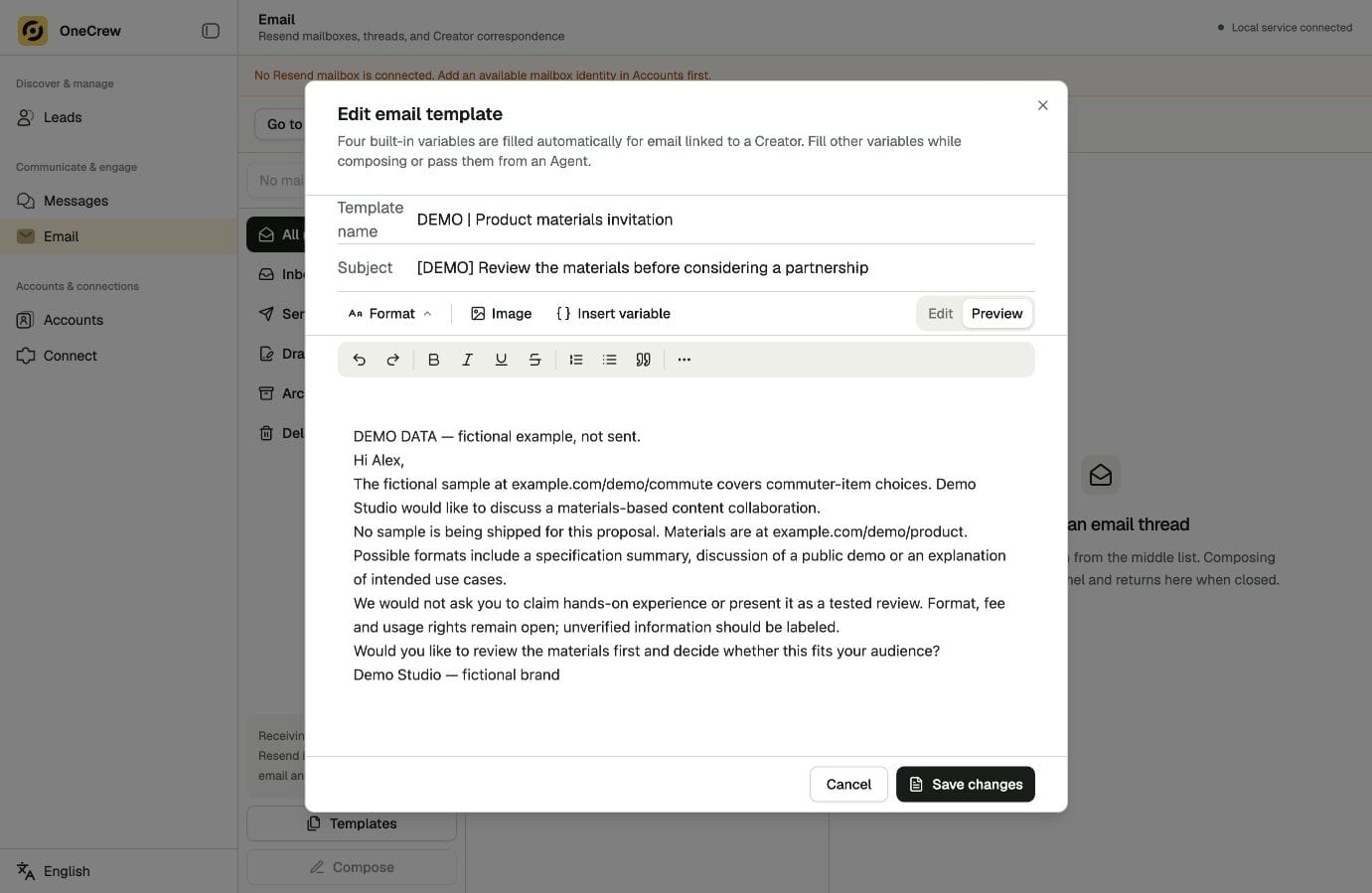
Use this copyable DM template to confirm the business contact. Replace every bracketed field before sending:
Hi [Name], I handle creator partnerships for [Brand]. Your recent [specific content] looks relevant to [product or collaboration]. Is the business email in your bio the right place to send the details?
Use a real content reference rather than copying the same reason to everyone.
Give your connected AI the contact information, relevant content link and purpose, and prepare a short DM and an email draft with OneCrew. Review them and use the selected channel first. Keep the other version for a requested handoff instead of sending the same invitation twice.
| Situation | First action |
|---|---|
| Public business email | Send a concise, complete email |
| Agent or form specified | Use that business route |
| Active conversation | Answer the current question there |
| Channel change requested | Transfer agreed details and open questions |
Carry the context when you move to email
If a creator says “Please email me,” the email should pick up the conversation. Mention where you spoke, answer the existing question and preserve any preferences they already gave you.
When moving the conversation to email, use this copyable handoff template:
Thanks for your reply on Instagram. Here are the [specifications or materials] you requested. On your question about [topic]: [answer that continues the existing conversation].
There is no need to restart the pitch or ask again whether they are interested.
For connected, synchronized channels in OneCrew, verify the contact association and review the conversation. Ask AI to separate answered points from open questions before drafting the email. That keeps the handoff focused on the next decision.
Check ownership before following up
Confirm the last meaningful reply, the teammate responsible and the current channel. If there is no reply, a follow-up should add useful information or ask a specific question. If the creator declines, close this approach rather than switching channels to repeat it.
Use the relevant OneCrew messages and tasks to check what is next and who owns it. Prepare a response only after that check, so a multi-person team can continue one conversation coherently.
Use OneCrew to review a few creators you plan to contact, checking the public entry point and existing messages. Then prepare the appropriate draft. A good channel choice makes both the creator’s reply and your team’s next action easier.



