Starting Instagram for Your Brand? How to Plan the First Content Test
For a new Instagram account, choose one user action, test two or three content angles, and use saves, shares, visits, and sales to plan the next round.

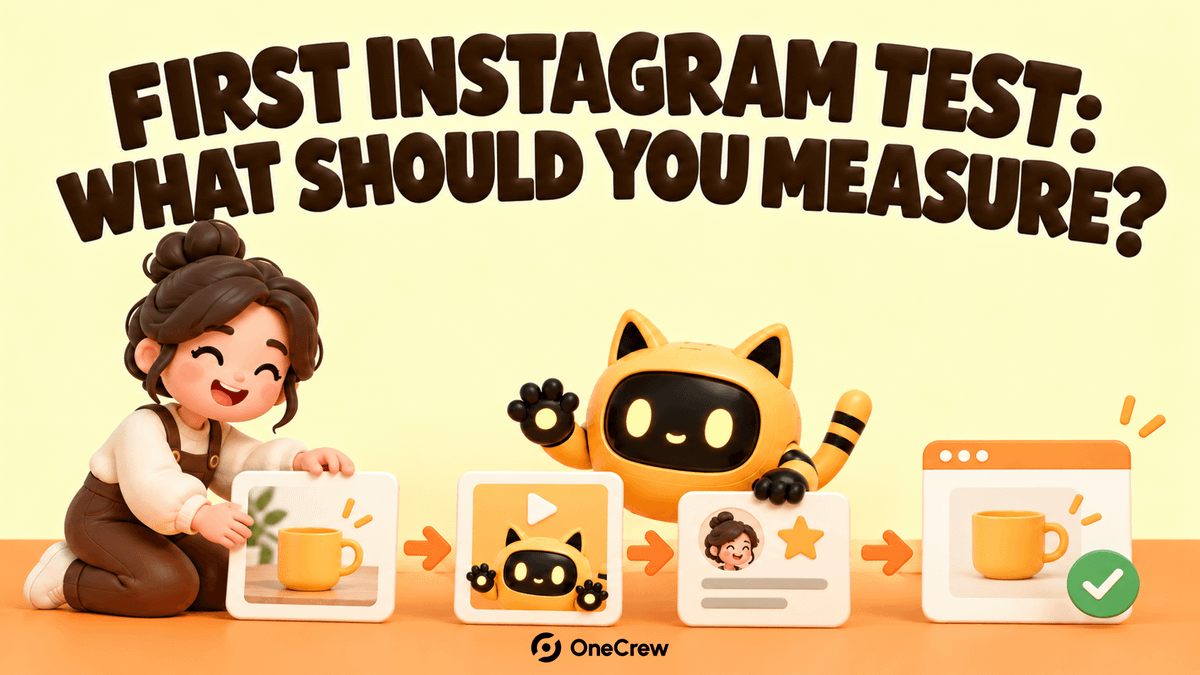
A new Instagram account can turn its first round into an overloaded checklist: daily posts, Reels, creator outreach, ads, and discounts. The result is a folder of like screenshots with no clear answer about which step made people learn more about the product.
Start by testing one user action, use a small set of content angles, and decide the next move from saves, shares, visits, and sales. The more variables you change at once, the harder it is to tell whether the issue is the content, the audience, or the path to purchase.
In a Shopify Community question, a new brand asks how Instagram can be used effectively. Replies mention real use cases, UGC, product tagging, saves, shares, and sales. They do not produce one formula for every product; they show why the first test should answer a narrower question.
1. Write down the one action you want from the first round
Start with one action: visit a product page, save a post, send a question, sign up for a trial, or buy. “Build awareness” is too broad to guide the next piece of content.
Then state what will stay fixed: the product, market, budget limit, test period, and intended audience. For example: “For new cat owners in the UK, test product-in-use content for two weeks and observe product-page visits and qualified questions.” This is a working hypothesis, not an industry benchmark.
OneCrew is an AI workspace for discovering creators, organizing public profiles, and managing collaboration conversations. If the first round needs UGC or creator content, give the connected AI the audience and content theme. Use it to find public creator profiles by topic, review recent content, and save candidates with a next outreach action. The creator test then starts from the audience question instead of a pile of accounts.
2. Test only two or three content angles
You do not need every format in the first round. Choose two or three angles that answer the same customer question:
- Real use case: where the product appears in a person’s day and what problem it solves;
- Quick demonstration: one action or a clear before-and-after moment;
- Trust evidence: a customer experience, creator perspective, or behind-the-scenes view with the source and usage scope recorded.
Make a small number of versions for each angle while keeping the product, landing page, and main action consistent. If you change the script, audience, and page together, even a strong result will not tell you why it worked.
In OneCrew, organize potential creators by topic, platform, recent content, and public contact details. Note which angle fits each person. After outreach, keep replies, samples, and content checkpoints with the relevant record so the next review does not start with a rebuilt list.
3. Connect the content to a usable buying path
The product name, specifications, and call to action in the content should have matching answers on the landing page. If you use product tags or links, test them with a non-public account before launch. If the action is a direct message, prepare an accurate version of pricing, stock, delivery, and support information first.
Do not promise a discount that the page does not show. “Ask me in the comments” is not a complete process. At the end of the first round, you should be able to describe what a person did between seeing the content and completing the action.
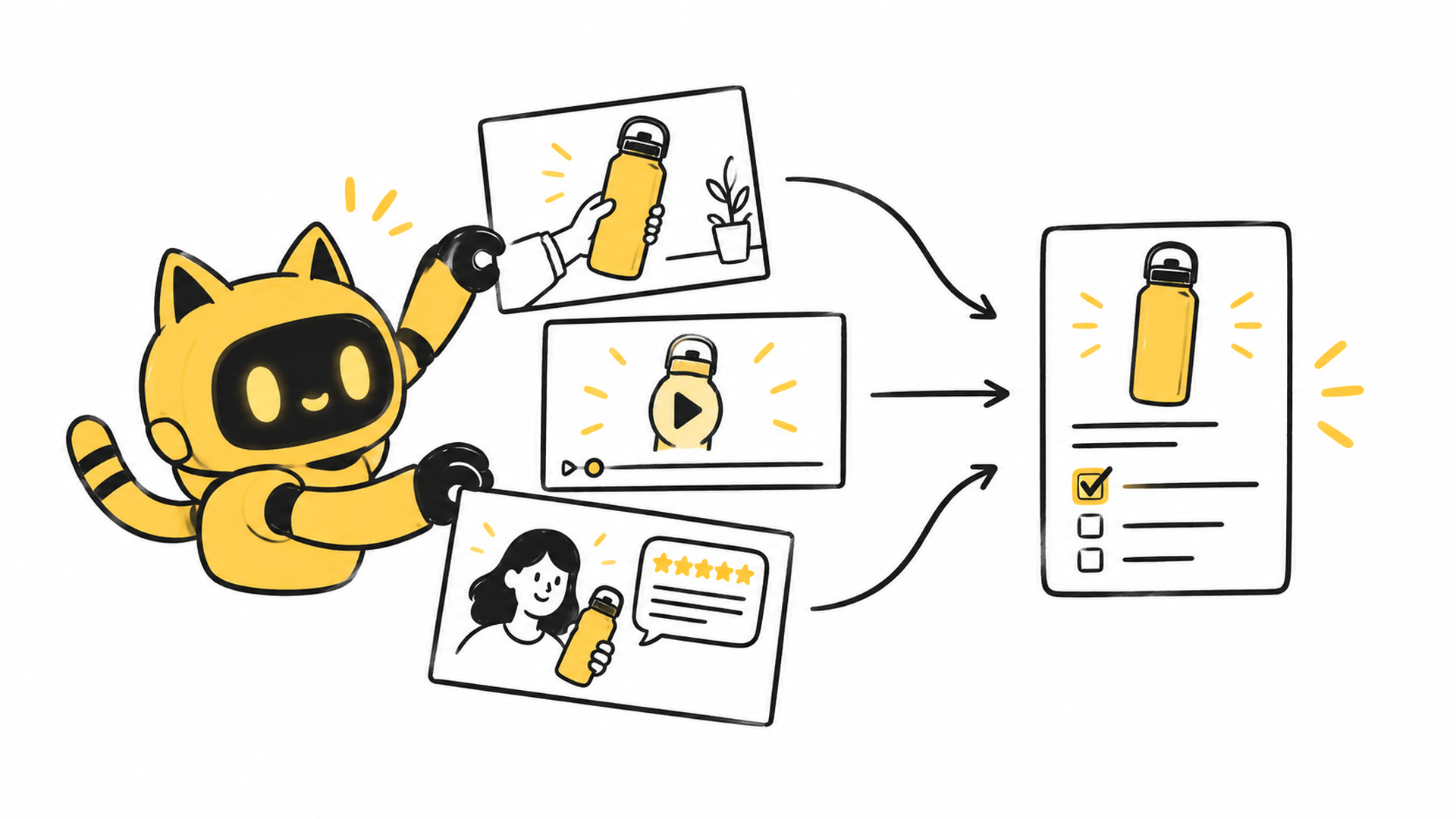
For creator content, OneCrew can keep topic fit, answered questions, and missing materials together for each collaboration. The owner checks the original conversation, then records the confirmed deliverables and links. After publication, the team can review the collaboration context instead of keeping only a post URL.
4. Record signals that can guide the next round
Keep likes if they help you read the post, but do not use them as the only signal. Based on the first-round goal, record saves, shares, profile visits, product-page visits, qualified questions, and sales. Define the counting window and terms before comparing posts.
Record the content context as well: the opening scene, the questions people asked, whether the creator needed clarification, and whether the link worked. Numbers show what happened. Questions and messages help explain why. Together they support a decision to keep, revise, or stop an angle.
A small result does not prove Instagram is ineffective. Check the sample, whether the content made the product clear, whether the page supported the action, and whether the first round had enough time. If needed, change one variable and run another small test.
5. Decide whether to expand instead of spending all at once
At the end of the round, put each angle into one of three groups: continue, revise and retest, or pause. Write the reason so it can be reused—for example, “the use case produced more product-page visits” or “people watched but did not understand the next step.”
If you expand creator work, start with candidates whose topic fit has already been checked. Confirm deliverables, usage scope, and timing again. One strong post does not automatically make the same creator a fit for every product line.
OneCrew can keep the first-round candidates, conversation conclusions, and next actions in the same workflow. Start by organizing a small set of creators who match the audience, then prepare an outreach brief with a clear theme and deliverables. The next round begins with checked context.
A new Instagram account does not need to solve content, ads, and creator partnerships all at once. Pick one action, make a few comparable pieces, record signals that inform the next decision, and let OneCrew organize the creator work you decide to continue.



