Managing 50 creators? Make every follow-up an actual task
Keep creator partnerships moving with clear owners, next actions, and check dates. Includes a follow-up table and a practical OneCrew review workflow.
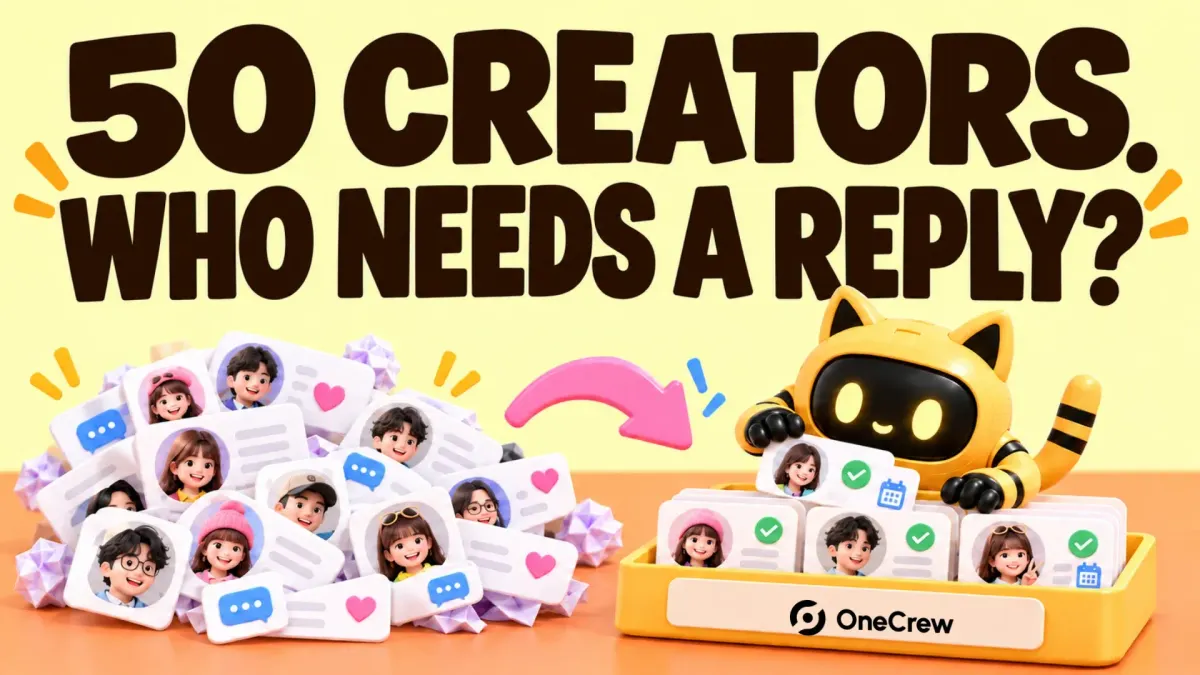
You answered a rate question in the morning, checked a shipment in the afternoon, and only noticed at the end of the day that another creator had asked for filming instructions yesterday. You remember reading the message. You just never turned it into work.
When several creator partnerships are moving at once, track the next action, its owner, and when to check it. An unread inbox is a poor task list: reading a message does not resolve it. Fifty creators is an illustrative workload here, not a threshold you need to reach before getting organized.
Start with who is waiting for whom
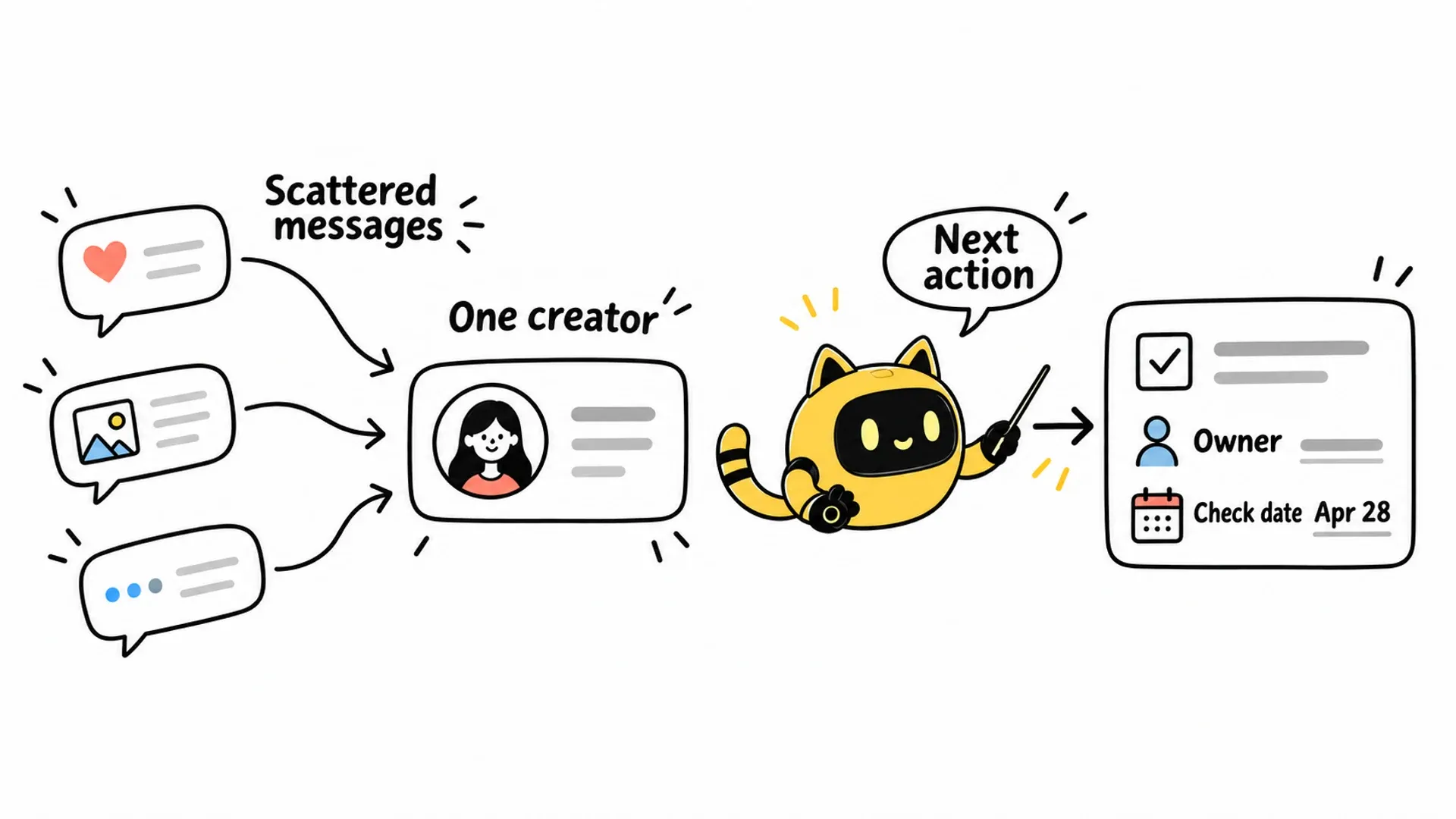
A creator might respond on Instagram and discuss the fee by email. Verify that the accounts belong to the same person, then connect those conversations to the relevant partnership. Keep separate commitments for separate campaigns.
Avoid a status that says only “in progress.” That could mean you are waiting for a quote, or the creator is waiting for your budget approval.
| Record | Useful detail |
|---|---|
| Creator and campaign | Profile link and the project being discussed |
| Current position | Quote received; budget approval pending |
| Last substantive reply | Date and a link or location for the original message |
| Next action | Confirm whether the fee includes one revision |
| Owner | The person responsible for that action |
| Check date | A specific date, with a time zone where timing matters |
A check date is not an instruction to send another email. First establish whether the creator has already replied or whether you owe them information.
OneCrew is an AI workspace for finding creators, managing communication, and following up on partnerships. It brings messages from connected channels into the relevant contact context, with the campaign and next step alongside the conversation. That gives you one starting point for checking the relationship instead of repeatedly matching accounts and hunting through inboxes. Verify the association, then record the confirmed next action as a follow-up task.
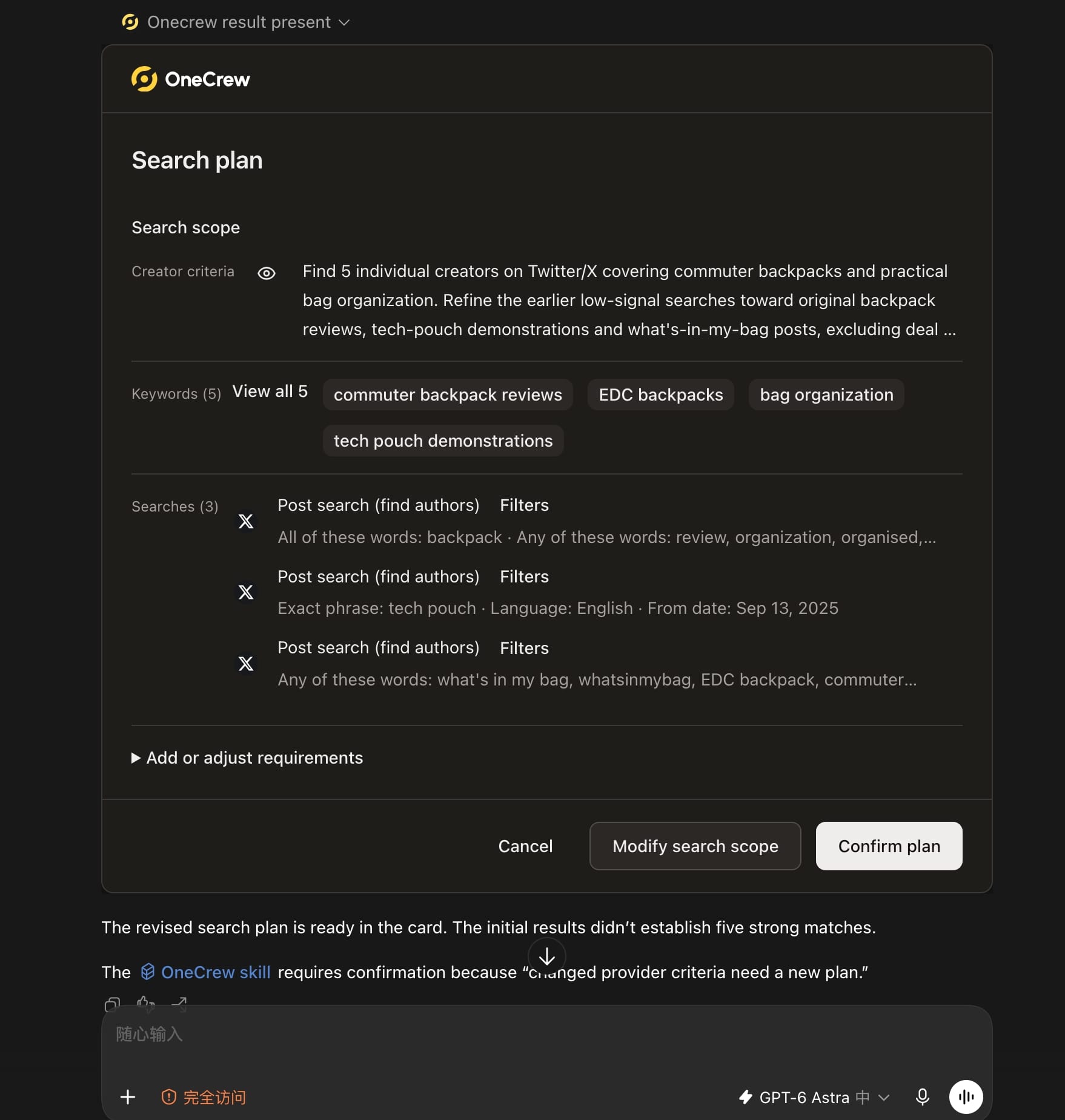
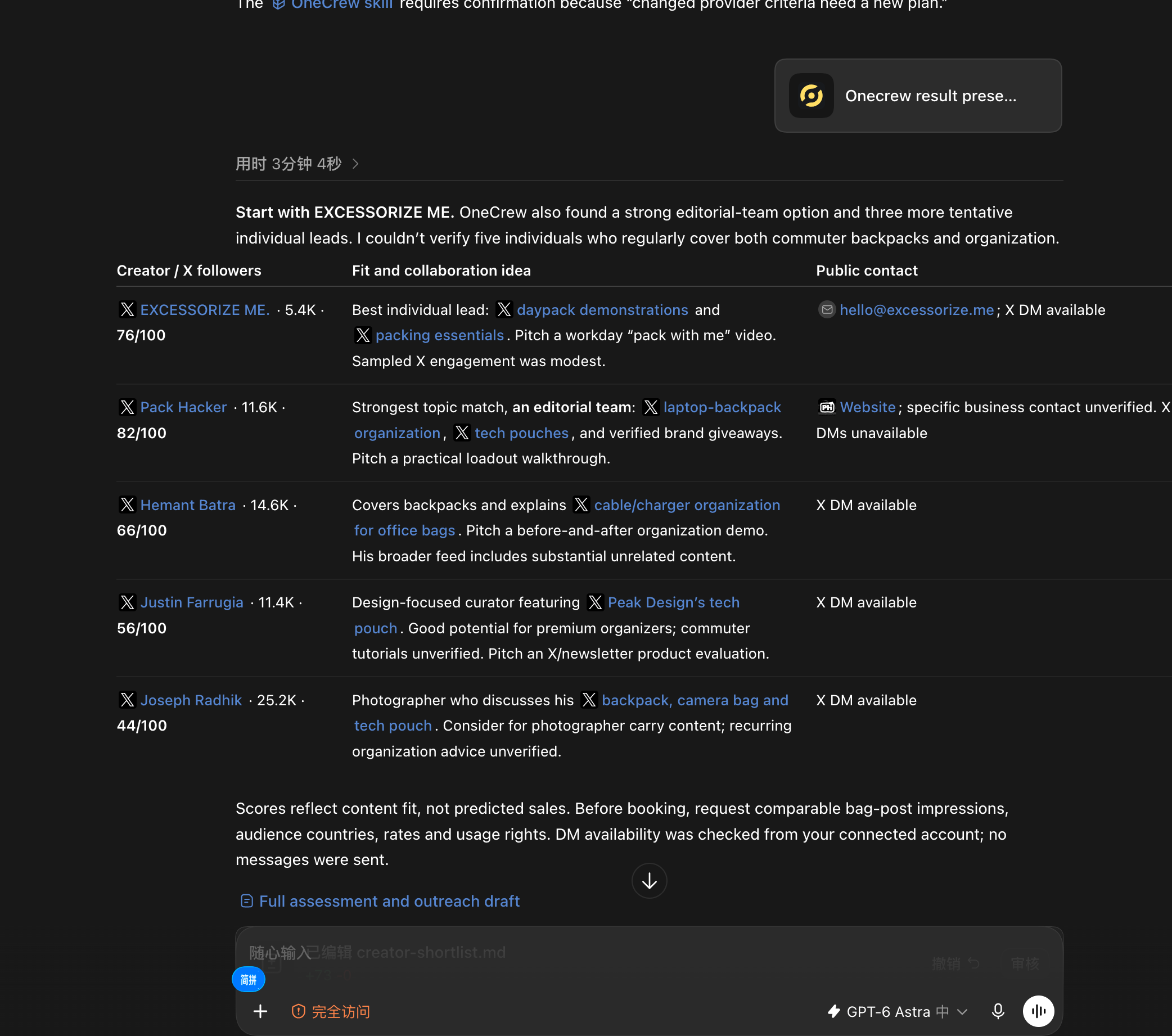
When new creators enter the workflow without their fit evidence and contact paths, the next teammate has to repeat the research. Ask an AI connected to OneCrew: “Use OneCrew to find 5 creators on Twitter who share commuter backpacks and bag organization tips. Help me figure out who would be a good fit for a collaboration and how to contact them.” Confirm the plan, review the candidates, and start the next step from the verified result.
Review three kinds of work first
Start with questions waiting on your team: product specifications, approved terms, or filming instructions. Next, address anything threatening an agreed deadline, such as missing feedback or an unconfirmed delivery. Then review partnerships that need a new follow-up.
Replace “follow up with Alex” with “ask Alex whether the quote includes reposting on our brand account; Mei owns the reply.” Replace “chase Jamie” with “check whether Jamie received the final feedback, then agree on the next delivery date.” These are examples, not records of real partnerships.
Use the reply, due-follow-up, and potential-blocker views in OneCrew to review these groups. Ask the connected AI to list what each creator is waiting for, the supporting message, and a proposed next action. You can prioritize a contextual work list instead of rebuilding it from separate inboxes.
Give each message a clear purpose
A useful follow-up might say: “Thanks for the quote. Could you confirm whether it covers one video and one revision? Once that's clear, I'll send it for budget approval.” The creator knows what to answer, and you know what happens next.
Update the task when a reply arrives. Close out a declined invitation. If someone asks you to return later, record the agreed timing instead of leaving them indefinitely in “awaiting reply.”
When preparing the follow-up, have the AI connected to OneCrew use the relevant conversation to draft the single question you need answered. Check the scope and recipient before approving the send. Finding the context and drafting the reply become consecutive steps, with the terms grounded in what has actually been confirmed.
Leave tomorrow a usable task list
Before finishing work, check what you promised today, what remains open, and who owns the next step. A short review is enough if the records are current.
Start today with a few active partnerships in OneCrew. Review the conversations, turn vague statuses into concrete next actions, and check the follow-up tasks. Tomorrow, begin with who is waiting on you and what you need to answer, then prepare the relevant drafts. Connecting each conversation to an action is what makes a busy creator pipeline easier to keep moving.



