A sponsored YouTube video is live without a disclosure. How should your brand follow up?
Review a YouTube sponsorship disclosure by checking the relationship, platform setting, and in-video explanation. Includes a correction email and recheck plan.
The video is live. The product demonstration and purchase link are there, but you cannot find a clear explanation of the commercial relationship. A message saying “Please add an ad disclosure” could produce a line at the bottom of the description while your team assumes the video itself has been addressed.
First establish the relationship behind this particular video. Then check the platform setting and what viewers can actually see or hear in the content. Give the creator a specific location to review, an owner for any open question, and a plan for checking the finished change.
Establish the facts before calling something missing
Review the agreed collaboration. Was there a production fee, a free product, or another relevant relationship? Does this video belong to that arrangement, and which markets does it address? A brand appearing in a video is not enough, by itself, to establish an undisclosed sponsorship.
Make a short record containing the video link, review time, evidence of the relationship, and the disclosures you can observe. If you cannot see a backend setting, mark it as awaiting creator confirmation. Do not describe an unobserved setting as definitely disabled.
OneCrew helps teams manage creator information, collaboration conversations, and follow-up. Use the recorded messages or email thread to check the payment, product, and content arrangements. Preserve the existing creator notes and add the relevant message reference and your review findings. A teammate should be able to understand why this video is being checked.
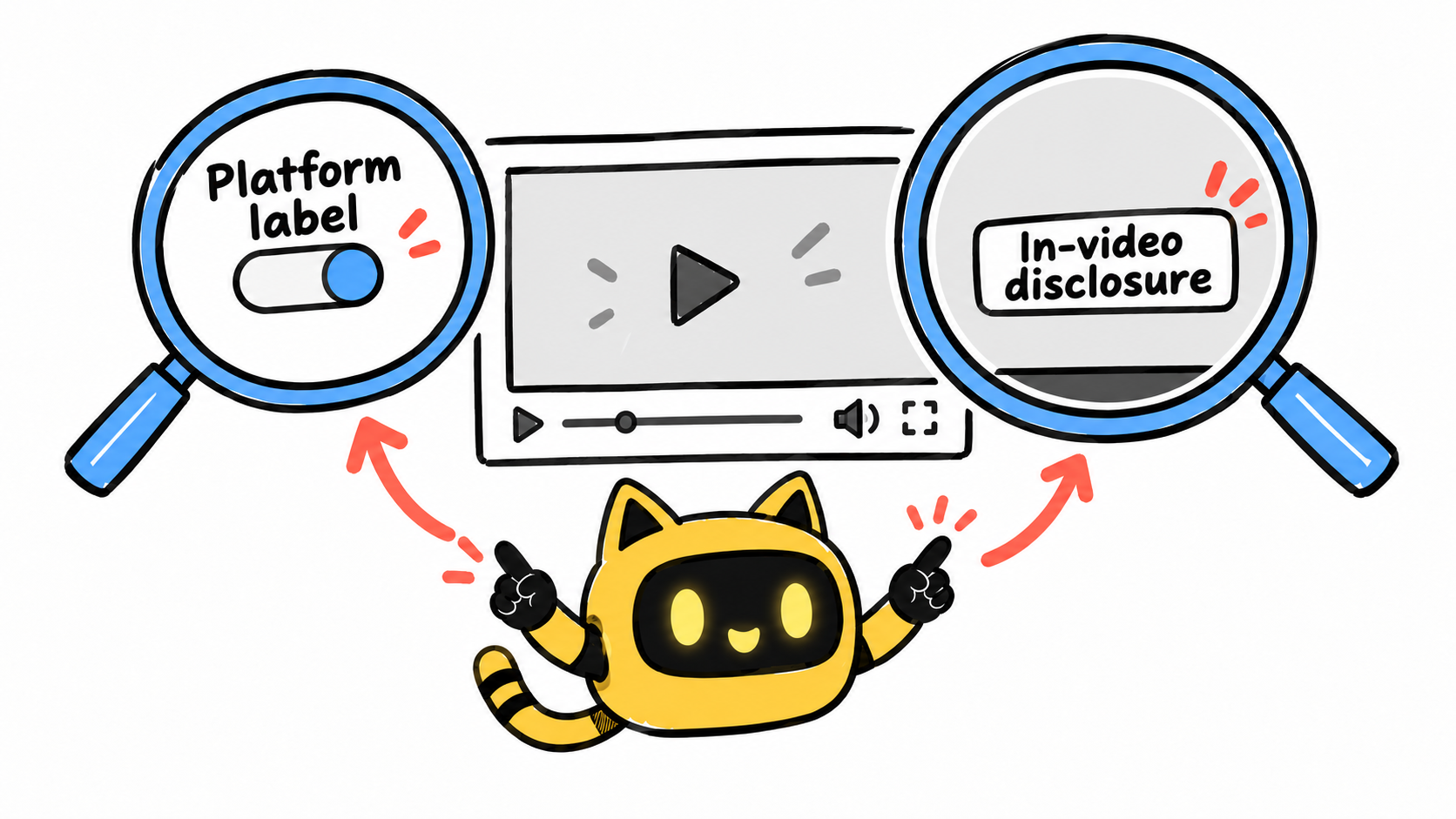
Review the platform label and the content separately
YouTube says selecting the paid promotion option adds a disclosure label at the beginning of the video. Creators and brands remain responsible for applicable disclosure obligations. Treat the setting as one part of the review, alongside the content and audience market. YouTube disclosure guidance
For content reaching US consumers, FTC guidance emphasizes a clear, noticeable disclosure alongside the endorsement. For video, the description alone is not sufficient. Have the responsible reviewer confirm the wording and presentation for the actual circumstances. FTC influencer disclosure guidance
A practical review record can separate these questions:
| Check | What to record |
|---|---|
| Platform setting | The creator’s confirmation or a relevant screenshot for this video |
| In-video disclosure | The point at which viewers can see or hear the explanation |
| Description | Its position, whether expansion is needed, and its relationship to purchase links |
| Accuracy | Whether the wording reflects payment, a gifted product, or the actual relationship |
| Open questions | The person responsible for checking the market, language, or proposed remedy |
Do not automatically replace every explanation with “paid sponsorship.” If the relationship was a gifted product, the reviewer should confirm wording that reflects that fact. Clarity should not come at the cost of accuracy.
Ask for a specific correction
Agree internally on the issue that needs addressing before contacting the creator. Your request should identify the video, what you observed, what remains unconfirmed, and who will approve a workable change.
Use the following as a coordination template. Any proposed disclosure wording needs to reflect the real relationship and the relevant market.
Subject: Checking the commercial disclosure on [video]
Hi [name], thank you for publishing [video link]. When we checked it on [date and time zone], we saw [existing disclosure], but we still need to confirm the explanation at [specific location/timestamp].
This content relates to [actual commercial relationship]. Could you confirm the relevant YouTube paid promotion setting and tell us where viewers currently see or hear that relationship explained in the video?
Following our review, we propose [specific wording/location or agreed correction]. If the existing upload cannot be changed that way, please tell us what is feasible so we can confirm a solution with [review owner] before you proceed. Please also share the expected timing so we can check the result. Thanks!
Before preparing the email in OneCrew for the confirmed creator contact, review the latest recorded reply. Include the link, the observed location, and the remaining question. If both sides have already agreed on a description of the relationship, refer to that message rather than reopening the facts.
If a correction requires editing or replacing the video, agree on the plan and its consequences first. A vague reminder should not force the creator to guess whether to delete and re-upload. Any decision about further promotion belongs with the relevant campaign owner.
Verify the final page
A reply saying “updated” is the start of the recheck. Open the video again and inspect the actual result. If the approved solution uses a new URL, update the collaboration records that will be used for future work.
A useful completion note reads: “Checked [link] on [date]. [Disclosure summary] appears at [timestamp/location]. Platform setting confirmed in the creator’s [dated reply]. [Remaining question] is with [owner].” This separates your observations from the creator’s confirmation of a backend setting.
Add the result and evidence location to the OneCrew creator notes. The project owner can then decide whether the item is complete. Until the result has been reviewed, keep it marked as awaiting verification.
If the recheck also finds a broken purchase link, use the creator video link-update workflow and record that correction separately.
Common questions
Is adding a comment enough?
Do not assume so. The question is whether viewers receive a clear explanation when encountering the endorsement, under the applicable requirements. Check the agreed correction plan rather than accepting any mention anywhere on the page as completion.
Should we review a collaboration with no cash payment?
Yes. A free product or another relationship can still be relevant. Record the facts and have them assessed against the applicable rules; “no production fee” is not an automatic exemption.
Start in OneCrew with the agreement behind this video. Collect the relationship evidence, the video link, and one specific unresolved disclosure location, then prepare the follow-up. The creator needs to know what to address, and your team needs a clear way to verify it.



