Podcast Sponsorships in Older Episodes: Agree on the Episode Scope and Run Dates
Agree on eligible podcast episodes, exclusions, order and creative dates, and the person responsible for stopping dynamic ad delivery.

When a podcast sponsorship is dynamically inserted into older episodes, agree on the episode scope, run dates, approved creative, and stopping process. “A placement next month” leaves too much open: listeners may keep downloading the back catalog, and individual creatives can have their own date settings.
Confirm episode scope separately from run dates
Ask whether the placement is dynamically inserted or recorded into the episode audio. Dynamic insertion can serve a current ad when a listener obtains an episode, with the exact scope determined by the hosting system and campaign settings. Request the show, eligible episodes, included back-catalog range, and exclusions. Do not assume a booking associated with a new episode is restricted to that episode.
OneCrew is an AI workspace for organizing creator collaboration records, worksheets, and email communication. Give OneCrew the scope and dates supplied by the podcast team and organize a placement worksheet. Reviewers can then see where and when the approved creative is intended to run.
| Agreement item | Detail to record |
|---|---|
| Episode scope | Show, episode or date range, explicit exclusions |
| Placement | Agreed ad position and where it applies |
| Run window | Start and end dates, times, time zone, boundary handling |
| Creative | File, approval version, creative's eligible dates |
| Stopping process | Person responsible for disabling delivery and confirming it |
Old episodes can carry today's offer
A time-limited offer inserted into an older episode still needs to match the current campaign. Check the landing page and offer conditions for the actual run window, rather than only for the day the read was recorded. If you have multiple creative versions, record the dates for each so an expired offer is not left eligible.
Megaphone's order instructions distinguish show and episode targeting, order dates, and creative dates. They specify that creative dates must fall within the order dates. That platform example explains why both windows deserve attention. If the publisher uses another system, have their media operations team confirm its settings and boundary behavior.
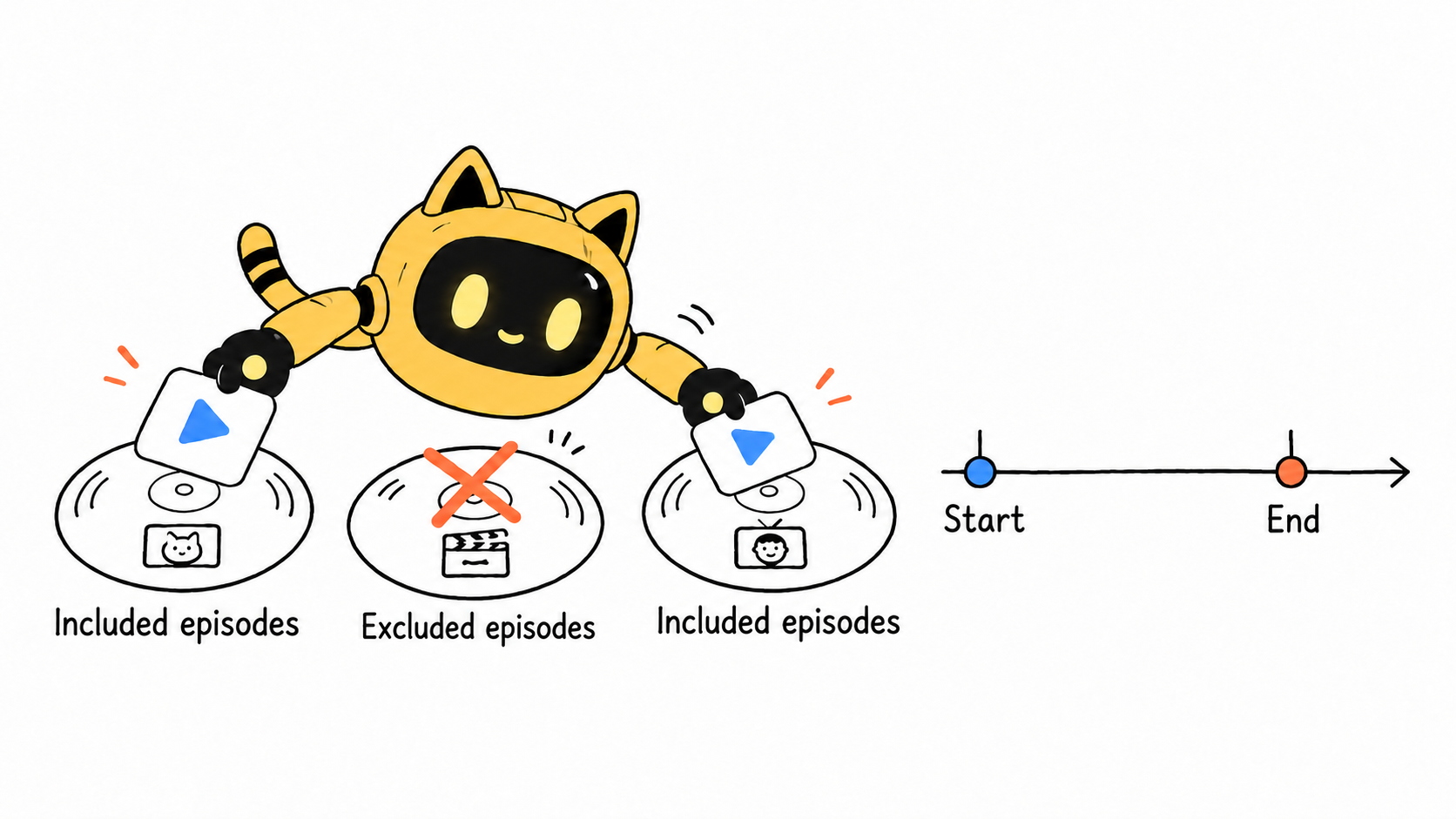
Stopping future dynamic insertion does not remove an ad from files listeners have already downloaded. Define the stopping action the publisher can perform and the confirmation you expect, rather than promising that every previously downloaded copy will change.
Collect the scope, version, and stopping owner in one confirmation
Ask: “Please confirm the show and episode scope for this creative, including older episodes and exclusions, plus the start and end times and time zone. How will dates be set on the order and creative? Who will stop delivery and confirm completion?”
Use OneCrew to organize the supplied placement details with synced collaboration emails and draft a follow-up for any unanswered scope or date questions. If dates change, check the order, creative, and landing page together. Agree on performance definitions separately using the podcast download measurement checklist; eligible episodes alone do not establish delivered listening.
For your next quote, get the episode scope and both date windows confirmed first. Bring those details, the creative version, and the stopping owner into OneCrew so booking, approval, and campaign closure share the same record.
Source
Megaphone: create an order, for episode targeting and the relationship between order and creative dates.



