Premium product, bargain hunters: is your audience wrong, or your message unclear?
Before changing your ad audience, check whether shoppers understand the product, price and value. A practical checklist for premium ecommerce brands.

You sell a premium product. Almost every inquiry asks whether you have a cheaper version. You explain the materials, the finish and the details. They still think it costs too much. Eventually, you realize they may have been shopping for a different kind of product altogether.
A resin collectible seller described a similar problem: the ads attracted people looking for cheaper PVC products. Before changing every interest setting, check whether the ad has made the category clear. A price objection can start with a misunderstanding.
Do shoppers understand what the product is?
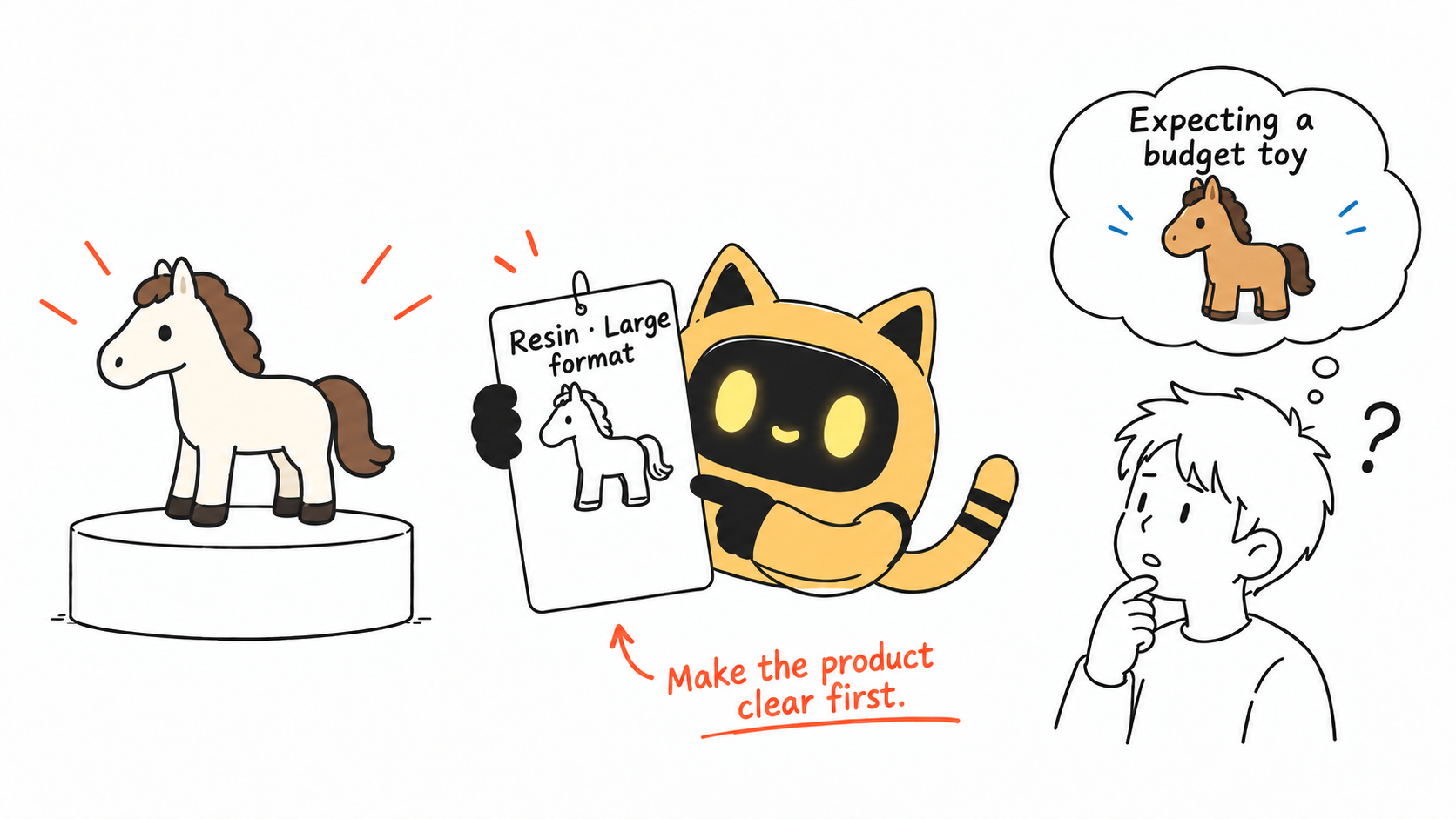
A character, an attractive shape or a polished image can get attention without explaining the material, size, edition or production method. People fill in the gaps using products they already know. That includes the price they expect.
Read the inquiries. Are people still asking what the item is, or do they understand it and simply prefer to spend less? The first problem calls for clearer information. The second calls for a closer look at value and audience fit.
Explain material and manufacturing differences with evidence. Technical vocabulary alone does little: show what the difference means for the buyer.
If creators are already trying the product, ask them to describe its category and key differences in their own words. OneCrew is an AI workspace for creator discovery, conversations and follow-up. Use the AI to prepare those specific questions from the existing context and organize replies for review. Find the unclear explanation before deciding to change the audience.
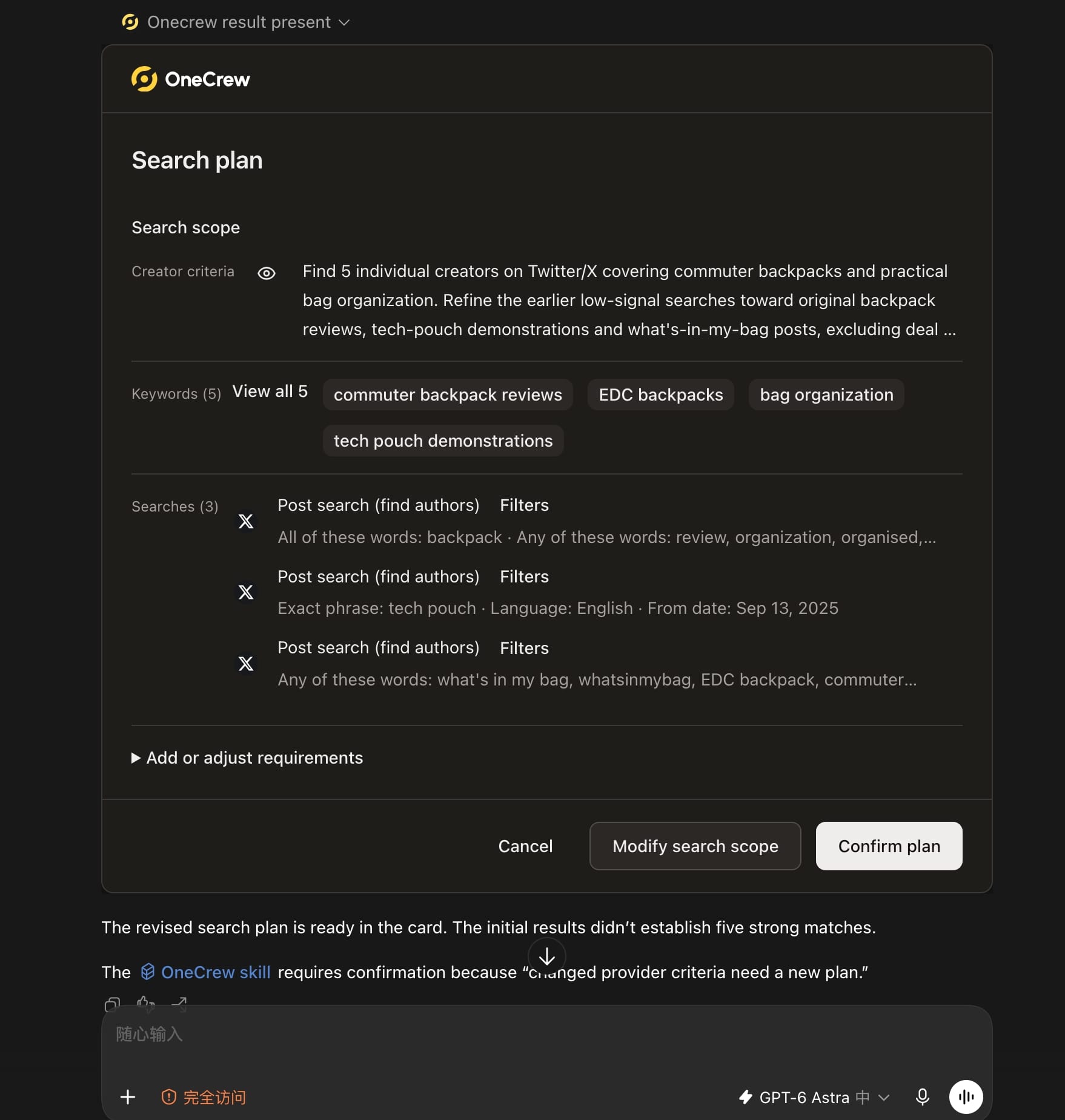
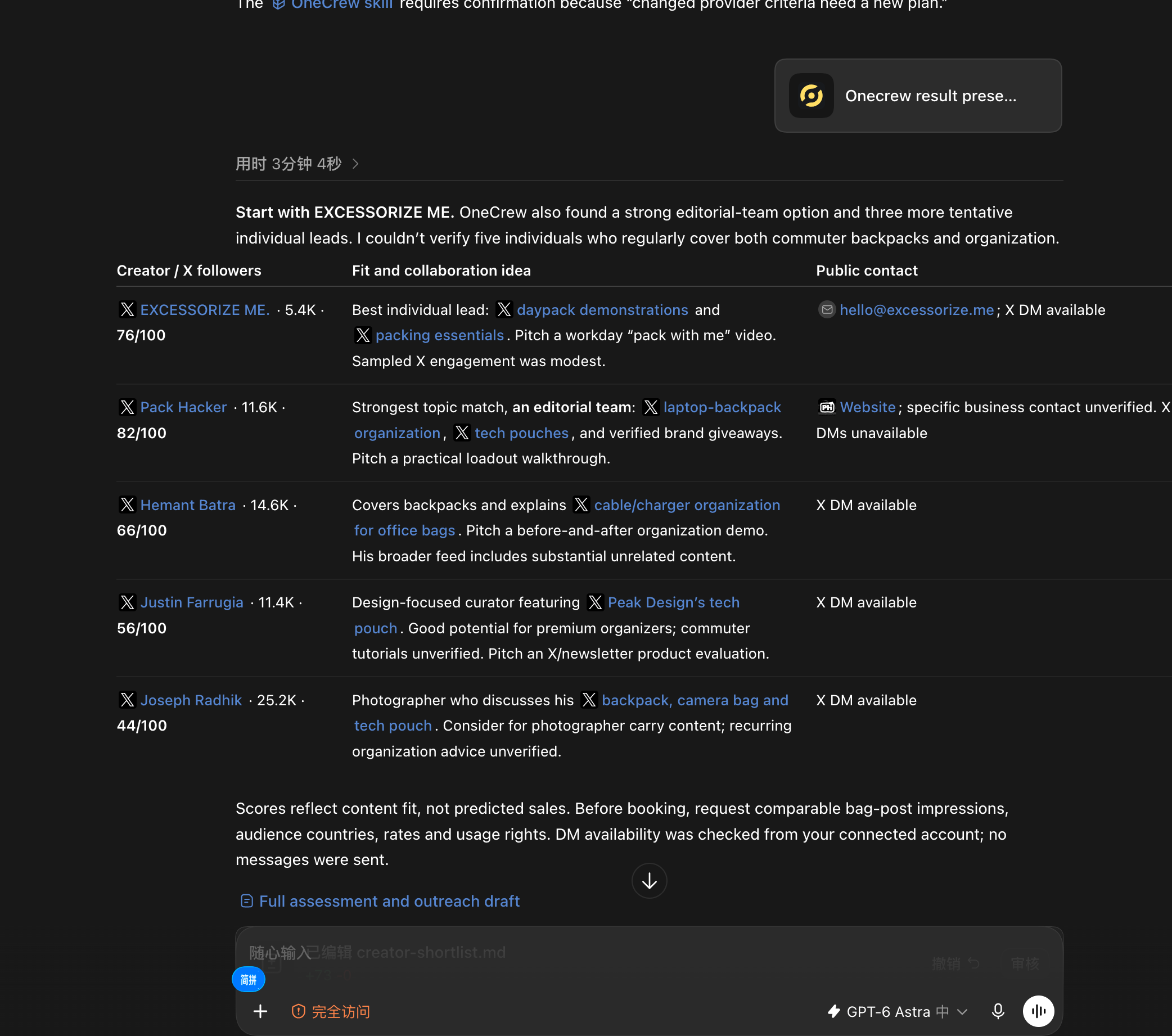
Finding a few names is easy. The real bottleneck is knowing why each person fits and where to contact them. Ask an AI connected to OneCrew: “Use OneCrew to find 5 creators on Twitter who share commuter backpacks and bag organization tips. Help me figure out who would be a good fit for a collaboration and how to contact them.” Review the platform, keywords and filters in the plan, then compare the content evidence and public contact paths in the results.
Does the advertised price match what people can buy?
An ad shows a complete set, but the landing page leads with the starting price of an accessory. A promotion promises a deal, but the main charges appear at checkout. The final offer can feel very different from the one that earned the click.
Make the version, included items and price consistent across the journey. You can test how prominently to show the price, while keeping material purchase conditions clear.
If clearer pricing reduces clicks, check what happens to relevant inquiries and purchases. Fewer clicks do not, by themselves, prove that the remaining visitors are better prospects.
Is the content useful for buying, or just enjoyable to save?
Collectors can appreciate far more products than they plan to buy. Decide whether the content is meant to introduce the product, explain it or help someone compare options.
A making-of video can generate interest. A scale reference, close-up details and a realistic display setting may answer purchase questions. Check the commercial-use rights for any characters, brands or other assets separately.
| What you observe | A hypothesis to investigate | A practical check |
|---|---|---|
| Most inquiries ask for cheaper substitutes | The category is unclear | Ask target buyers to describe what the ad is selling |
| People ask about the price after adding to cart | The version or total cost is unclear | Compare the ad, product page and cart |
| People save the content but rarely visit | The content is mainly for appreciation | Test a clear use case and route to the product |
| Visitors understand the product but still leave | Value or trust is not convincing | Ask about specific concerns |
If a demonstration would help, make the material, dimensions or use case part of your OneCrew search requirements. Ask for actual content links and check whether each creator explains comparable products clearly before saving the shortlist. That gives you evidence of relevant work rather than just a category label.
Change one major variable at a time
Establish a baseline with an accurate, understandable ad before comparing audience directions. If you change the audience, price and page together, it becomes much harder to learn from the result.
Define a relevant inquiry in advance. For example, the person understands the product category and asks about a specific specification or purchase condition. A smaller budget does not make someone a bad customer; this particular offer may simply be a poor fit.
Keep the test within a planned budget and record when major changes happen. The aim is to learn who understands and wants the offer.
Give creators something more specific than “make it look premium”
Look for creators who regularly cover the category and can demonstrate similar products. One popular post does not represent an entire account. A collecting-related label does not establish what the audience will pay.
Put the dimensions, materials and use cases that need accurate coverage in the brief. Leave room for honest experience. Those requirements are much easier to review than “make it feel high-end.”
Give the AI connected to OneCrew verified product facts, the differences that need showing and the proposed deliverables. Use the creator's real work to prepare an invitation draft, then review and send it. Continue clarifying the brief in the same conversation instead of rebuilding the product context each time.
What if clicks fall and sales do not improve?
Then you do not yet have evidence that the new message works. Check whether visitors now get stuck on the product page, delivery information or trust. The new explanation may also need work.
Start the next round with one specific hypothesis. A premium product does not need to appeal to everyone. Relevant buyers do need to understand what they are paying for.
Start with what buyers actually understood
Find out what shoppers think the product is, then correct unclear material, version and price information. If a creator demonstration is the next step, use OneCrew to search for that specific explanation task and prepare an invitation grounded in real product details. Use the resulting feedback to decide what to adjust next.



