Raising a returning creator’s commission? Confirm the new terms
Before raising a returning creator’s commission, define products, calculation, dates, and deliverables. Verify the available platform setup and confirm one final version.
A creator worked well with you before, so you want to offer a better commission for a new product. But does that mean changing the old campaign, making a new offer, or adding a production fee? “We can pay you more” leaves all three possibilities open.
A seller asked about increasing commission for one returning creator. Define the proposal before looking for a setting. Then check whether the current platform and account can support that precise arrangement.
Explain why you want to work together again
Review the last deliverable, the conversation, and the product fit. A new product may solve a different problem, so identify what still fits the creator’s content and what the new work would involve. Do not assume the previous brief carries over unchanged.
OneCrew is an AI workspace for creator leads, communication history, and outreach. Open the earlier conversation and give your connected AI the verified new product information. Have it prepare a returning-partner draft that retains useful context while clearly explaining what is new.
Turn the increase into a specific proposal
List products, calculation basis, rate or amount, effective dates, returns treatment, and any fixed fee. Compare old and new offers on the same basis. A higher rate does not necessarily apply to every product or every order. Keep unapproved items marked as pending in the internal proposal.
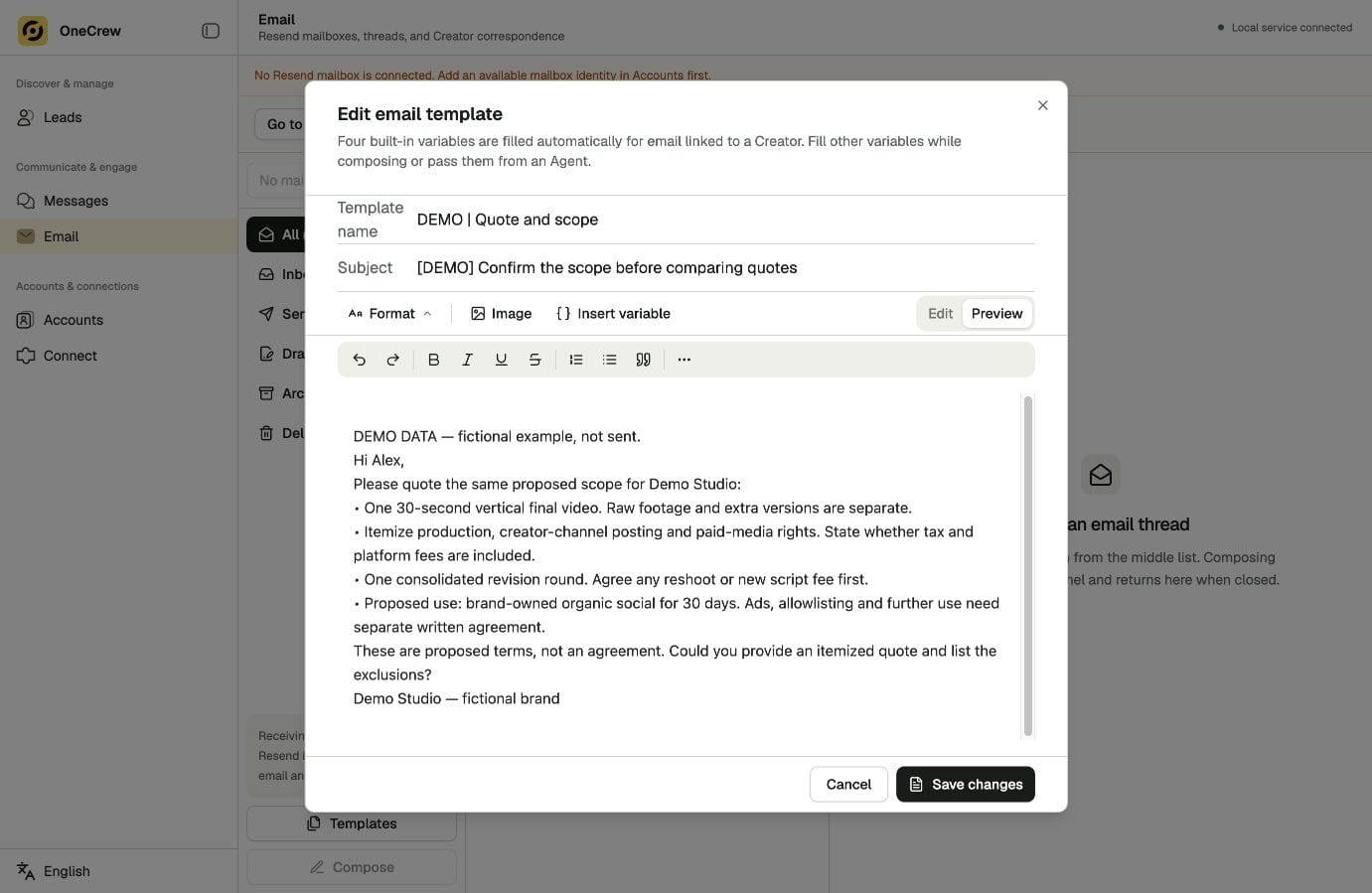
Use OneCrew to prepare the clarification questions from the old correspondence and new proposal. Review the draft before sending it. An affirmative reply should refer to an identifiable set of terms, not a vague promise.
| Item | Clarify |
|---|---|
| Products | Existing product, new launch, or selected items |
| Compensation | Rate, amount, and calculation basis |
| Period | Start and end dates |
| Implementation | Verified setup and confirmed version |
Verify how the arrangement can be implemented
For a platform campaign, check account eligibility, participants, products, dates, and the effect of changing an existing activity. If individual treatment is unclear, ask platform support with the campaign identifier and the exact arrangement you need. Get an answer before confirming implementation to the creator.
Create a OneCrew task for that check, with the unanswered question and the eventual response. Once the setup has been verified, use the result to prepare the external confirmation. This helps keep an internal proposal from being mistaken for a live offer.
Make the effective version clear to both sides
Summarize products, dates, compensation, and content requirements in the confirmation email. Retain prior terms as history, but say which version applies to the new round. If something changes, identify the changed item and obtain confirmation.
Follow the creator’s response in OneCrew and keep remaining questions as specific tasks. The next review can then refer to what was actually agreed.
Start in OneCrew with the previous conversation, then prepare a clearly scoped renewal proposal. A better offer is easier to progress when the creator understands it and your team has verified how to put it into effect.



