Posting Short Videos but Still No Steady Store Traffic? Diagnose Traffic vs. Conversion
Segment sessions, product views, cart additions, checkout, and purchase by source and device before deciding whether to add traffic or fix conversion.
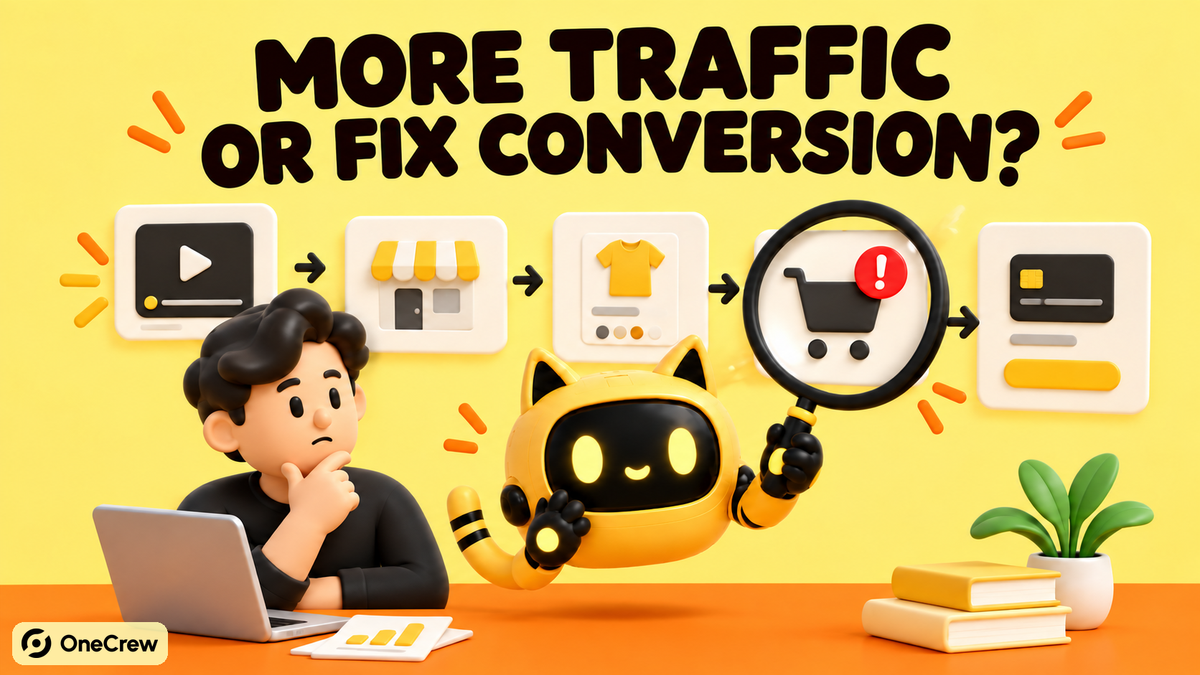
Short answer: do not choose between “make more short videos” and “redesign the store” by instinct. Break the last 30 days into sessions, product views, add-to-cart, checkout reached, and purchase, then segment by traffic source and device. Low volume with a stable path points to qualified traffic; many views with few carts points to message or product-page friction; carts that fail to become purchases point to pricing, shipping, trust, or checkout.
A Shopify merchant who had been posting short videos asked how to get more consistent traffic and conversions. The community question captures a common planning mistake: traffic and conversion are treated as one problem even though they require different work. If the team changes content, landing pages, offers, and checkout at the same time, it cannot tell which change mattered.
Should you increase traffic or fix conversion first?
Do not compare one sitewide conversion rate with a generic benchmark. Compare equivalent periods, sources, devices, markets, and products in your own store. Shopify’s official reporting describes a funnel from sessions to cart additions, checkout, and completed checkout; product-level fields can add product views and product conversion rates.
| Pattern | Likely priority | Next check |
|---|---|---|
| Few sessions, but the downstream ratios are reasonably stable | Qualified traffic volume | Audience, market, and source intent |
| Sessions exist, but product views are weak | Landing or navigation mismatch | Destination URL, first screen, mobile experience |
| Many product views, few carts | Product-page persuasion | Message match, price, specifications, trust |
| Many carts, few checkouts | Cart friction | Shipping visibility, discounts, errors |
| Checkout starts, purchases do not | Final purchase friction | Payments, market eligibility, taxes, device failures |
Build the diagnostic first. OneCrew is an AI workspace for creator discovery and outreach. When the evidence points to a qualified-content problem, a connected AI can use the intended audience, content theme, and product use case to find public creator profiles, while the team saves content evidence, contact routes, conversations, and the next action in each candidate record. That produces a testable traffic hypothesis instead of another untracked batch of videos.
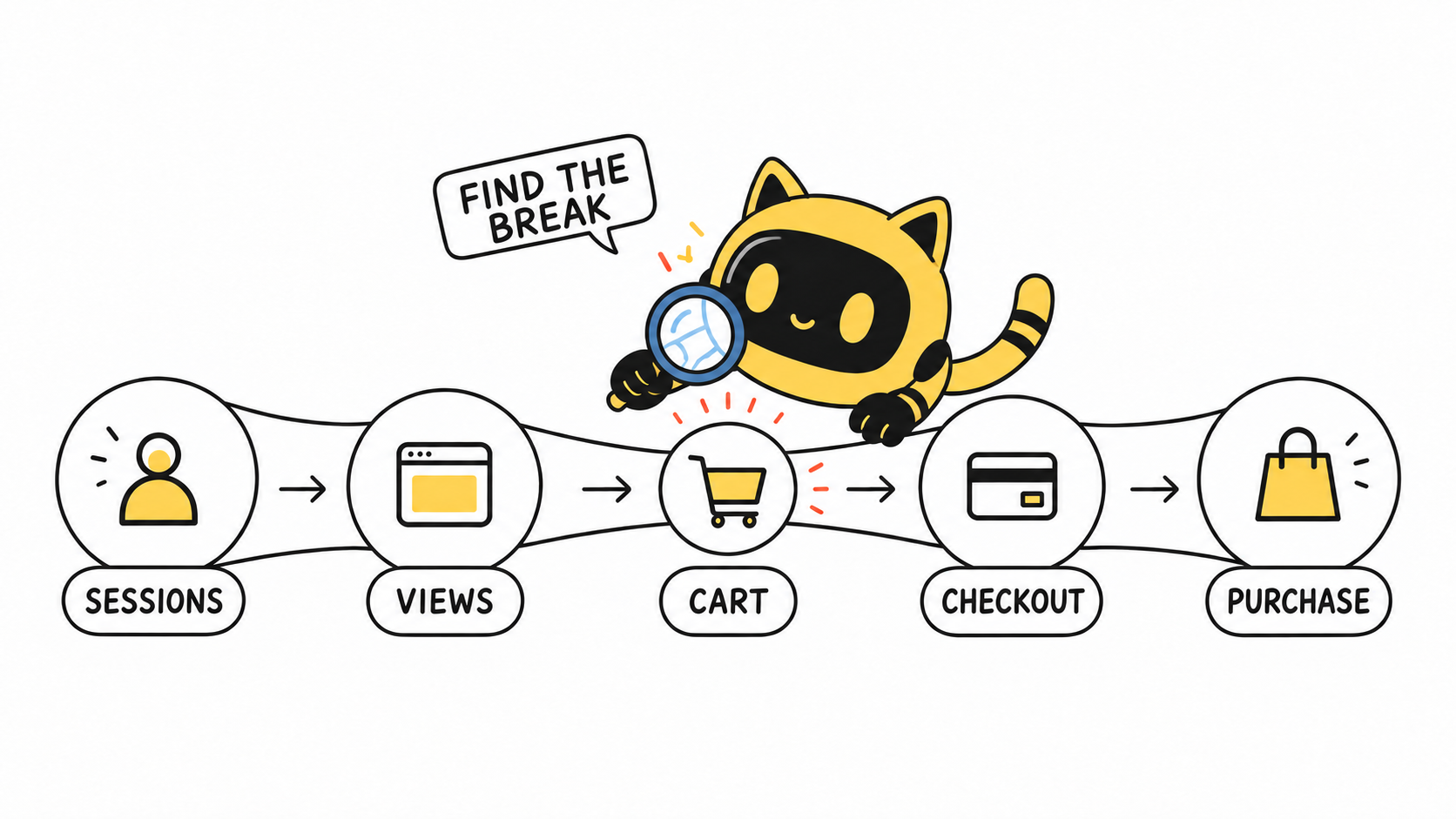
Step 1: Build a 30-day source-by-device funnel
A minimum useful table has the date range, source/medium, device, sessions, product views, cart additions, checkouts reached, and completed purchases. Add the main landing page and content theme. Thirty days can reduce daily noise for a small store; if price, inventory, or an offer changed materially, split the periods instead of averaging them together.
- Separate sources: organic social, creator links, paid media, search, direct, and email should not share one row.
- Separate devices: short-form video often sends mobile traffic, so a healthy desktop path can hide mobile overlays, buttons, or payment issues.
- Separate destinations: homepage visits and direct product-page visits have different paths.
- Keep definitions consistent: completed-checkout sessions do not always equal order count, and some channel purchases can bypass the cart.
With small samples, start with counts and persistent breaks rather than impressive decimals. Twenty-three sessions and zero orders do not prove that a source cannot work. Twenty product views with no cart additions do justify checking whether the promise, price, or product information is wrong for that audience.
Step 2: Make the video and product page answer the same question
Short-video visitors arrive with a specific expectation. If the video promises a three-minute installation while the first screen tells only the company story, the visitor must reconstruct the offer. The same mismatch appears when the video shows a bundle but links to one item, demonstrates outdoor use without a durability specification, or mentions an offer that the page does not explain.
| Content promise | Where the page should answer | Evidence to check |
|---|---|---|
| Who it is for and the use case | Headline and primary visual | Mobile screenshot |
| How it works and its limits | Demo, specifications, FAQ | Exact section URL |
| Price or offer | Price block and terms | Validity and eligible SKU |
| Shipping and timing | Product or delivery information | Target-market test |
| Next action | Visible, working CTA | Mobile click-through |
For a creator-content test, save the exact content evidence and fit reason in OneCrew—for example, “repeated small-space installation demos; comments ask about mounting.” Put the audience question in the outreach brief instead of asking for a generic product video. Keep replies, sample status, and the next action connected to that record so the post can later be traced back to its working hypothesis.
Step 3: If views do not become carts, fix four information gaps
- Value: can a visitor tell who the product is for, what it solves, and how it differs from an alternative?
- Total cost: are price, shipping, taxes, subscription terms, and offer rules visible before commitment?
- Risk: are returns, warranty, compatibility, sizing, ingredients, or limitations clear?
- Evidence: do reviews, demonstrations, certifications, and creator assets apply to the current SKU and have a valid usage scope?
Change one primary variable at a time. If the first-screen promise changes, avoid changing price, photography, and checkout apps in the same test. Keep the source and observation window comparable, and write down the version start time.
Step 4: Test the post-cart path like a customer
Use a real device and address in the target market. Open the content link, choose a variant, add it to cart, enter an address, reveal shipping and taxes, and select a payment method. Record every message, delay, and error instead of relying on an admin setting that says the feature is enabled.
- Does a mobile pop-up cover the CTA?
- Is an unavailable variant revealed only near checkout?
- Do automatic and manual discounts conflict?
- Are promised delivery and payments available in the target country?
- Do shipping, tax, or currency change unexpectedly?
- Do language, currency, market, and the creator’s audience align?
Shopify notes that purchases from channels such as Instagram Shopping or Facebook Shops can bypass the online-store cart. A checkout count above cart additions in a particular grouping is therefore not automatically a tracking error; verify the path before interpreting the numbers.
Step 5: Use a small creator test to add qualified traffic
Expand content only after the store path is usable and the bottleneck is volume or audience quality. Start with one market, one customer question, one landing page, and two or three angles:
- Real use: show where the product fits into a specific routine.
- Quick demonstration: complete one action or explain one difference.
- Decision evidence: answer the most common fit, price, or risk question.
OneCrew can organize public candidates by audience and topic, preserving the relevant content, public contact route, outreach history, owner, and next action. Shopify and the brand’s analytics remain the source for the on-site funnel. Bring the post URL, live date, creator, and landing-page parameters back into the same review sheet to compare the quality of visits each angle produced.
A seven-day diagnostic sequence
- Day 1: export the 30-day source-by-device funnel and mark the largest break.
- Day 2: review the three sources and landing pages contributing most to that break.
- Day 3: complete the content-to-page promise map and choose one correction.
- Day 4: run a target-market checkout test on a real device.
- Day 5: release one change and record its version and time.
- Days 6–7: hold other major variables steady; if qualified traffic remains the bottleneck, build a small evidence-backed creator list.
Frequently asked questions
What conversion rate means the product page must be rebuilt?
There is no universal threshold. Segment by source, device, market, and product, then compare equivalent periods in your own store. A sitewide rate mixes high-intent search with low-intent social visits.
Why can a short video get views but almost no store visits?
Viewing is not clicking. Check whether the product, use case, and next action are clear, whether the link works, and whether the audience is in the target market.
Should the homepage or product page be fixed first?
Follow the actual destination. Direct product traffic points to the product page. Homepage sessions that do not continue point to the first screen, navigation, and product entry points.
How many creators should be in the first test?
There is no universal number. It depends on budget, content differences, and the team’s follow-up capacity. Begin with a small set that has strong, reviewable evidence.
Start with one funnel table
Export the last 30 days by source and device, and identify the largest break between session and purchase. If the answer is qualified content traffic, create a focused creator group in OneCrew and save the public evidence, contact route, and next action. If the break is on the product page or at checkout, fix and retest that path before increasing traffic.



