Your UGC agency quoted a video count. What will you actually receive?
A video count leaves room for different expectations. Define concepts, edits, required shots, files and revision rounds, then use a confirmation email and delivery checklist.

The quote says “six videos.” You expect six different concepts. The agency means six edits built from the same footage. When the files arrive, the count is correct, but you still have to work out whether they meet your needs.
Before production starts, agree on what each video includes, how you will check the files, and what counts as a revision round. Put the requirements in one brief and ask the agency to confirm them item by item. Six videos is an example here, not a standard package.
A small-business owner described a similar problem in a Reddit discussion: poor content, delays and difficulties getting revisions, with an agreement that appeared to specify little beyond the quantity. Here, UGC means content a creator produces for a brand. Posting it on the creator’s own account is a separate item to clarify.
1. Define what counts as one video
One core video with three alternative openings is a different production task from three separately scripted and filmed videos. A quantity alone does not tell you which arrangement the agency has priced.
Use this copyable question template:
For [project or quote version], how many distinct scripts and shoots does this quote cover, and which edits come with each script? How do you count portrait, landscape, captioned and uncaptioned files?
For example, two core videos with three openings each can produce six edits. That does not establish that six separate shoots are included. Agree on the counting method instead of assuming how the agency prices its work.
Give each deliverable a descriptive name, such as “Storage box A—opening demonstration—English portrait edit.” List the required versions and files underneath it. That is easier to check than “Video 1” and “Video 2.” List creator-account posting, raw footage and intended later uses separately, then ask what is included and what needs another discussion.
These details often sit across a quote and several conversations. OneCrew is an AI workspace for organizing creator information, communication and partnership follow-up. Give your connected AI the itemized quote, product details and recorded replies. Ask it to organize confirmed and open points by deliverable, then prepare a clarification email. Review and save the draft so you can resolve counting questions and omissions together.
2. Cover three areas in the production brief
The brief can be short. It needs to tell the agency what to prepare, what to film and which files to deliver. Use the following as a fill-in checklist.
Purpose and product facts
- Placement and audience: Is this for a brand product page, social account or advertising? Which market and language?
- Product details: Model, color, dimensions, correct operation and product statements the brand has approved.
- The question the video should answer: For a storage box, this might be whether it fits a particular cabinet space and how someone retrieves the contents. That is more useful direction than “show the benefits.”
- Brand inputs: Samples, product information, packaging version and supplied copy, with an owner and delivery date for each.
Required shots and creative choices
Separate essential actions and information from choices the creator can propose. A storage-box video might need to show opening and closing, putting items inside and taking them out. The opening line, everyday setting and transitions can be proposed for approval.
When you share a reference, use this copyable filming-requirement template:
Use the [specific shot or action] at [timestamp] as a reference; we are not asking you to copy the full script or set.
A link alone does not explain the requirement.
Files and versions
Specify how you count deliverables, the duration range, aspect ratio, pixel dimensions, file format, language and caption options. Say whether you also need a separate subtitle file. Choose specifications for the intended placement; a requirement for one platform or placement is not a universal video standard.
Complete one checklist for each deliverable. Copy the template below and replace the bracketed text:
Deliverable name: [Fill in]
Intended use: [Channel and placement]
Required shots or actions: [Fill in]
Duration and aspect ratio: [Length range and portrait/landscape ratio]
Pixel dimensions and file format: [Fill in]
Language and captions: [Language, captioned/uncaptioned versions and any separate subtitle files]
Versions and counting method: [Distinct scripts, edits/language versions per script and total files]
Raw footage (if needed): [Requested files and delivery method]
If you need raw footage, specify the requested files and delivery method, and ask the agency to confirm whether the quote includes them.
When reviewing the agency’s replies in OneCrew, ask AI to compare them with the brief, flag unanswered items and retain the reply that supports each confirmed point. Resolve conflicting instructions inside the brand team first—for example, two teammates naming different product models—then update the shared brief.
3. Agree on revision rounds and dates together
“Two revision rounds included” still leaves questions. Does one consolidated feedback list count as a round, or does each teammate’s email count separately? What can you check after the revised file arrives? Ask before production begins.
Separate three kinds of requests when discussing the process:
- Factual errors or missing agreed requirements: A subtitle names the wrong model, or the confirmed opening demonstration is absent. Point to the requirement, version and issue, then confirm how it will be addressed.
- Adjustments within the agreed scope: Pacing, shot order or caption styling may fall here. Ask which changes are included, how to submit them and how long each feedback window lasts.
- New requests: A different product, an additional scene or another language may change the work. Ask about reshoots, fees and timing before agreeing to proceed.
These categories help organize the discussion; they do not make a change automatically free. Both sides need to confirm the cost, round count and arrangements.
Put the dates alongside the process: when samples and information are due, when the script will be approved, when the first cut arrives, when the brand sends consolidated feedback and when the revision is due. Use dates and time zones across regions. If brand inputs are late or the request changes, confirm whether later dates also need to move.
Name one person to consolidate brand feedback and one agency contact. Confirming essential shots and product facts before filming can reduce disagreements discovered only after editing. Obtain a clear record of the agreed channels and duration for later uses before using the assets that way.
4. Send one confirmation email before filming
Adapt this email to the project. Fill in agreed details and leave unresolved items as questions.
Subject: [Project]—confirming production, deliverables and revisions
Hi [Name],
We have put the requirements in brief [version/link]. Could you confirm the following?
① Quantity: [number of distinct scripts], with [edits and language versions] for each, giving us [file count and counting method].
② Content: for [placement/use], featuring [product model]. Required actions are [actions], with [product information] covered. File specifications: [duration, aspect ratio, dimensions, format and captions].
③ Timing: we will supply [samples/information] by [date and time zone]. Proposed script approval, first-cut and revised-cut dates are [dates]. [Name] will consolidate our feedback within [agreed window] of receiving each version.
④ Revisions: please confirm which changes and how many rounds the quote covers, including how a consolidated feedback submission is counted. For reshoots or new requests, please outline any cost and timing changes for agreement before proceeding.
⑤ Other items: does the quote include [creator-account posting, raw footage or later uses]? Please list anything that needs a separate agreement.
Please let us know which items you can confirm and what needs to change. We will update the brief and agree on the filming date after reviewing your reply. Thanks!
Review the contact’s previous correspondence in OneCrew. Ask AI to fill this email with answers already received and group the remaining questions. The owner checks the recipient, model, fee scope and dates before sending. Once the agency replies, record the confirmed brief version, date and open questions in the creator’s notes so the next conversation starts from the same information.
5. If production has started, document the existing agreement and gaps
Collect the current agreement, quote, confirmed brief and messages, plus the videos received. A requirement you write today should not be treated as something the agency already promised.
For each issue, record the existing evidence, what was delivered and the response you need. If the opening demonstration was confirmed but v1 only shows the packaging, identify the missing action. If caption language was never agreed, raise it as an open item to discuss.
Work out how this batch can move forward: which files are usable, which need changes, which need more information and who will respond by when. Keep unresolved fees or dates marked as open until you have an answer.
Tie feedback to the current version, a timestamp and an observable change. For the process of consolidating several reviewers’ comments, see how to send a creator one actionable feedback list. The focus here is establishing the deliverable requirements that future feedback can refer to.
6. Check each deliverable before confirming it is usable
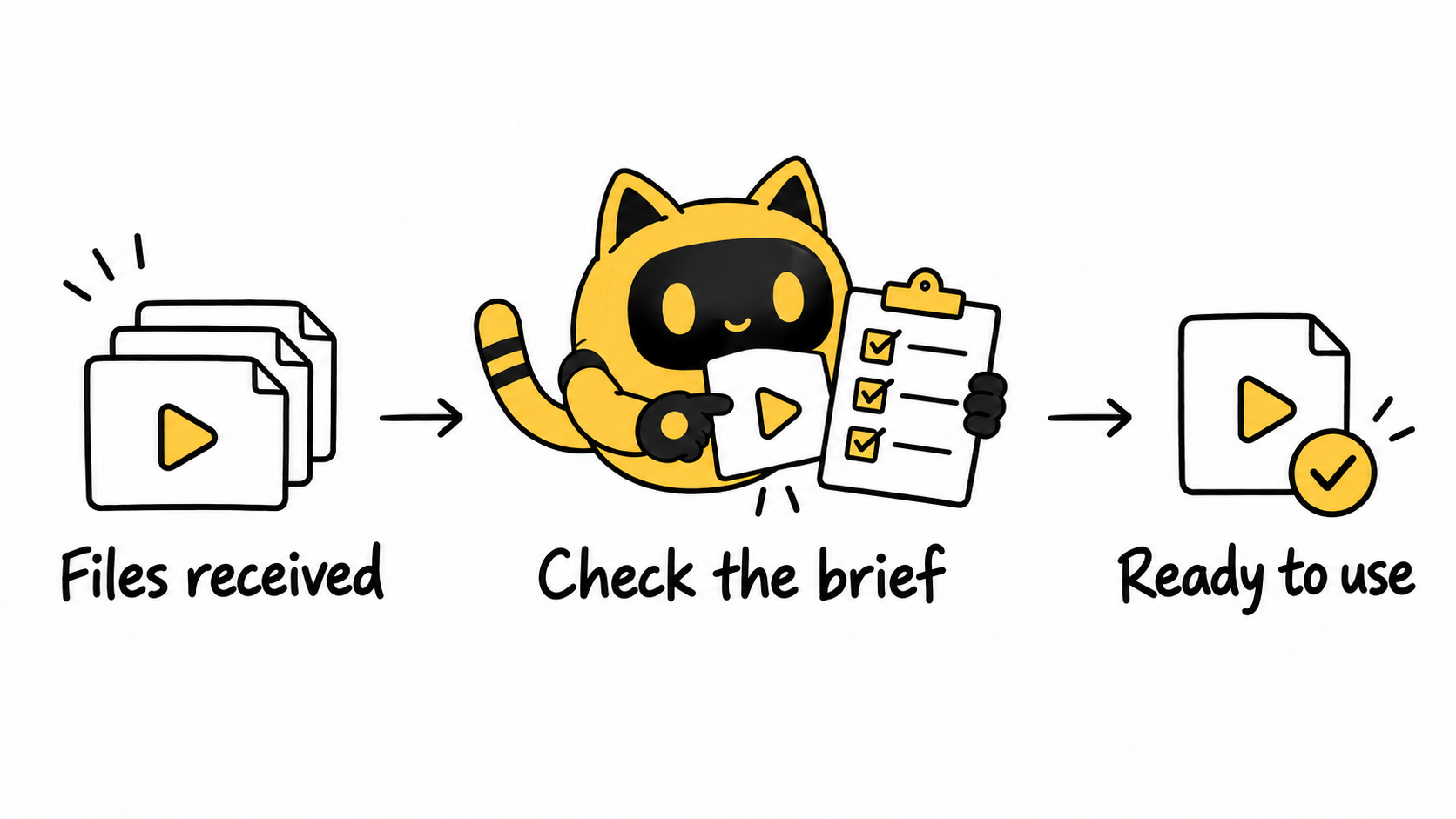
First check that the files open. Then review them against the brief instead of counting the videos in the folder:
- Completeness: Have you received the agreed core videos, edits, languages and subtitle files?
- Accuracy: Do the model, demonstration, voiceover and captions agree? Are all required actions shown?
- Usability: Do aspect ratio, dimensions and format match the specification? Is the audio clear, with no unintended cropping of the footage or captions?
- Revisions: Which feedback items does this version resolve, and which remain open?
- Use: Have the file, channel, timing and relevant usage arrangements been confirmed for the planned publication?
Mark each item “ready to use,” “needs changes” or “needs confirmation,” with the filename, version and reason. Receiving a file and confirming that it is usable are separate steps. Follow the arrangements both sides have confirmed for payment and formal acceptance milestones.
The next time a UGC quote gives you only a video count, use the relevant contact record in OneCrew to organize deliverable names, the brief version and unanswered questions. Prepare one confirmation email from that context. Specific agreement on what to film, deliver and revise gives both production and review something concrete to work from.



