How to Verify That a Creator’s Manager Is Authorized to Represent Them
A polished introduction is a starting point. Confirm the contact through an independent route, ask what they can handle, and keep a record your team can use.


Someone emails you claiming to manage a creator. They send profile screenshots, rates, and a polished media kit. Next, they ask for unreleased product details, partnership documents, or payment arrangements. Is a complete-looking introduction enough to move forward?
Separate two questions: can you reach this person through a credible route, and are they authorized to handle this creator’s part in your project? Confirm independently through the creator’s public business contact or an established channel you already trust. Then ask what the representative is authorized to do.
Find a confirmation route independently of the incoming email
Open the creator’s public profile, business contact page, or confirmed website yourself. Look for a listed agency and business address. If you have worked directly together before, return to the established conversation and contact you already know.
Do not rely solely on a “verification link” or phone number supplied by the new sender. Record where you independently found the contact, the full address or profile URL, and the date checked. Similar names and familiar profile photos are not enough to distinguish accounts.
OneCrew helps teams keep creator information and partnership communication together. Review the existing creator record, notes, and recorded conversations to find previously confirmed contacts, then add the source of the public contact you found. A colleague can then tell an established contact from someone who has just introduced themselves as a representative.
An absent manager listing does not settle the question. Ask through the independently found business channel. If you cannot yet reach anyone, record the status as awaiting confirmation rather than filling in the answer yourself.
Verify the scope, not just the relationship
Knowing the creator is different from being authorized to settle every partnership term. Ask about the actual project rather than stopping at “Does this person work with you?”
| Area | What to confirm | What to record |
|---|---|---|
| Creator | Which person or specific account is represented? | Platform, account link, and name |
| Contact | Who is authorized to communicate, and from which address? | Name, organization, business email |
| Project | Does the arrangement cover this brand, territory, or type of work? | Project and applicable scope |
| Decisions | Can they relay information, coordinate a quote, confirm dates, or agree deliverables? | Confirmed authority and open questions |
| Timing and changes | Is the arrangement current, and how are changes communicated? | Confirmation date and update channel |
| Signing and payment | Which parties will handle these later steps? | Parties to check in the relevant process |
Start with business identity, project scope, and a usable contact route. There is no need to begin by collecting unrelated personal identity documents. If the contact can only pass information along, direct decisions to the person responsible for them.
When adding the result to the creator’s OneCrew notes, preserve the existing information and specify who confirmed what, through which channel, and when. Include unanswered questions. “Manager verified” is too broad to tell the next colleague who can approve a particular decision.
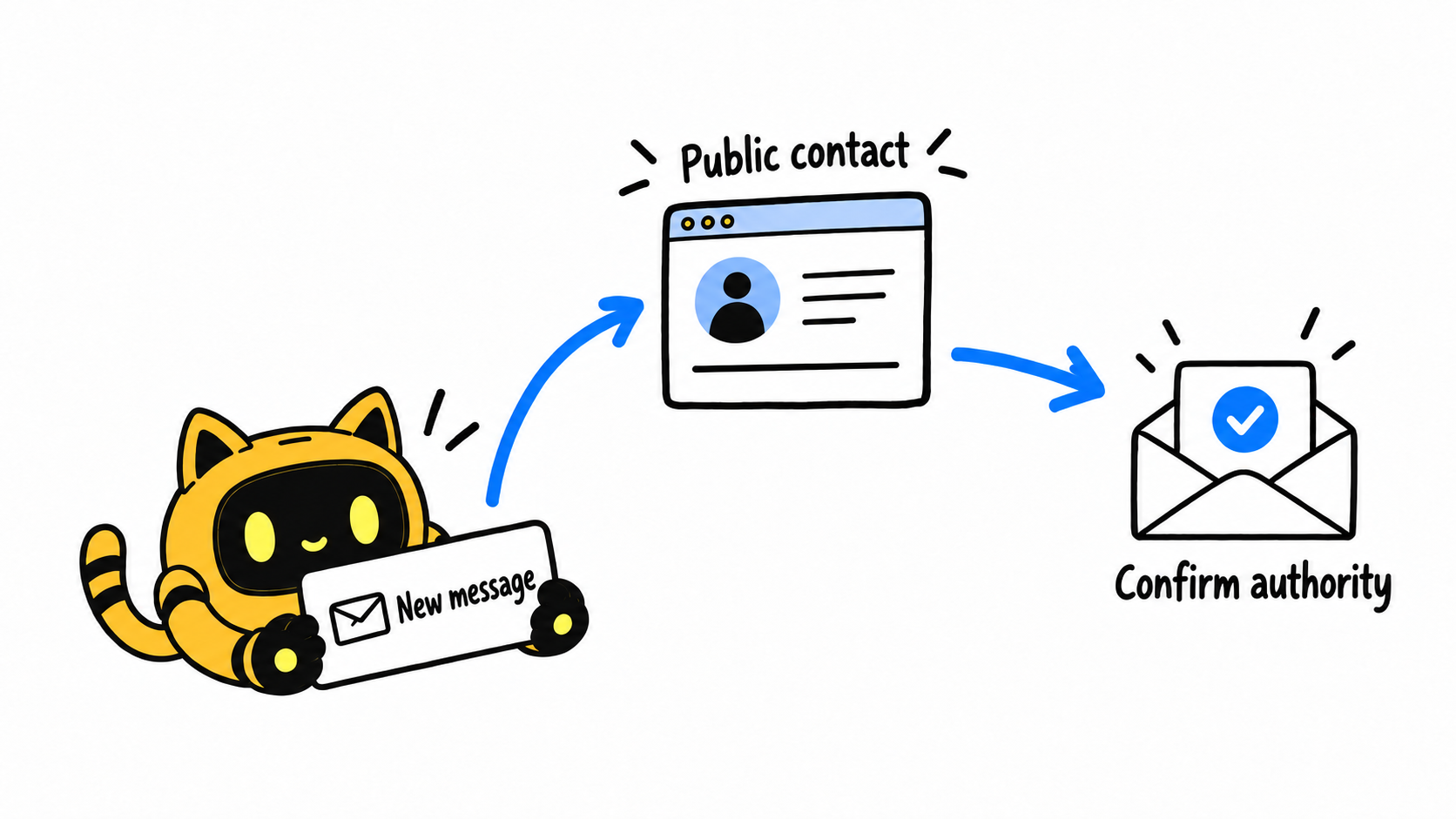
Ask for confirmation before sharing the full project materials
An initial confirmation request needs enough information to identify the sender and the opportunity: their name, email, claimed creator relationship, and a short project description. It does not require you to forward the complete unreleased brief.
Send this email template to a business contact you found independently or have already established.
Hi [Creator or team name],
I’m [Name] from [Brand], and we’re discussing [brief project description].
We received a message from [sender’s name, organization, and email], who said they can represent [creator account] for this collaboration. To make sure we send the next steps to the right person, could you confirm:
1. Is this contact currently authorized to handle this project?
2. Which matters can they handle, such as the brief, quote, or scheduling?
3. Which decisions, if any, need confirmation from another contact?
If there is a more appropriate official business address, please let us know. We’ll continue through the confirmed route.
Thanks,
[Brand contact]
You can also tell the new sender, “We’ll confirm the contact and scope through the creator’s public business channel before moving ahead.” Present it as a clear step in your collaboration process without making an accusation.
Let the response determine the next step
When confirmation arrives through the independent channel, compare the name, email, and scope with the original claim. If the person is confirmed only as a scheduling contact, work with them on scheduling and direct other decisions to the appropriate owner.
If the two accounts conflict, identify the exact difference. “The confirmed business email differs from the address that contacted us” is actionable. Asking the same sender for another screenshot does not, on its own, resolve that discrepancy.
If no confirmation arrives, keep the status open and record when you will check again. Hold back project material that requires a confirmed recipient. Once the contact is established, move to a clear collaboration brief for the creator’s manager and discuss the work, timing, and budget.
If a later message changes the contracting party, payment recipient, or key contact address, confirm the change through the established channel. A previous acknowledgment of a representative’s role should be read in its original scope, rather than used to answer every new question.
Leave a record another colleague can use
Keep the creator account, incoming contact, independent confirmation route, confirming person and date, authorized matters, open questions, project owner, and events that should trigger another check. Save the information needed for the task without adding unrelated personal data.
Use OneCrew to review the recorded exchange and organize those facts in the creator’s notes, with the source of the confirmation. Before preparing the next email, compare the proposed request with the scope that was actually confirmed.
The practical goal is a reliable contact route and clear authority for the work ahead. Start in OneCrew with one recently introduced manager and check whether the record answers three questions: who confirmed them, where the confirmation came from, and what it covered.



