Publishing Creator Videos on Your Website: Plan Captions, Transcripts, and Visual Description
Plan creator video delivery with captions, a transcript, and description of important visual information. Match final files and check the website player.

A creator video is ready for your website, but the only delivery is a finished file with text burned into it. Your web team needs captions, the content team wants a transcript, and a key operation is visible on screen but never explained aloud.
Identify the audio and visual information needed to understand the video, then assign captions, transcripts, any necessary visual description, and player checks to named owners. Receiving the files is only part of the work; they need to function on the actual page.
Identify what viewers need to hear and see
Speech, speaker identity, and meaningful sounds may need to be conveyed through captions. Actions, changing charts, or essential text that only appears visually need appropriate consideration for people who cannot see them. Captions and visual description address different needs.
W3C WAI’s media-planning guidance distinguishes meaningful audio, necessary visual information, and prerecorded versus live media. Have the website owner establish the applicable standard and content requirements before choosing the deliverables.
OneCrew organizes partnership worksheets and email records. Record the media type, agreed requirements, accepted formats, and delivery owners so the creator and editor can quote and schedule a defined scope.
Separate production from website implementation
| Work | Result to confirm |
|---|---|
| Captions | Accurate text and meaningful sound information synchronized to the final edit |
| Transcript | Speakers and necessary content, with visual information where required |
| Visual description | The appropriate approach and production scope when needed |
| Website implementation | A usable player, caption controls, and transcript access |
The receiving web team should confirm the caption format. “Just send an SRT” is not enough if nobody has checked the player’s requirements. Any later edit to speech or timing should trigger updates to the associated text and time codes.
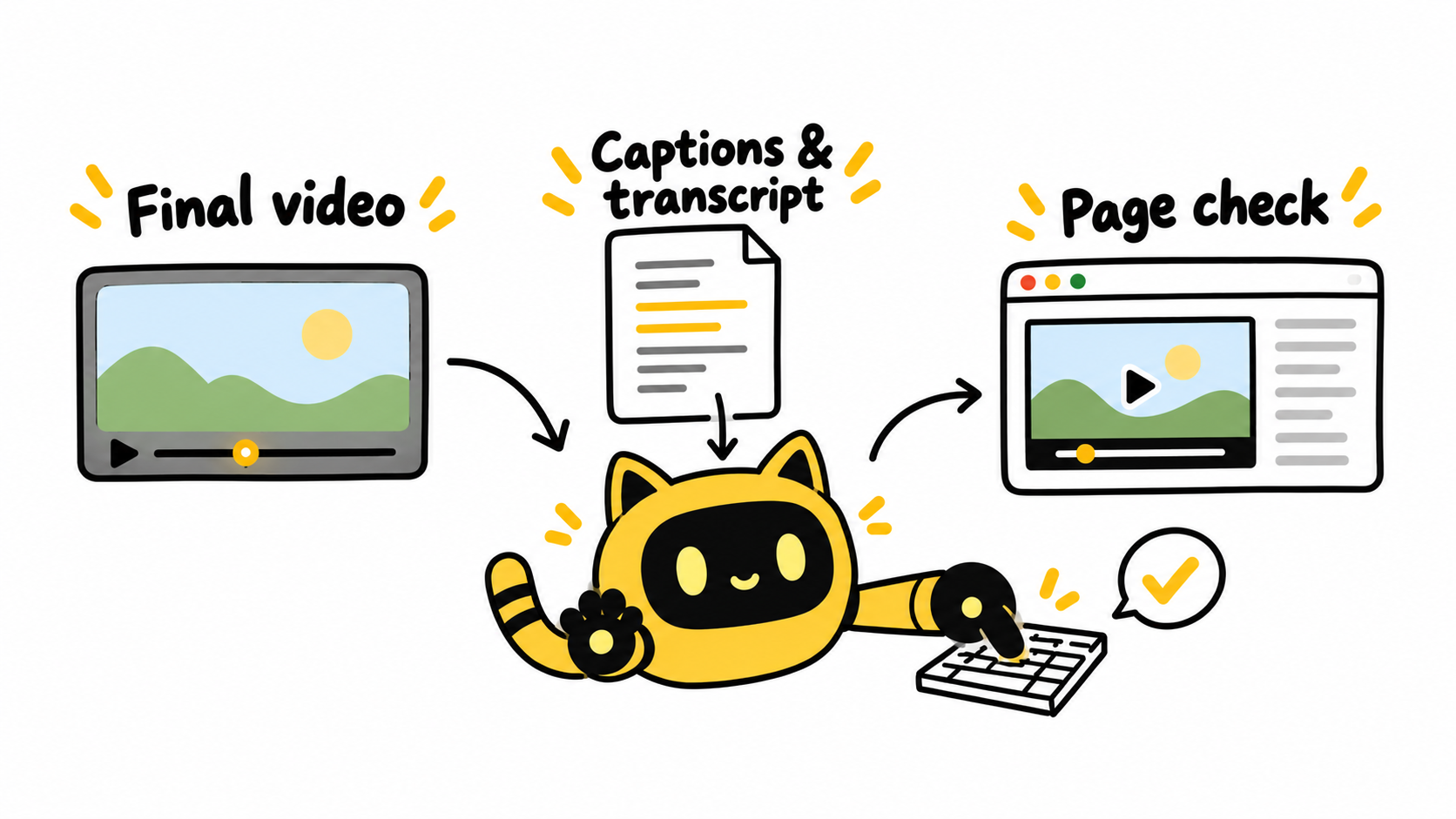
Review the information and the way people access it
Check product names, numbers, negatives, speaker identification, and the accuracy of automatic transcription. Review synchronization and whether important visual information has been conveyed appropriately.
The website owner should then load the files into the real player and check the agreed items, including caption selection, keyboard operation, and transcript access. Assessing conformance involves the complete page and applicable requirements; a caption file alone does not establish it.
Store file versions, recipients, and review outcomes in OneCrew. Prepare a consolidated follow-up draft that identifies the missing file, information, or implementation check. Each team can then address the part it owns.
Keep the handoff tied to the final video
The website will use [video version]. Its captions are [file and language], and the transcript and required descriptions are [links]. These have been checked against that edit. Please have [web owner] complete [agreed checks] in [page or player]. Notify the relevant file owners if the video changes.
Adapt the template to the actual requirements. Omit deliverables that do not apply, and agree on time and cost for outsourced work.
For the video file itself, also review the original video file handoff guide for download access and original file quality.
For the next website video, create a OneCrew record connecting the content, supporting files, and page checks. Plan accessible information during production and verify it where the audience will use it.
References
W3C WAI: Planning Audio and Video Media, including media requirements, project responsibilities, and standards guidance.



