Blurry Creator Video: Request Another File or a Reshoot?
Compare previews, delivered exports and source footage before requesting a reshoot. Includes a file-check email and a version-tracking workflow.

A creator’s video looks blurry in the preview, and the team wants a reshoot. First identify which version you are viewing. A messaging preview, a hosted playback version and the agreed downloadable deliverable are not necessarily the same file. Compare the relevant files at the same moment before choosing a new upload, a new export or a replacement shot.
In a public UGC discussion, a creator reported that videos looked grainy after uploading. The post did not establish the cause. Your own investigation should likewise begin with the file and the visible problem, rather than assuming the camera or creator is at fault.
Identify the exact file being reviewed
Record the filename, version, download link and timecode. Ask whether the link is a quick preview or the agreed final deliverable. If a downloadable file is part of the agreement, download that file and inspect it. Compare the same frame at a similar display size; a small preview and an enlarged image are not a fair comparison.
OneCrew is a workspace for creator collaboration records and email. Add the file, the visible issue and the information you need to the project table. Check the existing delivery discussion before preparing a focused follow-up. That gives the team one request to work from instead of several conflicting requests for different versions.
Separate three different outcomes
| What you observe | What to do next |
|---|---|
| The download is clear; the web preview is not. | Record that the delivered file is usable and continue checking the intended publishing workflow. Do not request a reshoot yet. |
| The delivered export is unclear; the creator’s local edit looks clear. | Request a new export or upload using the agreed specifications, then inspect the same moment again. |
| The creator confirms the recorded source is also unclear. | Identify the affected shots and discuss a targeted reshoot, substitute footage or an adjusted use. |
Define “clear” in terms of the content: can the viewer read the relevant label, follow the hand movement or see the demonstration result? Pixel dimensions help check specifications, but matching dimensions do not establish matching visual quality.
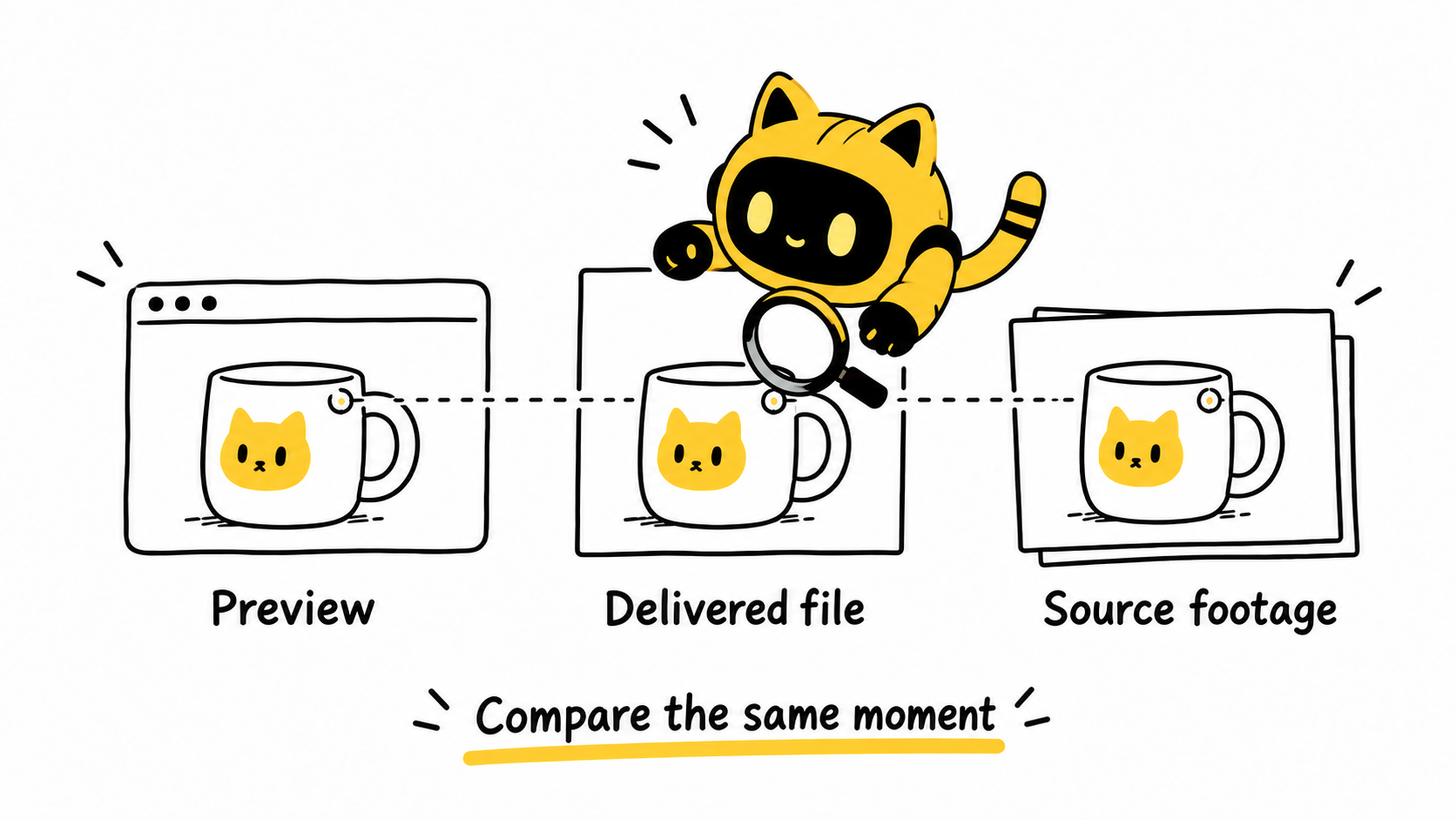
Ask the creator to inspect the source without assuming a new deliverable
The creator can check the corresponding recorded clip on their own device and tell you whether the issue appears there. That is different from asking them to transfer every raw file. If additional source delivery is needed, discuss it as part of the scope; see the guide to requesting extra raw footage.
Keep diagnosis separate from new creative feedback. If one shot is out of focus, identify that shot rather than demanding a complete reshoot. If an export is the problem, first verify the replacement file before adding another round of creative changes.
In OneCrew, retain the old link and issue description, then add the replacement link and your review result. “Label at 00:12 is now legible” is more useful to the next reviewer than a status that simply says “done.”
A focused file-check email
Hi [Name], we checked [filename/link] and noticed [specific issue] at [timecode]. Could you confirm whether this link contains the agreed delivery file?
Please check whether the same issue appears in your local export and the corresponding recorded clip. If it is limited to the preview or upload, could you provide the correct downloadable version? If the source is affected too, we can agree which shots need attention.
Verify the replacement in its intended use
Check the replacement’s duration, sound, captions and aspect ratio so that solving the quality issue does not introduce a version mix-up. Record the final filename, reviewer and date. Where the publishing channel processes the file again, review that output separately; a successful local check does not prove every channel will look identical.
Start by bringing the current file versions and delivery discussion together in OneCrew, then prepare the missing-information request. Once you know where the problem appears, you can ask for the right next action.



