You Ordered a Creator Video. How Do You Request Raw Footage Afterward?
Clarify clean exports, selected raw clips and project files before adding to a creator order. Includes an additional-scope email and file acceptance checklist.


The video is already ordered when someone on the team says, “Let's get the raw footage too, so we can edit it ourselves.” The creator quotes an additional fee. Is something missing from the delivery, or has the scope changed? Check the original order, then agree separately on the extra clips, preparation work, intended use and price. A video production fee does not, by itself, tell you which files were included.
In one creator's account, buyers placed orders without asking for raw footage, then requested it afterward. The practical task for the brand is to turn that request into a clear additional scope, rather than argue about what everyone supposedly includes.
Recover the agreement before deciding what is owed
Review the order, quotation, brief and confirmation emails. Did they specify an edited video, selected raw clips or both? Were formats, transfer arrangements and future editing uses agreed? If the documents conflict, list the differences and seek clarification rather than forwarding only the sentence that supports your preference.
OneCrew helps teams organize creator information, email and collaboration records. Review the relevant synced messages, then record the original agreement's location, confirmation date and new request together. Editors and outreach colleagues can work from the same scope instead of sending the creator competing instructions.
Separate three things people call “raw footage”
A clean edited export is still an edited video, with specified layers such as captions or music removed. Selected raw clips might include the unboxing, product close-ups and demonstrations listed in a shot request. All camera files or an editing project can include unused takes, third-party assets and software dependencies. These are different deliveries.
Ask the editor what they actually need to change: the opening, aspect ratio or sequence of product benefits. Replacing subtitles may not require every camera file. A new edit may require particular shots, lengths, resolution, frame rate, audio separation and organization. Define those needs before requesting the largest possible folder.
- Files: name the shots or versions instead of asking for “everything.”
- Preparation: specify selection, sorting, renaming or new exports.
- Use: identify who will edit, where the result will appear and the agreed usage scope.
- Cost and timing: confirm the additional fee, payment arrangements, delivery date and download window.
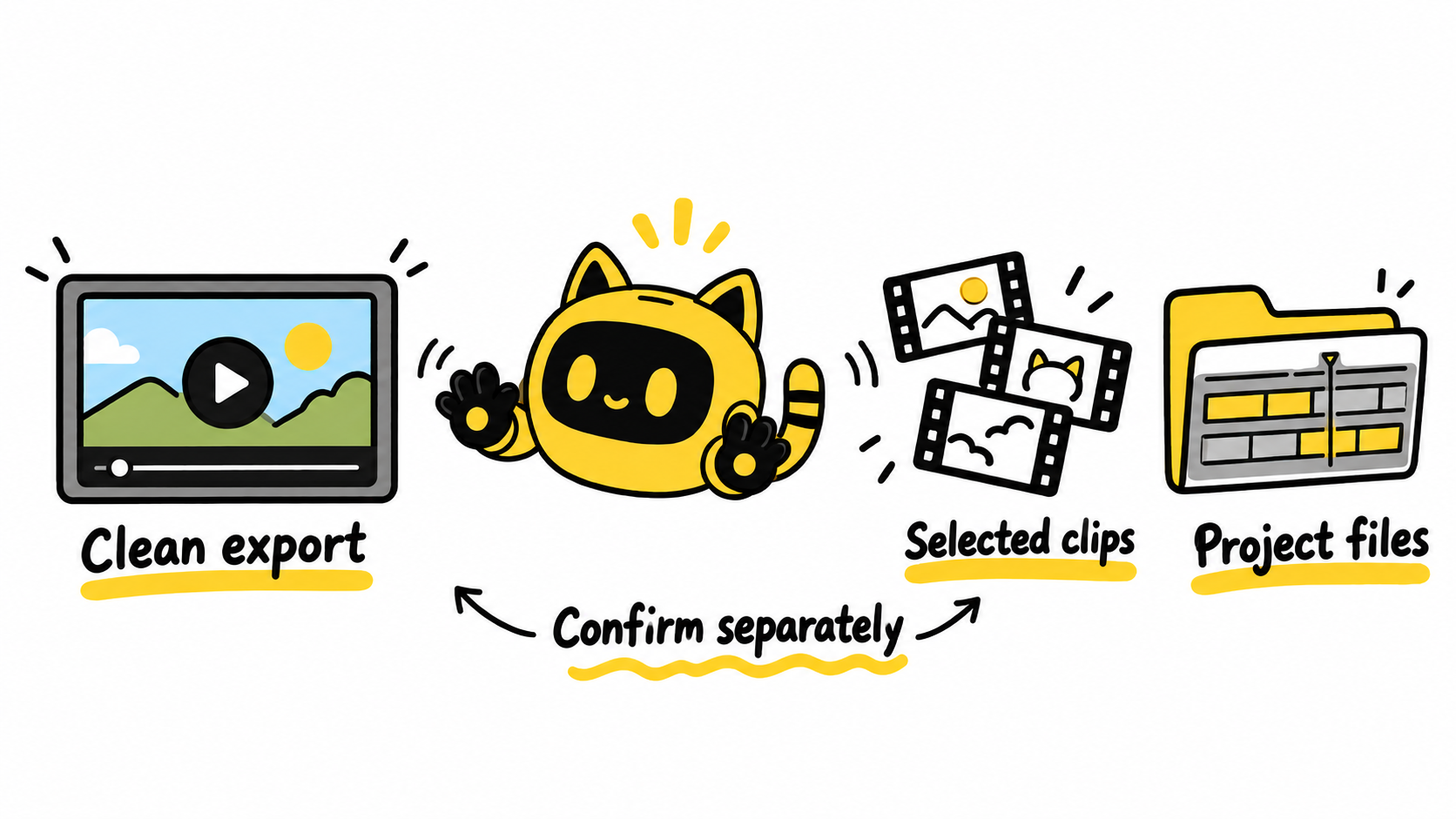
Send an additional request, not an instruction to fix an omission
Get the internal budget and proposed use agreed first. Then adapt this message.
Subject: Additional footage request for [project]
Hi [name], the original order covers [original delivery]. We would now like to request [specific clips or file versions] for [editing purpose, channels and usage scope].
Our requested file specifications are [format and organization], with delivery by [date and time zone]. Please confirm whether you still hold these files, whether you can provide them, and the additional fee and terms. We will confirm the price and usage arrangement before asking you to start preparing the files. We will review the original delivery against the original agreement.
Save the message as an email draft in OneCrew, with the original order and new list referenced in the corresponding record. When the creator replies, distinguish availability, quotation, mutual confirmation and receipt. A quoted price is not yet an agreed addition; a download link is not yet a completed file check.
Check the actual files against the list
Have the editor open the downloads and verify names, quantity, content, quality and audio tracks. For anything missing, identify the checklist item and filename. Receiving one ZIP archive does not establish that every requested shot is present.
If the footage includes other people, music or third-party material, confirm the relevant conditions for the intended use. File possession alone does not settle every editing or publishing permission. Use the creator-content reuse checklist for usage questions; the additional-delivery list here establishes which files are being supplied.
In OneCrew, retain the final confirmation, storage location, review owner and outstanding items alongside the original order. If the creator no longer holds particular clips, assess whether an existing export can meet the need before discussing a reshoot. Do not promise your team a complete set of source files before their availability is confirmed.
Start by asking the editor exactly what needs to change. Turn the answer into a file list, then use the original conversation in OneCrew to prepare a specific additional request. That gives both sides a shared basis for discussing the price and delivery.



