A creator's discount code reached coupon sites. How do you replace it and resolve commission questions?
Record a leaked creator code, separate future use from past commission review, and coordinate a verified replacement with a clear notification template.
Redemptions climb even though the creator hasn't posted new content. A search reveals the code on a coupon site. Should you disable it, cancel the associated commissions, and issue a replacement? Those are three separate decisions.
First retain the page and discovery time, then review the original agreement. A public listing establishes where the code appeared. It doesn't, by itself, establish who shared it or whether every order is ineligible for commission. Containing future use, reviewing past orders, and coordinating an update each need their own evidence.
Preserve the finding and recover the agreement
Record the page URL, screenshot time, full code, creator, and store. Keep discovery time separate from the first known publication: finding it today doesn't establish that it first appeared today. When retaining redemption data, identify the store, date range, and reporting definition.
OneCrew is an AI workspace for organizing creator information and partnership communications. Ask an AI connected to OneCrew to review the recorded agreement, then supply the relevant evidence. Have it list the agreed distribution terms, any channel restrictions, the process for disputed orders, and unresolved questions. Review the original material before contacting the creator.
If the agreement doesn't address a type of order, mark it for discussion. Don't apply a newly proposed rule as though it had already been accepted. Nor should a difference between click and redemption counts become proof of misconduct; they measure different actions and may use different time windows or attribution rules.
Separate containment from commission review
Have the store and affiliate-program owners decide whether to disable, restrict, or replace the code, and identify the live content affected. For Shopify stores, the discount management guide explains deactivation and reactivation. Check the actual connected app and commission workflow before relying on a particular setting.
Disabling a code addresses future use. Existing commission questions require the original agreement, order evidence, and relevant platform process. Retain the records needed for reconciliation rather than deleting useful history to tidy the interface.
Prepare the notification draft in OneCrew around three headings: findings, completed actions, and matters still under review. Don't describe an unresolved commission as canceled or a planned deactivation as already effective.
Hand over the whole replacement arrangement
Use this checklist to establish what changes. Not every item needs a new setting:
| Item | What to confirm |
|---|---|
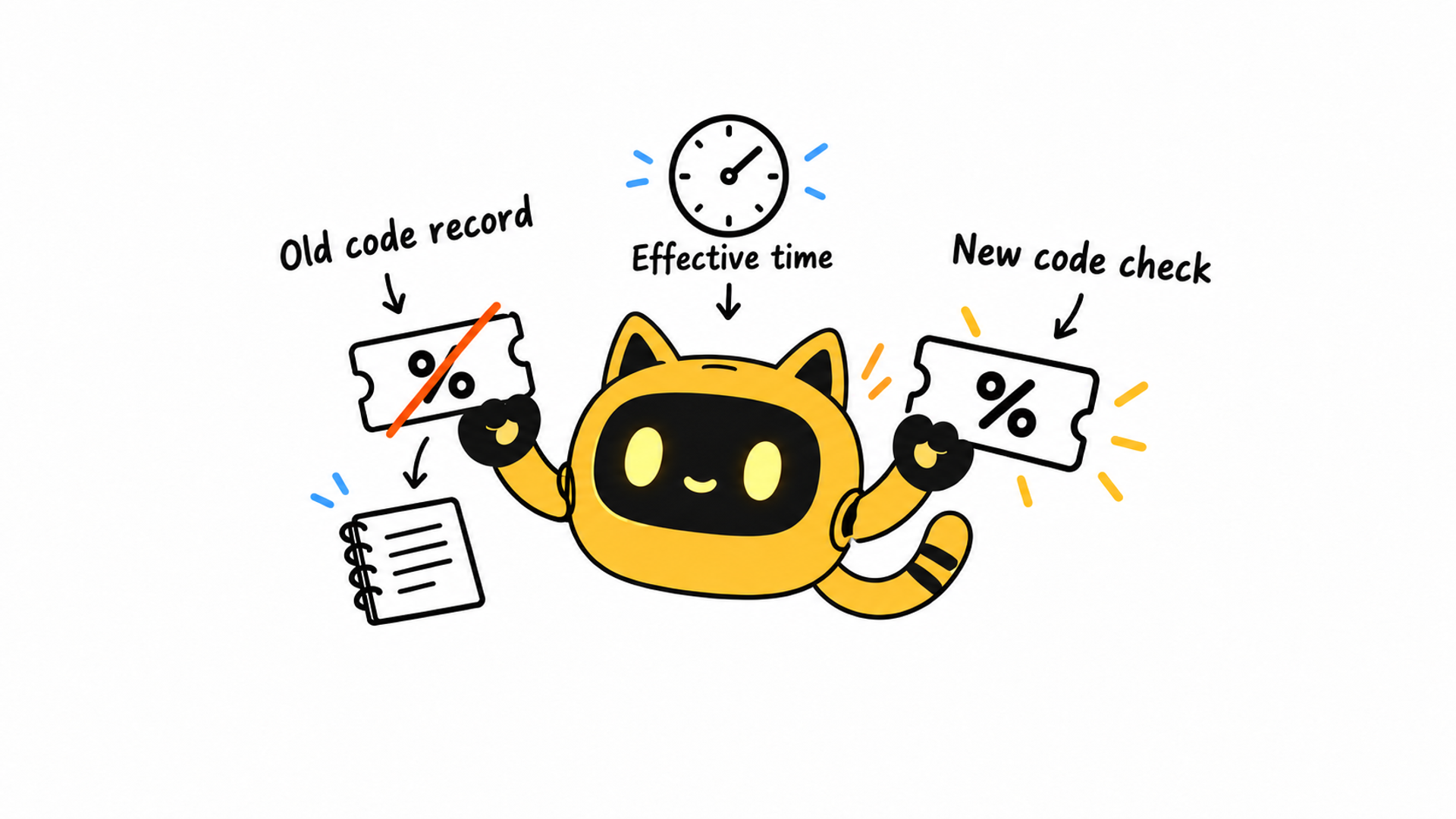
| Old code | Actual deactivation time, time zone, and location of historical records |
| Replacement | Store, eligible products, offer terms, and validity period |
| Commission terms | Whether they change, effective date, and agreement record |
| Public placements | Description, profile, pinned comment, or other agreed location |
| Verification | Who checked the replacement and when |
Verify the new code and conditions in the correct store before asking the creator to update editable placements. A code embedded in a video may not be editable. Agree on a practical clarification rather than treating a replacement code as permission to demand an unpaid reshoot.
Send a factual update with specific questions
Subject: [Project] — discount-code review and placement update
Hi [name], we found [old code] on [page/channel] on [date and time zone] and retained the record. We're checking it against the campaign's orders and original agreement. We haven't concluded that you caused the listing.
The confirmed arrangement for future use is [specific action and actual timing]. Please check [replacement code/entry point] and [offer conditions], and let us know which existing placements you can update. We can agree on an alternative for anything that can't be edited directly.
For existing orders from [date range], [owner] will review [agreement reference] and provide an update by [time]. The outstanding question is [specific issue].
If your records differ on any point, please flag it so we can reconcile the evidence first.
Remove actions that don't apply and check the code, store, and timestamps before sending. Don't ask the creator to replace every old placement before the new offer has been verified.
Check the actual placements after the update
Once the creator reports completion, visit the agreed locations and compare the code, link, and conditions. Use the store's authorized verification method without creating unnecessary real orders. Keep any remaining placements and their owners visible rather than marking the entire collaboration complete.
Add the creator's confirmation and open issues to the existing notes in OneCrew. The old-video purchase-link guide covers placement updates. If the separate dispute concerns repeat customers, use the existing-customer code guide.
A completed replacement leaves retrievable history, a checked new route, and a shared account of the decision. Start in OneCrew by recovering one creator's original code agreement, then prepare a notification that keeps findings and decisions distinct.



