Before Shipping a Smart Home Product, Check the Creator’s Setup
Use the model’s official requirements to check the setting, accessories and support. Includes a pre-shipment checklist and a demo-readiness email.


A creator may have an attractive home setting and be keen to demonstrate your product. That does not establish whether the sample will fit, connect, or work in that setting. Before shipping, check the exact model's official requirements and route uncertainties to product support. Base the filming plan on what can actually be used there.
A smart home creator recruitment post discusses installation and homeowner or renter scenarios. Those descriptions help shape the story, but the specific product and location still need a suitability check.
Define the demonstration before checking the setting
Confirm the model and the required action: an unboxing, installation, connection setup, or real-use demonstration. Each calls for different preparation. An appearance-only video should not be described as an installation experience.
Use the model's official documentation to identify applicable conditions, such as interfaces, space, power, connectivity, supported devices, and accessories. Include only what this product actually needs. Product support should resolve uncertain technical details; the operator turns those answers into a feasible production plan.
OneCrew organizes creator information, collaboration worksheets, and email history. Keep the model, documentation link, open conditions, and support contact together, then prepare a specific follow-up email before the shipment is sent.
Collect the minimum useful information and assign the decision
If a photo is needed, explain exactly what it should show—for example, a relevant interface or dimensions around the intended position. Let the creator crop unrelated areas. Avoid asking for whole-home layouts, private network details, or passwords. Confirm who handles location permission or professional installation where the actual product and setting require it.
| Area | Evidence and decision to record |
|---|---|
| Product and accessories | Model, version, and items that must ship together |
| Location suitability | Necessary creator input and product support's response |
| Preparation | Who sets up, installs, tests, and answers questions |
| Filming scope | Locations and interfaces that may be shown, with privacy adjustments |
| Open questions | Question, decision owner, and next check-in |
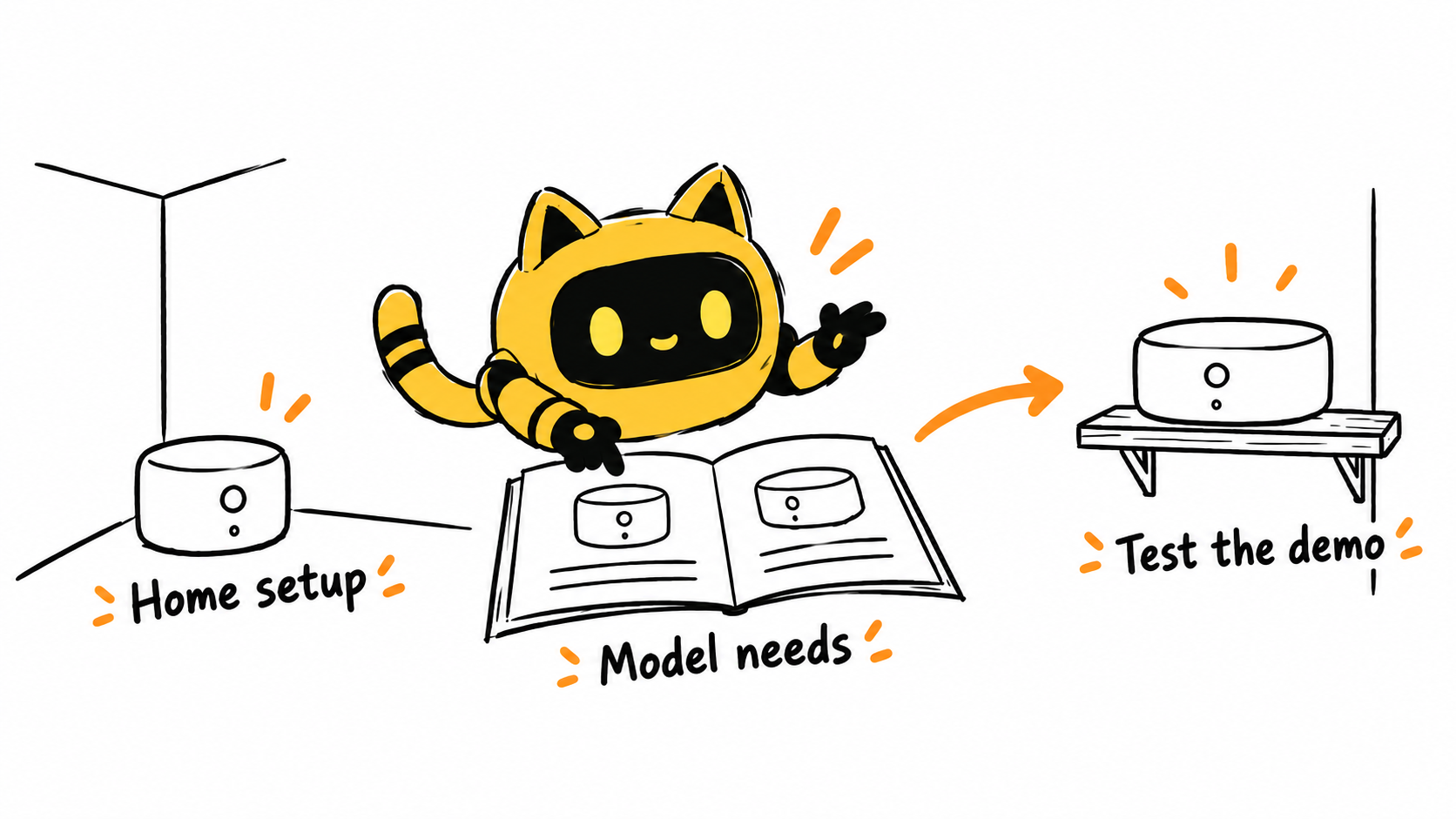
Walk through the demo before locking the shoot date
On arrival, confirm more than delivery. Using the official instructions and agreed support, check whether the creator can complete the planned demonstration. Distinguish installation, successful connection, and a working demonstration of the key feature.
If something fails, record the step, visible message, and actions already attempted for product support. Repeated deadline reminders do not resolve a setup issue. Do not ask the creator to improvise around the product's requirements just to get the footage. Agree on scope, timing, and workload if the plan must change.
Update the same OneCrew record with the trial result and support response. The next email can focus on the unresolved issue instead of making the creator explain the entire setup each time a colleague joins.
A pre-shipment setup check
Hi [name], we plan to film [specific action and scene] using [model]. Please check [necessary location conditions] against [official instructions]. If a photo is needed, show only [specific area].
[Product contact] will confirm suitability questions. We'll provide [accessories and support]. Once the product arrives, let's confirm the key steps work before locking the shoot date. If the location does not meet the requirements, let us know; there is no need to modify the setup yourself to make filming possible.
Review against the confirmed task
Check that the model, actions, and results match the agreed demonstration. Review screens and surroundings for private notifications, addresses, or other information. Describe staged scenarios accurately rather than presenting them as a long-term experience that did not occur.
When a reference video helps explain the demo, use specific reference notes to identify the action and adapt it to the confirmed setting.
Use OneCrew to organize the requirements and decision owners for your next home-product shipment. A workable setup gives the creator a sound basis for showing the product clearly.



