Brief an Instagram Carousel That Answers One Clear Question
Give each carousel slide a job in answering one question. Includes an outline table and revision email for reviewing sequence, facts and publishing details.


The first slide raises a problem, the second lists specifications, the third announces a discount and the final slide introduces the brand. Each might be useful on its own, but the sequence has no clear answer.
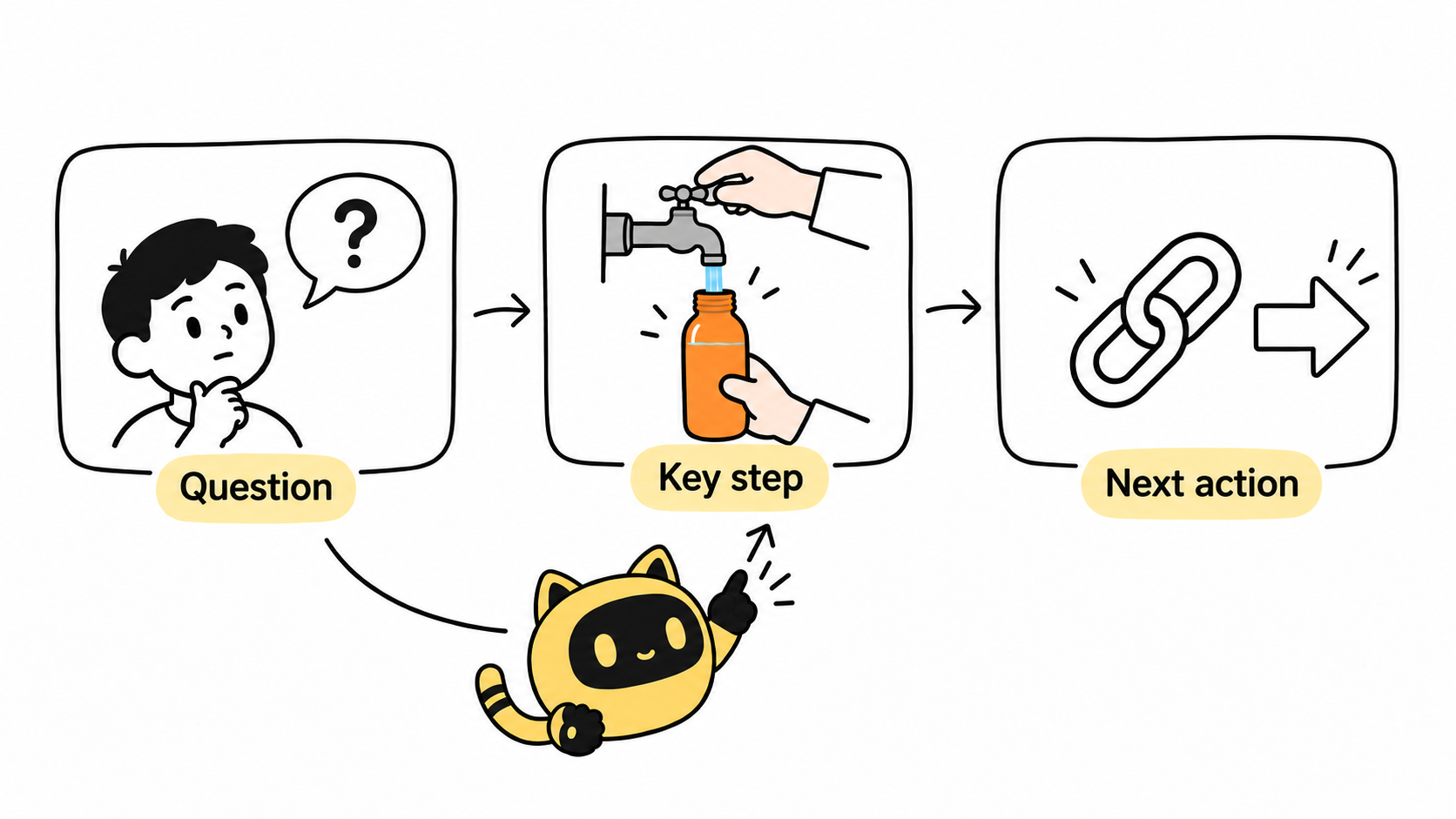
Define the question the carousel will answer, then give each slide a job: establish the problem, show necessary steps or evidence, explain the result and conditions, or offer an appropriate next action. Let the content determine the length.
Agree what the reader should understand
Narrow “introduce the product” to a task such as “how to prepare for first use and complete the initial operation.” This is a structural example. The actual steps need brand-confirmed product information.
Request a one-sentence outline for each slide before design begins. Review the relationships between ideas first. If removing a slide changes nothing, check for repetition. If readers have to guess the connection between two slides, supply the missing premise.
OneCrew is an AI workspace for creator information, partnership records and email. Give the AI connected to OneCrew the agreed question and slide outline. Have it read the existing partnership table before organizing the version under review, missing brand materials and changes that need creator confirmation. Keep the outline reference so everyone reviews the same content.
Assign a job to each slide
This five-slide first-use example is an editorial structure, not a required length for every carousel.
| Slide purpose | Information to provide | Brand review |
|---|---|---|
| Establish the problem | Who faces which difficulty in what situation | The opening matches the answer that follows |
| Explain preparation | Product version and necessary materials or prerequisites | Important conditions appear before the action |
| Show the key action | A specific operation with visible details | Image and copy describe the same step |
| Explain the result | How to recognize completion and applicable conditions | Evidence supports the result |
| Offer a next step | Continue the task, consult instructions or use the agreed link | The action follows from the reader's objective |
Adobe's carousel guidance includes step-by-step explanations among possible formats. The structure here is an editorial planning method, not a promise of higher engagement or sales.
Review the sequence before inspecting individual slides
Read the whole carousel in order. Does it answer the opening question? Do relevant conditions appear in time? Then inspect each slide on a phone for legible copy, clear product details and matching images. The opening should not promise a result the rest cannot support.
Check the final order, file versions, publishing caption and agreed destination. Review sponsorship disclosure separately. Approved graphics do not establish that the rest of the post has been reviewed. Check the preview through the actual publishing account's available workflow rather than assuming a platform limit from an old tutorial.
In OneCrew, record the exact outline or artwork version receiving feedback. Use the creator's existing replies to prepare one draft ordered by slide number. Each item should identify the issue, requested action and brand material needed. Assign an owner to missing product facts so the creator does not have to guess.
Send feedback that preserves the main question
Hi [Name], this review covers [file link and version]. The main question remains [specific question]. Please make slide [number] serve [purpose], because the current sequence leaves [specific gap]. We will supply [material] before confirming [fact/condition] on slide [number]. The approved scope is [details]. Please submit the revised sequence for review alongside the publishing caption.
Before saving the draft in OneCrew, check whether a slide is being asked to do too much. If a change adds slides, requires a reshoot or alters the engagement, discuss its impact before revising the agreed brief.
When supplying reference content, use the reference briefing method to distinguish structure, expression and specific assets.
Start with one carousel outline in OneCrew. Write what each slide helps the reader understand. A coherent answer gives the visual review a clear direction.



