A creator outreach email bounced. How do you find the right contact?
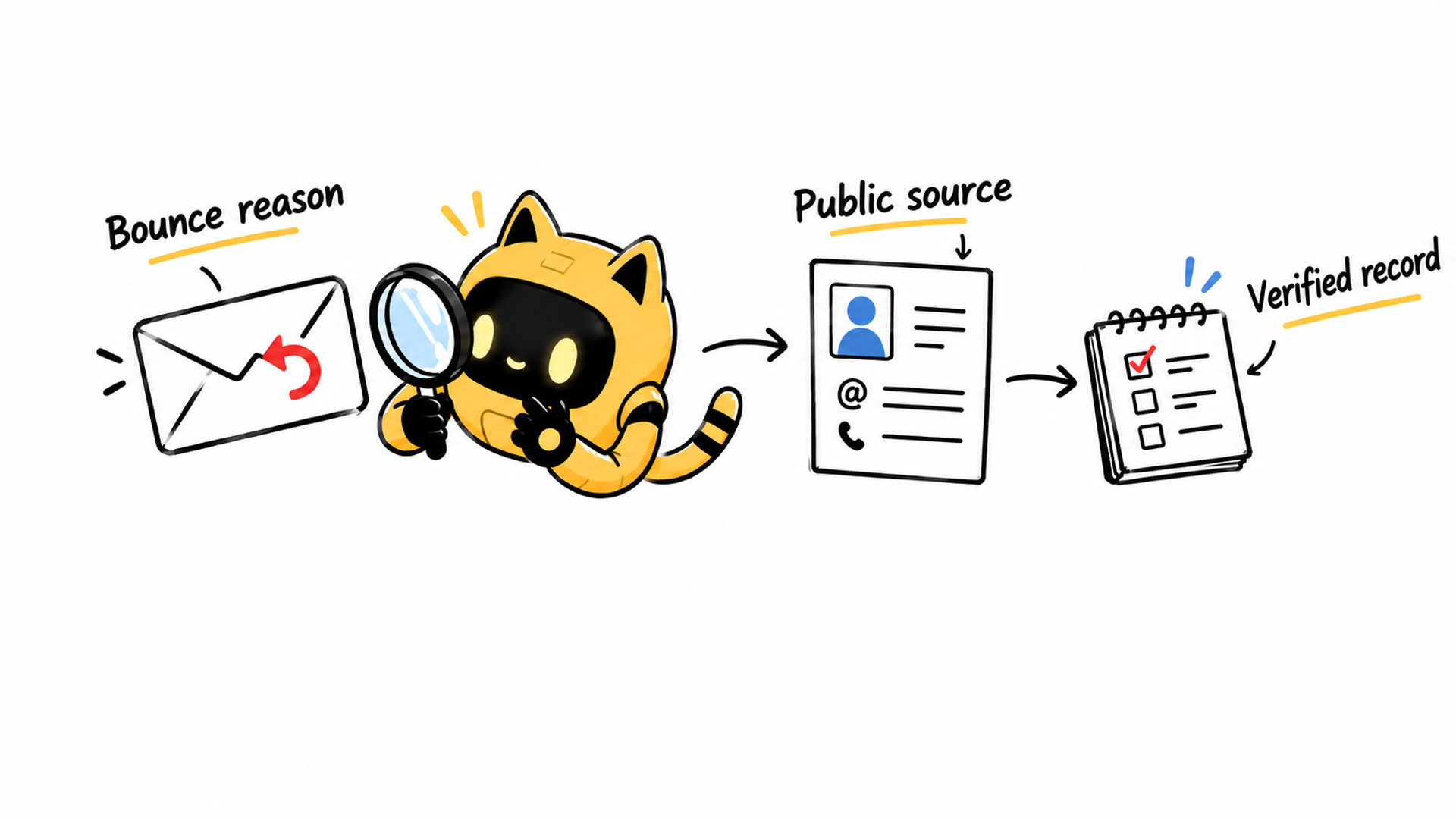
Read the delivery error, verify the creator’s current public business contact, and preserve the source before preparing another partnership invitation.
Your partnership email comes straight back. The address looks plausible and came from an older creator list. Should you change a character or two and try again? First establish what failed. A typo, a retired mailbox, a temporary receiving problem, and a sending restriction require different responses.
Save the delivery error and move this attempt out of “waiting for a reply.” If the address is the problem, verify a current public business contact. Guessing addresses doesn't establish who will receive your message, and a failed delivery tells you nothing about the creator's interest.
Read the error before replacing the address
Gmail's troubleshooting guide lists several causes, including nonexistent addresses, temporary rejection, sending limits, and full recipient inboxes. A bounce alone doesn't prove that an address is permanently invalid. Keep the sending time, actual recipient, error wording, and service involved, then follow the relevant provider guidance.
OneCrew is an AI workspace for organizing creator information and partnership communications. Ask an AI connected to OneCrew to review the creator's recorded conversation, then provide the relevant delivery error. Have it summarize the original contact source, any previous replies, and what now needs verification. Review that summary and preserve the error wording in the appropriate record so a teammate doesn't reuse the same unverified route.
If the error points to sending limits or authentication, involve the mailbox owner. If it explicitly identifies a nonexistent address, check the spelling and source. Correctly copying an old address doesn't make it current. Keep an uncertain route paused while the cause is investigated.
Return to the creator's public business contact
Start with a verified creator profile, official website, or a link page reached from that profile. Look for the current business contact and record the page, check date, and stated purpose. A search snippet or third-party directory is a lead; verify the original page before using the address.
If the route points to an agency, check its connection to this creator. A matching name isn't enough. If the only stated business channel is a direct message, ask there how the creator would like to receive a concise partnership proposal. Don't try a series of invented addresses.
Provide the new public source and existing context to an AI connected to OneCrew to prepare a contact-verification note. Preserve where the old route came from, when it failed, and when the new route was checked. Simply erasing the old value makes the change difficult for another teammate to understand.
Record what each contact route is ready for
These are suggested team labels, not product status fields:
| Route | Evidence | Next action |
|---|---|---|
| Original address | Delivery error and original source | Pause and investigate the stated cause |
| New public business route | Current creator-owned source | Verify identity and intended use |
| Confirmed receiving address | Reply from the creator or verified representative | Prepare the relevant proposal |
A public listing gives you provenance. A direct confirmation clarifies the receiving person. Neither guarantees placement in the primary inbox. Record the evidence without upgrading it to “100% verified delivery.”
Ask for the route before repeating the pitch
Use a short inquiry only through an established public business channel and only when there is no request to stop contact:
Hi [name], I'm [person] from [brand]. We'd like to send a short proposal about [specific collaboration]. A previously listed email address didn't accept our message, so I wanted to check your current business contact before trying again.
If a manager handles this, we're happy to follow the contact route on your profile. Thank you.
Once the receiving route is confirmed, prepare the actual offer. Avoid calling it another reminder when the original message never arrived. A new representative may also need the brand, project, and terms explained from the beginning.
Before saving the reviewed email draft in OneCrew, check the recipient, source, and latest contact preferences. Have the owner check old drafts and messages queued in any sending service as well. Updating one note doesn't establish that every pending message has been corrected.
Check the next attempt without overinterpreting it
After a relevant message is sent through the verified route, look for a new delivery failure or reply. The absence of another bounce doesn't prove that the person has read it. When a response arrives, record what it confirms and continue the partnership conversation.
If several creators show similar failures, use the sending-setup troubleshooting guide to investigate a shared cause. If the contact is now a manager, use the manager reply guide.
The useful outcome is a contact route with evidence and a clear next action. Start in OneCrew with one bounced attempt, bring the original source and error together, and verify the replacement before drafting another invitation.



