Can a creator put your brand video in their portfolio? How to respond
Review the complete portfolio entry before replying: the asset, placement, contribution statement, and results. Includes a checklist and response template for brands and agencies.

The project is finished, and the creator asks, “Can I add this video to my portfolio and list your brand as a client?” The video is already live, so you are about to say yes. But you have not seen which version they intend to show, how they will describe the project, or whether they plan to include campaign results.
Ask for the complete proposed portfolio entry, then have the person responsible confirm the specific scope. Review the asset, placement, timing, and accompanying copy together. Your reply should distinguish what is agreed from what still needs an answer. The brand having published a video is a fact you can verify; it does not answer every part of this new request.
A creator in a Reddit discussion asked whether projects completed through an agency could appear in their portfolio, whether they could list the brands as previous partners, and whom they should ask first. They also explained that the agency supplied the scripts and creative briefs. That adds another practical question: how should the entry describe the creator’s contribution?
1. Identify who can confirm this particular request
Start with the project agreement and recorded confirmations. Look for arrangements covering portfolio display, brand names, and public release dates. Where the terms are clear, compare them with the request. Where an answer is missing, bring the specific gap to the person responsible for the collaboration instead of relying on “it should be fine.”
For a project handled through an agency, the original contact can gather the request and establish which points the agency can confirm and which need the brand or another responsible colleague to review. For a direct brand partnership, identify the internal owner. Whether the person who collected the files can also confirm portfolio use depends on the project’s actual responsibilities.
Keep one external contact responsible for collecting the internal answers and replying to the creator. Give the creator an expected update time rather than asking them to approach several people separately. Questions about interpreting an agreement or resolving conflicting terms should go to the colleague responsible for that agreement, with the relevant passages attached.
This requires the project documents, original request, and later follow-up messages to be considered together. OneCrew helps teams keep creator information, collaboration conversations, and follow-up records organized. Ask an AI connected to OneCrew to review the relevant recorded messages, and provide the portfolio request and documents you want checked. Have it list the scope already established, unanswered questions, and the source message for each point. The owner can then resolve the gaps without asking the creator to explain the whole project again.
2. Request the whole portfolio entry, not just the video file
The same video could appear on a personal website, in a public social post, in a downloadable deck, or in a presentation sent to one prospective client. The reviewer needs to understand the specific display being requested. A video file alone does not show that context.
Ask for a page preview or mockup that includes the asset, project description, brand name, and any results the creator plans to mention. If the destination is not ready, screenshots or a written draft can work, with unfinished elements marked clearly.
Use this checklist to review the request in one place, removing anything that does not apply.
| Item | What to establish |
|---|---|
| Assets | The project and exact video or screenshot version; any new edit, subtitles, cover image, raw footage, or behind-the-scenes material |
| Placement | The website, social account, deck, or recipient; public display or sharing with specific recipients under the proposed arrangement |
| Timing | Start date, any agreed end date or later review arrangements, and whether the product or campaign information is cleared for public release |
| Brand and project names | Which names or marks appear, where they appear, and the accompanying wording, including any client list |
| Contribution | Which parts the creator actually handled: on-camera work, filming, editing, scripting, or concept development; how the agency’s and others’ contributions are described |
| Results | Any claims about views, clicks, sales, or other outcomes; the source, scope, measurement period, and confirmation that the information may be shared |
| Final confirmation | Who replies, which draft the reply covers, what remains open, and whom to contact about later changes |
For example, confirming a particular final video does not also establish an answer about unused cuts or behind-the-scenes footage. If a website entry later becomes a public social post, compare that new placement with the original reply to see whether it was covered.
For unreleased products, use the prelaunch sharing checklist to establish which information can be shown and when. Review the portfolio’s page title, thumbnail, and downloadable files against those arrangements too.
Give the proposed entry and checklist to the AI connected to OneCrew and ask it to compare them with the recorded conversation. An email might request display of the final video, while the mockup adds a sales claim. Flag that sentence for separate confirmation. Questions tied to an exact part of the draft are easier for the creator to resolve.
3. Describe the creator’s contribution accurately
A portfolio should help prospective clients understand the creator’s capabilities while reflecting the work actually done. Check the verbs: who developed the concept, wrote the script, appeared on camera, filmed, and edited? Reviewing the brand’s spelling is only one part of the task.
Consider a hypothetical project in which the agency supplied the script and brief, while the creator appeared on camera, filmed, and edited the video. A proposed description could say: “Worked on [brand project] through [agency], providing on-camera performance, filming, and editing. Script and creative brief supplied by the agency.” Confirm the names and wording against the actual arrangement. This communicates production skills more accurately than saying the creator planned the entire campaign.
Short labels on a client list deserve the same attention. If the project came through an agency, agree how that relationship should appear. The description should not imply a long-term ambassadorship or responsibility for the entire marketing project if neither was part of the work.
Check the basis of any results claim as well. A video appearing in a campaign does not establish that it generated all of the campaign’s sales. If results will be shown, identify the asset, channel, reporting period, and metric definition, then have the person responsible for the information confirm what can be shared. Leave unsupported or unconfirmed figures out of the draft. The entry can describe verified production work in the meantime.
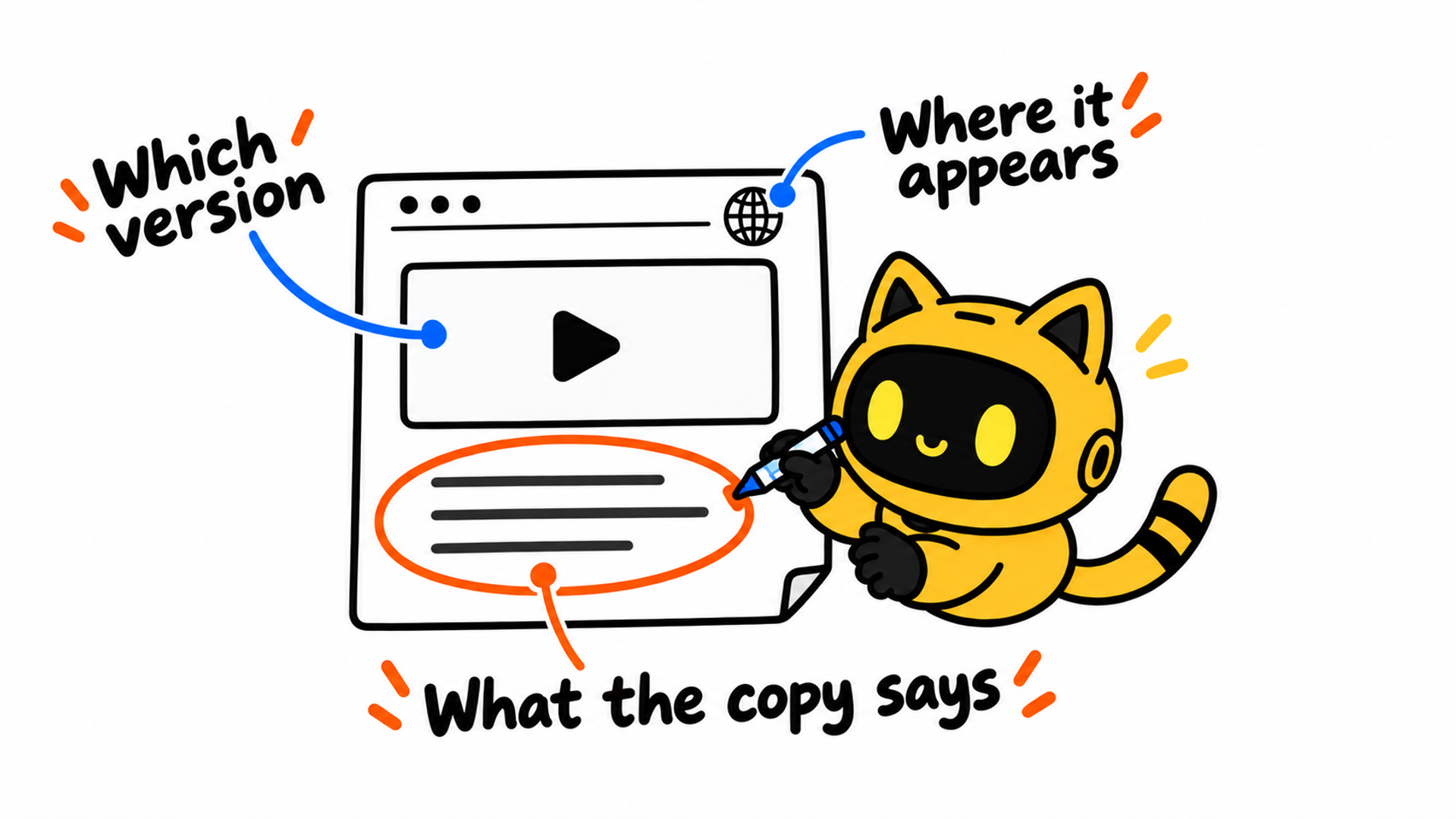
Ask the AI connected to OneCrew to compare the proposed description with the recorded brief and replies. Provide the actual division of work and any confirmed results material, and have it keep unresolved points visible. Check that “contributed to production” has not become “led the creative strategy,” or that team-level results have not been attributed to one person. After review, save the final wording with its supporting references.
4. Give a specific answer and a clear next step
Once the internal review is complete, send a reply the creator can act on. If the entry can be displayed, identify the draft and agreed conditions. If information is missing, ask for it together. If some content should not be made public yet, name the affected material and state any confirmed opportunity to revisit the request.
Use the structure below, selecting the outcome that matches the review and deleting the other options. Complete all placeholders before sending.
Hi [name],
Thanks for sending your portfolio request for [project]. We have received the [date/version] draft and checked it with [the person or team responsible for this review].
Our response: [You may display it within the scope below / Please provide the items below so we can confirm / The following material should not be made public yet, for the reasons given].
Assets and placement: [Video or screenshot version, page/account/deck, and applicable display dates].
Project description: [Confirmed brand or project name, working relationship, and description of your contribution]. For results, please use [the specific confirmed wording / instructions to remove unconfirmed material].
Next step: [Missing information or the exact section to revise; remove this item if none]. Please send the updated draft to [contact]. We will update you by [an internally confirmed date].
If you later change the asset, placement, or description, please compare the change with this confirmation and contact [person] about anything outside its scope.
Thanks!
If the video version is confirmed but a brand mark or results claim remains under review, make that distinction explicit. Avoid opening with an unrestricted yes and then listing unresolved conditions below it.
An AI connected to OneCrew can draft the response using the recorded replies and reviewed portfolio mockup. Ask it to include only confirmed points as decisions and keep missing answers as questions. The responsible person should check the version, scope, and timing before sending. One consolidated reply gives the creator a clearer reference than several separate messages saying “looks good.”
5. Keep the agreed version for future changes
Save the final mockup, reply date, confirming person, and actual display location. If changes need another review, keep that task open. Compare the revised draft with the requested changes before recording a decision. An acknowledgment from the creator does not establish that the revision is complete.
Where checking the live entry is part of the arrangement, ask for the actual page or file. Compare its asset version, copy, brand information, and results claims with the confirmation. If something differs, identify the location and requested adjustment, then keep the updated version.
A portfolio may later gain another language, a replacement video, new figures, or a different distribution channel. Review those changes against the earlier scope. Retain the record for points already covered and send new questions to the relevant owner. A previous message saying yes is not enough to describe the entire revised entry.
Add the confirmed scope, mockup location, original reply, and outstanding changes to the creator’s OneCrew notes while preserving the earlier collaboration history. When another colleague receives a related request, the connected AI can summarize those records so they can work from the specific change rather than restart the conversation.
The next time a creator asks to include your project in a portfolio, find the collaboration in OneCrew and bring the proposed entry together with the recorded terms. Check the asset, placement, and contribution statement, then send a response with a defined scope and a clear next step. That gives both sides a concrete reference for how the work will be presented.



