Prelaunch Creator Samples: What Can Be Filmed, Shared, or Published?
Before an unreleased sample arrives, agree on filming, sharing, public use, and release timing. A practical scope table and confirmation email keep the details clear.

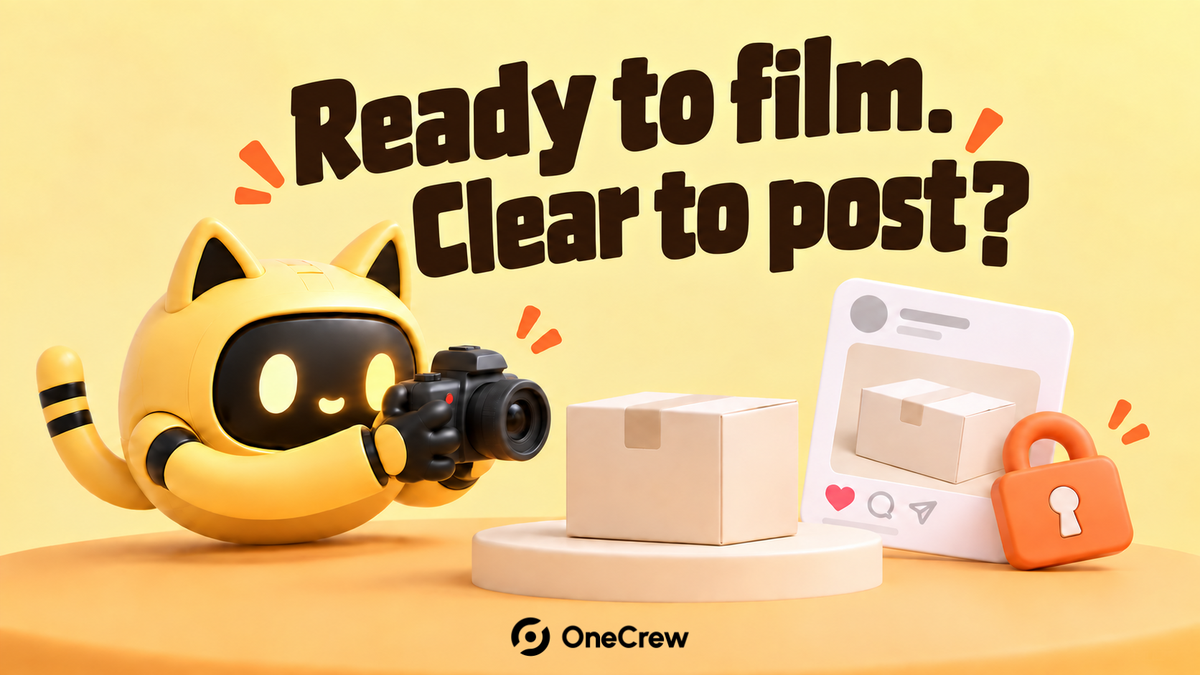
The sample arrives, and the creator starts filming. You wrote, “Please keep it confidential until launch.” They took that to mean the review should wait, while a casual Story would be fine. A few seconds of packaging in the background reveal that you were working from different assumptions.
Before sending an unreleased product, separate four questions: What may be filmed? Who may see the material? What may be public? When does permission to publish begin? Permission to record is separate from permission to post. Approval of an edit may also be separate from the release time.
Separate content production from public release
List the material the creator will encounter: the product, packaging, name, features, price, purchase links, and campaign documents. For each item, agree whether it can appear in footage, be shared with production collaborators, or be shown publicly.
For example, your project might allow a complete unboxing to be filmed and an edit to be sent to a named brand contact, while prelaunch teasers may use only the already-public brand name and must keep the new packaging out of view. The useful part is the specificity. Each campaign needs its own agreed boundaries.
OneCrew helps teams organize creator records and partnership communication. Keep the sample’s content instructions, version date, and received confirmation with the relevant creator record. The people handling shipping, content feedback, and follow-up can then refer to the same instructions.
“Confidentiality reminder sent” is too vague as a record. Capture what you explained, who received it, and what they confirmed.
Make a scope table, including incidental appearances
Use the structure below to prepare your instructions. It is a working checklist, not a default grant of permission; replace each question with the requirements agreed for your project.
| Material or situation | Filming and internal sharing | Public use before launch | Check again at release |
|---|---|---|---|
| Product and packaging | What may be filmed; who receives the edit | Whether details or background appearances are allowed | Correct product version |
| Name and features | Information available for scripting | Names or claims already cleared for public use | Alignment with final product information |
| Price, links, and offers | What may go into an unpublished draft | Details that must remain private | Final links and offer dates |
| Stories, livestreams, behind-the-scenes footage | Where the sample or a screen might appear | Any explicitly approved exception | Details still restricted after launch |
| Editors and other collaborators | Who may access the material | Portfolios and public file-sharing links | Access and publication scope |
Look beyond the main deliverable: packaging on a desk, a reflected screen, a livestream background, a file preview, or an automatically displayed product name. A creator may reveal something without intending to publish a piece about the launch.
If teasers are allowed, provide the approved assets or an example line and identify the permitted channels. “You can share a little” leaves the most important decision undefined.
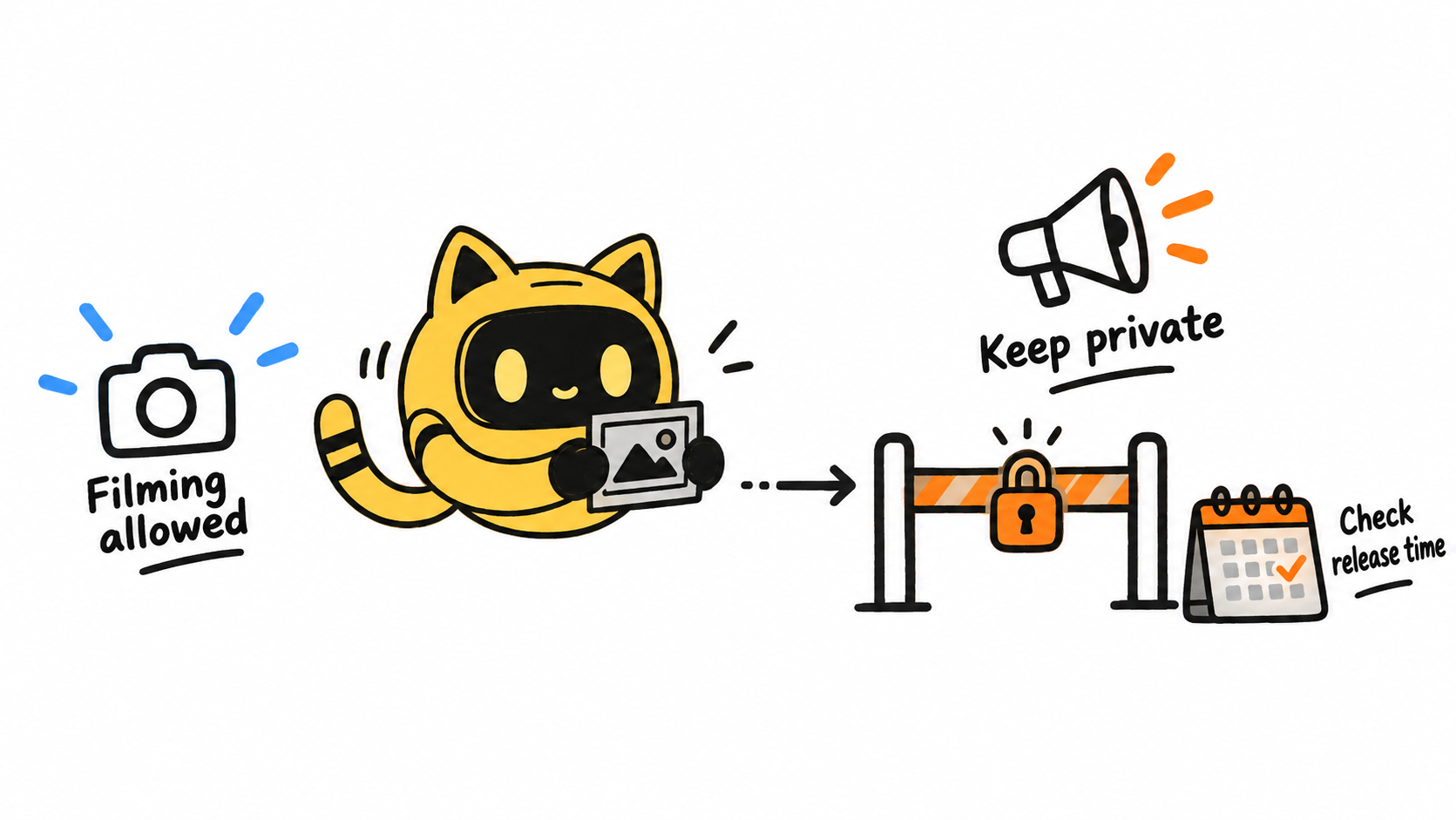
Agree on an exact release time and a release method
“Friday” or “launch day” is not a complete instruction. Specify the full date, time, time zone, and content covered. Where useful, include the equivalent time for the creator’s location after checking the conversion.
Also decide how release works. May the creator publish the agreed version once the stated time arrives, or must they wait for a final message from the brand? If a final message is required, identify who sends it, through which channel, and whom to contact if it has not arrived.
Either process can be planned. The important point is to establish it before release day. Our guide to setting creator deadlines across time zones covers how to express the same moment clearly for both sides.
If the time changes, send revised instructions with a version date, identify the old time being replaced, and request confirmation. Ask the creator to check scheduled posts and copies already shared with an editor or publishing assistant. Updating your internal plan does not tell you whether their schedule has changed.
In OneCrew, review the recorded conversation and add the old time, revised time, notification date, and confirmation state to the creator’s notes. Keep the history so the next person can distinguish the latest agreed version from an earlier proposal.
Send one clear confirmation before the sample or materials go out
Bring the instructions together before shipping or granting access to launch materials. If the partnership already has written terms, align this practical message with them. Resolve specific contradictions before production proceeds.
Use this email template to organize the details. Remove unused options and replace every bracket before sending.
Hi [Name],
Your sample for [product or project] will arrive before the public launch. Here are the content instructions, version [date or version number], so you can plan production.
You may film: [specific products, packaging, and materials].
Material may be shared with: [people, named brand contact, and delivery channel].
Before release, you may publish: [approved teaser content, or state that related content should remain private].
Please keep these details out of public view until release: [specific products, packaging, names, prices, or other information]. This includes Stories, livestream backgrounds, and behind-the-scenes footage.
Release time: [full date, time, and time zone], equivalent to [checked local time].
Release process: [publish the agreed version at that time / wait for final confirmation from the named contact].
If the timing changes: [who will notify you, where, and what needs your confirmation].
Please reply to confirm the public-use scope and timing. Let us know before proceeding if your production team needs additional access or if any of these instructions conflict with your existing plans.
Thanks,
[Brand contact]
A reply of “received” may still leave a practical question unanswered. Ask about the actual plan: “Will your teaser show the front of the packaging?” That is more useful than repeating a broad request to keep things confidential.
Check the final version and respond to specific early exposure
Before release, check the final footage, caption, thumbnail, links, and scheduled settings against the latest instructions. Where an editor or assistant is involved, confirm they have the same version.
If something appears early, record the link, visible material, time, and audience visibility. Contact the creator to handle that specific content under the agreed process, then check for other scheduled posts. Establish what happened before drawing conclusions about intent, reach, or responsibility.
Preserve the facts and follow-up confirmation in the communication record. This helps avoid one colleague addressing an early post while another continues chasing the original release plan.
Prelaunch samples work more smoothly when assumptions become explicit instructions. Start with the next group of unreleased samples: define what may be filmed, shared, and published, then use OneCrew to keep each creator’s instructions and confirmation together.



