Can’t Open a Creator’s Portfolio? Ask for the Right Link
Separate access problems from creator suitability. Request viewable examples, keep the candidate record and resume assessment once the work is accessible.

A creator sends a portfolio, but the page asks for access or opens an editing view. Separate “we cannot review the work yet” from “the work is unsuitable.” Record the obstacle, request a viewable link or a few relevant examples, then make the selection decision.
In a creator’s portfolio-help thread, another participant pointed out that the shared link opened an editable version. The creator said they fixed it. A link-setting problem does not have to decide a candidate’s outcome before anyone has seen the work.
Describe the obstacle precisely
Distinguish a missing page, a permissions request and a page where videos will not play. Note the link, check time, device and short error description. If text is hard to read on a phone, describe that presentation issue rather than treating it as evidence about filming ability.
OneCrew is a workspace for creator candidates, project tables and collaboration email. Keep the profile and original inquiry, mark the portfolio as awaiting a viewable link and prepare a focused follow-up. The candidate remains traceable, and another reviewer can see that the assessment is incomplete rather than rejected.
Request the smallest useful set of material
The creator usually does not need to rebuild a whole portfolio. Ask for a viewable page or two or three examples relevant to the product and scene, with a short explanation of their role. If a client project cannot be shared, discuss work they are permitted to show rather than requesting confidential material.
- Viewing access is enough; editing access is unnecessary.
- The link should lead to an actual example or a clear list of work.
- Video, audio and basic context should be available to review.
- Relevance matters more than the total number of links supplied.
If you receive an editing link, do not change the creator’s document. Explain what opened and ask for the intended review entry point. There is no need to request account passwords to assess a portfolio.
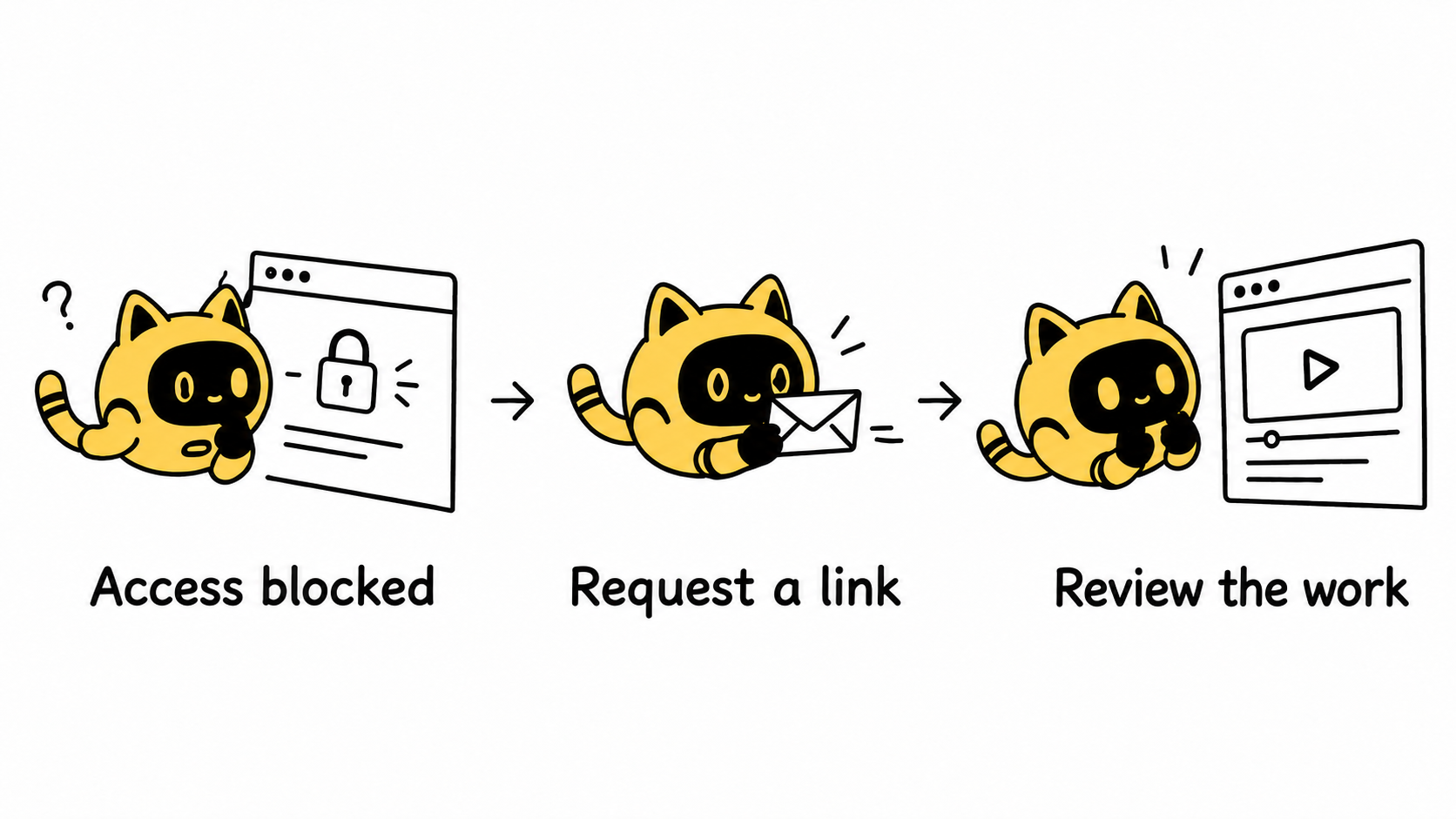
A follow-up that keeps the assessment moving
Hi [Name], thanks for sending your work. When we opened [link] on [device/browser], we encountered [specific issue], so we have not yet been able to review it fully.
Could you send a viewable link, or [two or three] examples relevant to [product/scene]? Viewing access is sufficient. Please also note which parts of those examples you handled. We will continue assessing them against this project’s requirements once received.
Review the original inquiry in OneCrew before drafting. Retain information already supplied and ask only for what is missing. If relevant examples are already present elsewhere in the email, do not require the creator to complete the same request again.
Once access works, judge the work itself
Check whether the key actions are visible, the sound and delivery fit the proposed content, and the required setting is feasible. Record “link fixed” separately from “suitable for the project.” Access enables a decision; it is not the decision.
Use the work-evidence selection guide for the next assessment step. If usable material still does not arrive, record this round’s review deadline and outcome rather than sending the same reminder every day.
Start with one candidate stalled by a link problem in OneCrew. Connect the error description, follow-up and replacement examples so the eventual decision is based on work you have seen.



