Get Brand and Product Names Right Before the Creator Records the Full Video
Provide brand-approved audio, confirm a short read, and record the accepted version. Includes a pronunciation sheet and focused correction email.


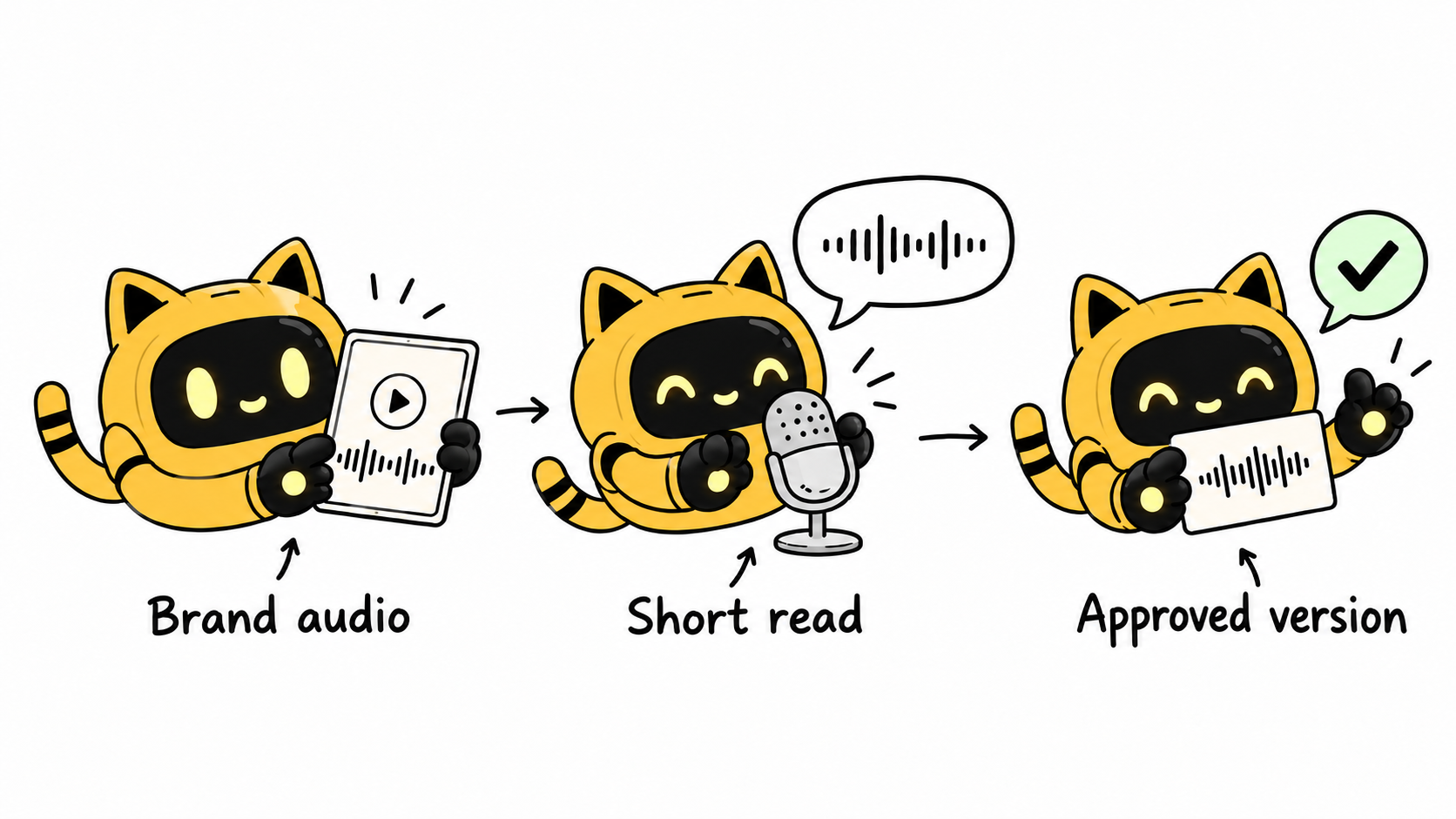
The edit is finished, but the brand name is mispronounced throughout. Correcting one word may require recording a whole sentence again. Before the main recording, provide brand-approved audio, list the names this video will use, and agree on a short read containing those terms.
Establish the pronunciation source
List the brand, product line, model abbreviation, and campaign name separately. Keep one approved version for the intended market, with the person who supplied it, approval date, and relevant point in the audio. Written pronunciation hints can help, but a potentially ambiguous phonetic spelling should not be the only reference.
OneCrew helps teams manage creator information, collaboration records, and email. Store the approved audio link, intended market, required terms, and brand reviewer in the collaboration table. The team can then retrieve the source for this specific recording.
If the brand has not settled on a pronunciation, get its owner to resolve that first. Text-to-speech and unrelated online videos may reveal differences; they do not establish the brand’s approved pronunciation. Where markets use different versions, label the relevant one explicitly.
Send a small reference sheet and one useful sentence
| Item | Information to include |
|---|---|
| Spelling | Capitalization, digits, and full product-line name |
| Audio source | Brand-approved file and relevant timestamp |
| Market version | Language and region; whether an acronym is read letter by letter |
| Actual sentence | A complete line containing the name in context |
| Approval record | Reviewer, date, and accepted file version |
An example line is, “Today I’m showing you [brand]’s [product line and model].” Cover only the names needed in this video. Agree on where the short read fits in the job and whether it has a separate fee; a pronunciation check should have a defined scope.
Review the sentence and identify the exact correction
A name pronounced in isolation can sound different in a full sentence. Have the reviewer listen at normal speaking speed, identify the specific term, and point to the approved audio. Distinguish a natural accent from an incorrect brand term. For a broader assessment of delivery, see how to review a creator’s spoken-English sample.
In OneCrew, read the synced confirmation thread and add the accepted sample and version to the existing record. Refer to that source when preparing feedback so different reviewers do not issue conflicting instructions.
The sentence works overall. Please adjust [name] using the pronunciation at [timestamp] in the approved brand audio for [market]. Read [abbreviation] as [explicit reading]. Please re-record just the sentence containing that term for confirmation, then use the same pronunciation in the main recording.
For a finished video, assess whether a pickup will fit
Mark each incorrect occurrence and check visible lip movement, background continuity, captions, and repeated mentions. Ask the editor whether a replacement sentence can fit naturally. If a reshoot is needed, explain the reason and scope. A corrected caption still leaves the audio wrong.
Start by collecting the names in the next video, the approved audio, and the reviewer in OneCrew. Prepare the short-read request from that record and settle the terminology before the full recording.



