Make a Creator's Long Product Tutorial Easier to Navigate with Chapters
Turn tutorial tasks into accurate chapter entries. Includes final-edit timestamp checks, entry-point review and a creator revision request.


The tutorial covers the product thoroughly, yet viewers must scrub through it to find installation or a troubleshooting check. A complete video still needs useful entry points for people returning to a specific task.
Define chapters around viewer tasks, then verify timestamps against the final edit. A chapter label should say what the section helps someone do, rather than repeat a script heading such as “Part two.”
Identify the task before assigning a timestamp
At outline stage, list the tasks the tutorial actually covers: preparation, a key operation and checking the result. Use brand-confirmed instructions for the real product, with the applicable model and prerequisites in the relevant place.
A chapter needs a coherent stretch of content completing its task. If a step is scattered across the video, clarify the edit or explanation before choosing the boundary. A label should not suggest an operation the video never demonstrates.
OneCrew is an AI workspace for creator information, partnership records and email. Give the AI connected to OneCrew the task outline and submitted version. Have it read the existing partnership table before organizing the steps to review, video reference and owners. You can agree the tasks early; verify timestamps against the final file.
Match timestamps to the final edit
YouTube's chapter guidance requires a timestamp-and-title list in the description for manual chapters. The first timestamp starts at 00:00, at least three appear in ascending order, and each chapter lasts at least ten seconds. Manual chapters override automatic chapters. Check feature availability for the actual account and video.
This is a completion template. Placeholder timestamps are not a publishable chapter list.
| Final start | Chapter task | Review |
|---|---|---|
| 00:00 | Applicable version and preparation | Prerequisites are available at the beginning |
| [Verify and fill] | Complete [specific operation] | The jump lands where that step starts |
| [Verify and fill] | Check [specific result] | Conditions match the operation |
| [If present, verify] | Address [problem actually explained] | The video contains the promised guidance |
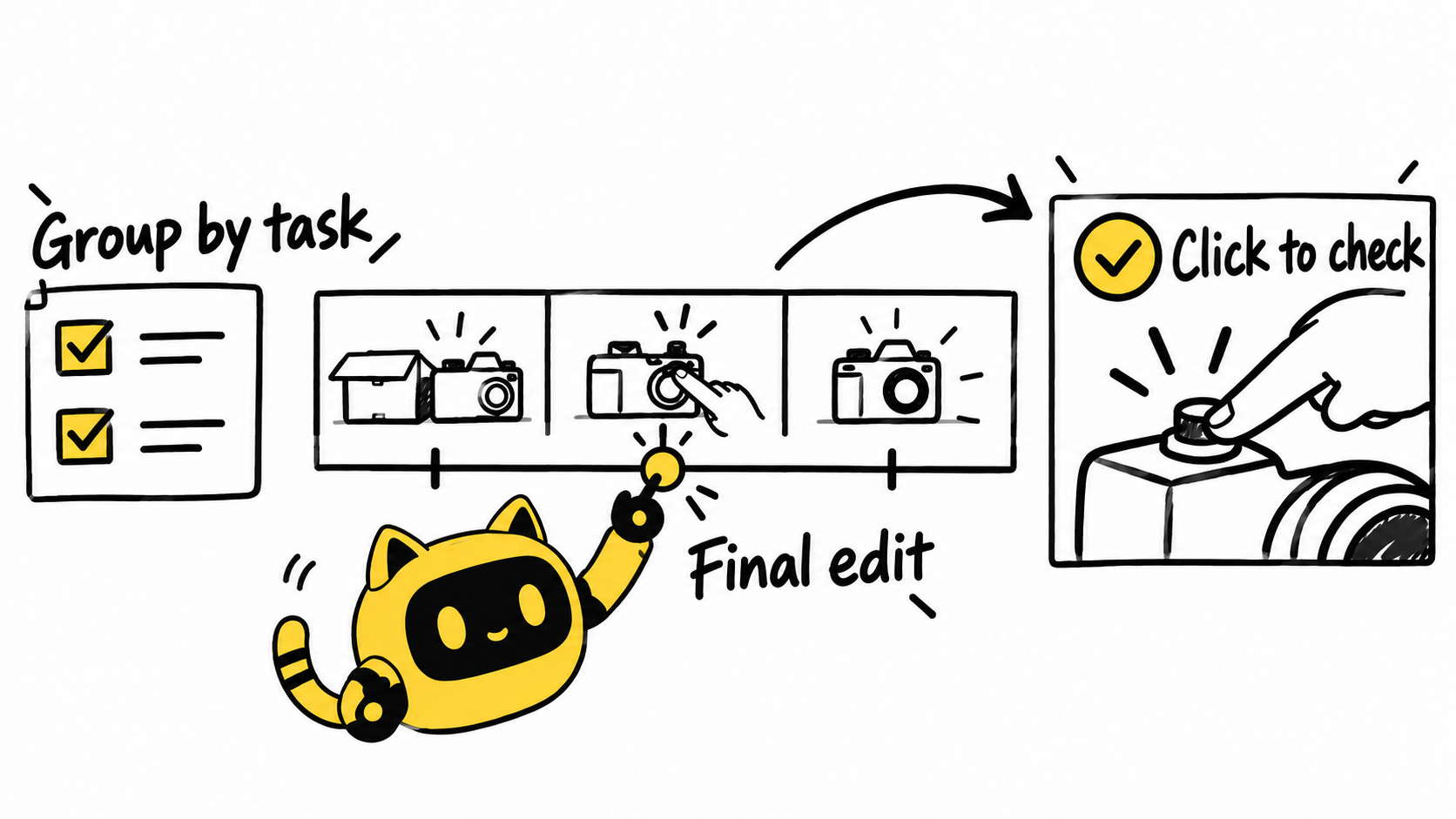
Review each chapter as an entry point
Click each chapter. Beyond checking the time, ask whether a viewer entering there needs a product model, preparation detail or condition from an earlier section. Briefly restate essential context where needed without repeating the full introduction everywhere.
Check the actual display on mobile and desktop. Automatic chapters do not appear on every video, and a correctly formatted manual list still needs a live check. If it does not display, ask the creator to review eligibility, formatting and the saved description rather than diagnosing a technical cause from one screenshot.
Recheck later timestamps whenever content is removed or added. Retain the final file version associated with the chapter list. Copying an old list is not a completed review.
Save the final video reference, chapter list and checks in the original OneCrew partnership record. Use existing feedback to prepare a focused revision draft that separates an incorrect position, an unclear label and missing content.
A chapter revision request
Hi [Name], this review covers [final video link/version]. Chapter [name] currently lands at [observed position]. Please move it to the start of [specific action]. Also, [chapter] is missing [necessary context/content]; please confirm how to supply it before updating the timestamps. Share the saved description list afterward so we can check each jump.
Before saving the draft in OneCrew, verify that every item refers to the same final edit. An unclear title needs a clearer label. A missing operation needs a content decision; renaming the chapter cannot supply the demonstration.
If the content itself is overloaded, use the script-trimming method to settle the core objective before organizing navigation.
Start with the task list for one long tutorial in OneCrew. Have the reviewer fill and test the timestamps against the final file. Useful navigation comes from accurate boundaries and working entry points.



