Plan a Product Stop-Motion Shoot Before Frame Capture
Agree on storyboard actions, timing, and prop responsibilities before stop-motion capture. Assess changes against the frames and set already produced.

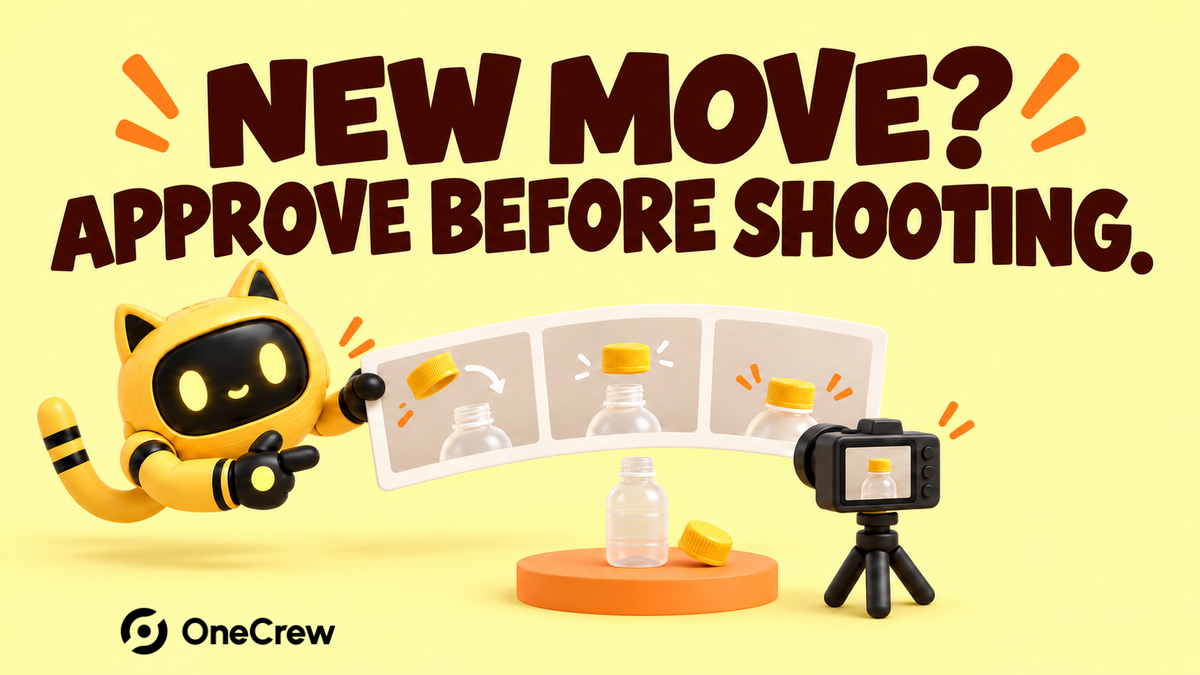
Halfway through a product stop-motion shoot, the brand asks for the cap to move in the opposite direction and another prop to enter. The creator explains that the set and sequence need rebuilding. Only then does the team see the production behind those few seconds.
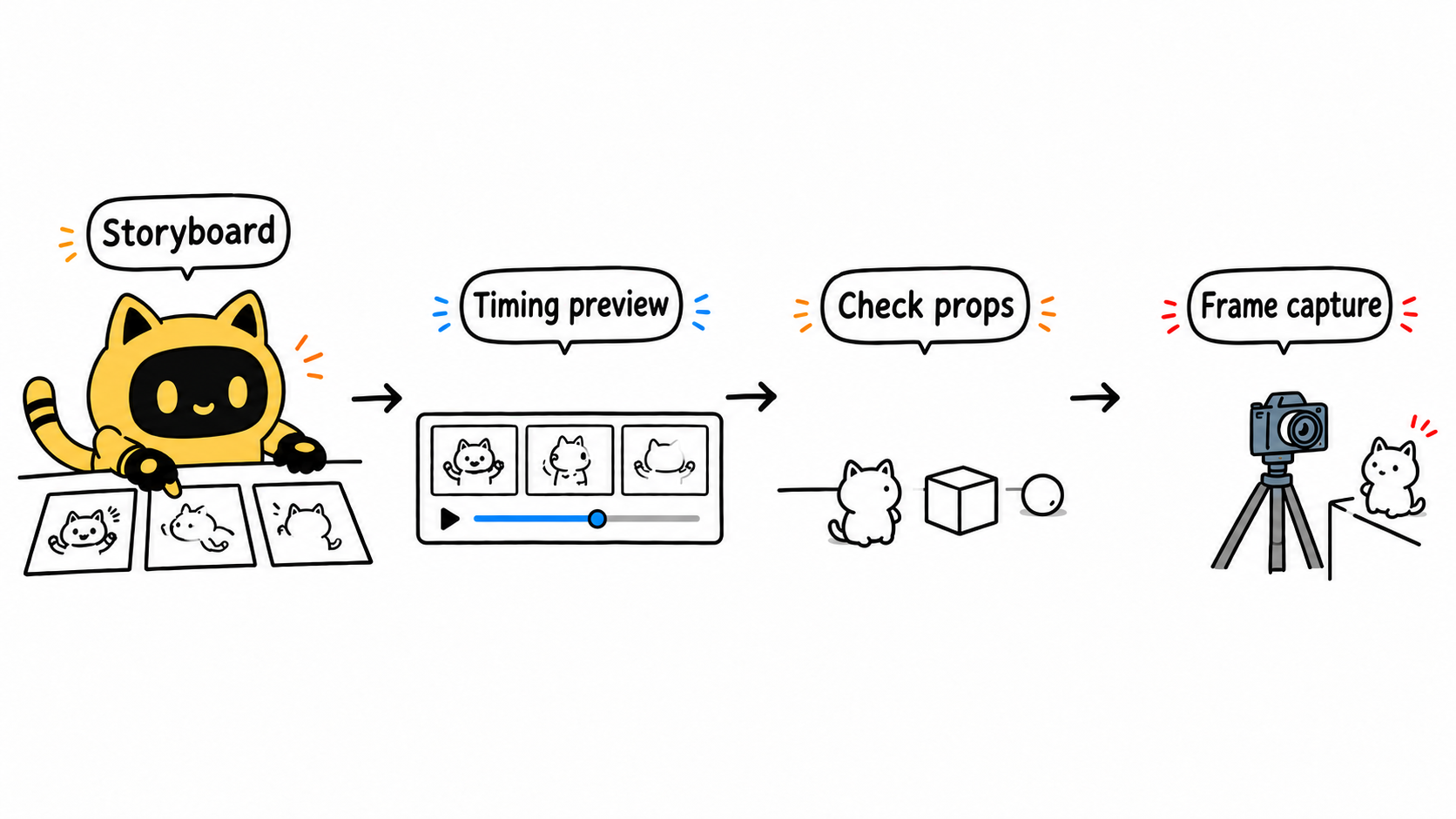
Approve the storyboard, movement sequence, and timing before locking props and beginning frame-by-frame capture. A reviewable plan makes disagreements easier to resolve before the set is committed.
Describe the action as a sequence of frames
The storyboard can be rough. Each section should show where the product enters, what it does, where it stops, and what the viewer must understand. Discuss when the brand text becomes readable, whether the product is opened, and which props drive the movement.
OneCrew helps brands organize creator information, collaboration emails, and worksheets. Keep the storyboard version, scene actions, and open questions with the creator record. Feedback can then point to a shot instead of turning scattered ideas into filming instructions.
Review timing before committing to the full shoot
Ask for a timed preview made from storyboard images or a simple test. It should show entrances, movement, pauses, and the ending without needing finished production quality. Confirm duration, aspect ratio, output frame rate, and movement style separately; no single frame rate is the standard for every stop-motion project.
Adobe’s stop-motion overview explains the underlying method of creating movement from successive still images. For a brand reviewer, the practical questions are whether the action reads, the product information has enough time, and transitions require additional props or scene changes.
| Preview section | Action to confirm | Pre-shoot decision |
|---|---|---|
| Product entrance | Direction and final orientation | Space required in the frame |
| Main movement | Order of moving, opening, or combining | Props, product quantity, and feasibility |
| End hold | When the product and message become clear | Final composition and text |
Assign a purpose and owner to each prop
A ball used as background decoration has different requirements from one that pushes the product through the scene. Confirm who provides each item, quantity, size, appearance, and whether it will be fixed in place or consumed. Discuss whether opened, attached, or dismantled samples can still serve other shots.
Request setup tests for critical compositions. The brand checks orientation and visible information; the creator checks whether the motion can be executed. Test an uncertain movement in a short sequence before relying on it for the whole production.
In a OneCrew worksheet, connect missing samples and unconfirmed props to their shots. Prepare follow-up drafts around those gaps, then update the decisions as replies arrive so the creator can see what is ready to shoot.
Assess a changed movement against footage already captured
A new direction, prop position, or layout may affect continuity in later frames. Before adopting the idea, ask which material needs recapturing, whether the setup can be restored, and what extra time and cost are involved. Treat a post-production text adjustment separately from a change to physical action already photographed.
The shoot will follow [storyboard version] and [timed preview]. Prop responsibilities are listed at [location]. Before capture, confirm [test movement]. For changes affecting captured action or the set, identify the reshoot scope, timing, and fee before updating the production decision.
When timing is tight, check production readiness with Need Creator Content in 48 Hours? Check What Is Ready First.
For the next stop-motion commission, bring the storyboard, timing preview, and prop responsibilities into OneCrew before drafting shoot confirmation. Settle the main physical actions before capture so later feedback maps to a clear production scope.



