Combining Creator Testimonials: Keep Every Clip Matched to Its Original Claim
Map speakers, source timestamps, product models, and context to the final edit. Includes a clip-mapping table and a meaning-and-usage confirmation email.

When several creator testimonials become one ad, a clean transition can still create a misleading connection: one person’s voice over another person’s face, or a conditional statement cut into an unconditional claim. Before editing, record who said each line, which product it concerns, its full meaning, and where it will appear.
Create a source record for each usable excerpt
Include the creator, original file link, source timestamps, statement and surrounding context, model, use conditions, and confirmed usage scope. Do not infer the speaker from a download filename. Set uncertain clips aside until their source is verified.
OneCrew helps teams organize creator collaboration records and email. Keep links to source records, permission confirmations, open questions, and responsible people in the collaboration table. A producer taking over can find the relevant owner and correspondence.
The U.S. FTC’s endorsement guidance emphasizes truthful, non-misleading endorsements. The following workflow turns that principle into an editing handoff; review specific advertising and disclosure requirements for the intended market and placement.
Map source footage to the final timeline
The timestamps below are illustrative.
| Source and meaning | Planned use | Check |
|---|---|---|
| A, 00:18–00:24: opening a particular model | Opening section with A’s own image and voice | The model matches the advertised product |
| B, 00:31–00:38: personal office use | Middle section showing B’s actual setting | The office-use condition is retained |
| C, 00:09–00:15: cleaning steps | Closing section with corresponding product detail | Supporting footage does not misidentify the speaker or product |
Different people praising different things do not establish a shared conclusion. Review any new summary caption on its own evidence; several selected testimonials cannot support “everyone agrees.”
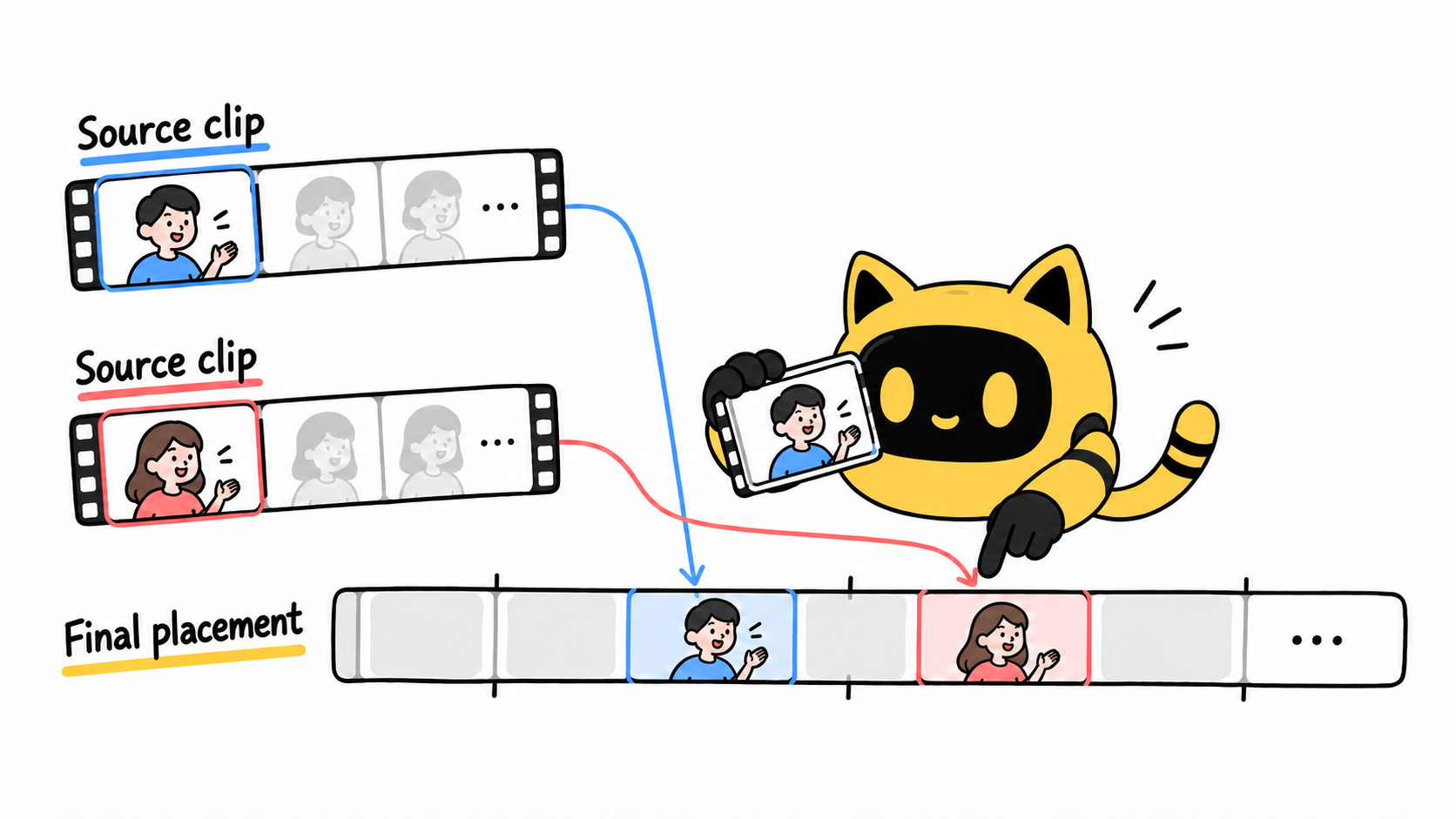
Review the whole message, then each edit
Watch once without interruption and ask whom a viewer would attribute each statement to. Then compare every excerpt with its source. Check for missing negatives, conditions, timeframes, and model names. Assess captions, faces, voiceover, and demonstrations together: unchanged words can acquire a different meaning beside new footage.
In OneCrew, review synced usage confirmations and record open questions alongside the original clip and current edit version. Prepare a focused draft the creator can check directly. Verify the source and meaning, then the agreed use; the content-reuse questions guide covers additional scope discussions.
We plan to use this line from your source file [link and timestamp] at [timestamp] in edit v3, concerning [model]. Please review the original context and preview to confirm that this placement preserves your meaning. Usage follows [existing agreement]; any scope it does not cover will be confirmed separately.
Deliver the mapping with the edit
When clips move or are replaced, update final timestamps and the edit version. Keep the current ad linked to original files and confirmations so the next reviewer can follow the same evidence.
Start with the clips intended for the mashup. Organize their sources and unresolved questions in OneCrew, then prepare requests for the missing information. The clips can share one ad while every statement remains traceable.



