Need a Cover Image for a Creator Video? Brief the Still Photos Before Filming
Scope still photos separately with layout references, copy space, quantity, and files. Includes a composition table and pre-shoot confirmation email.

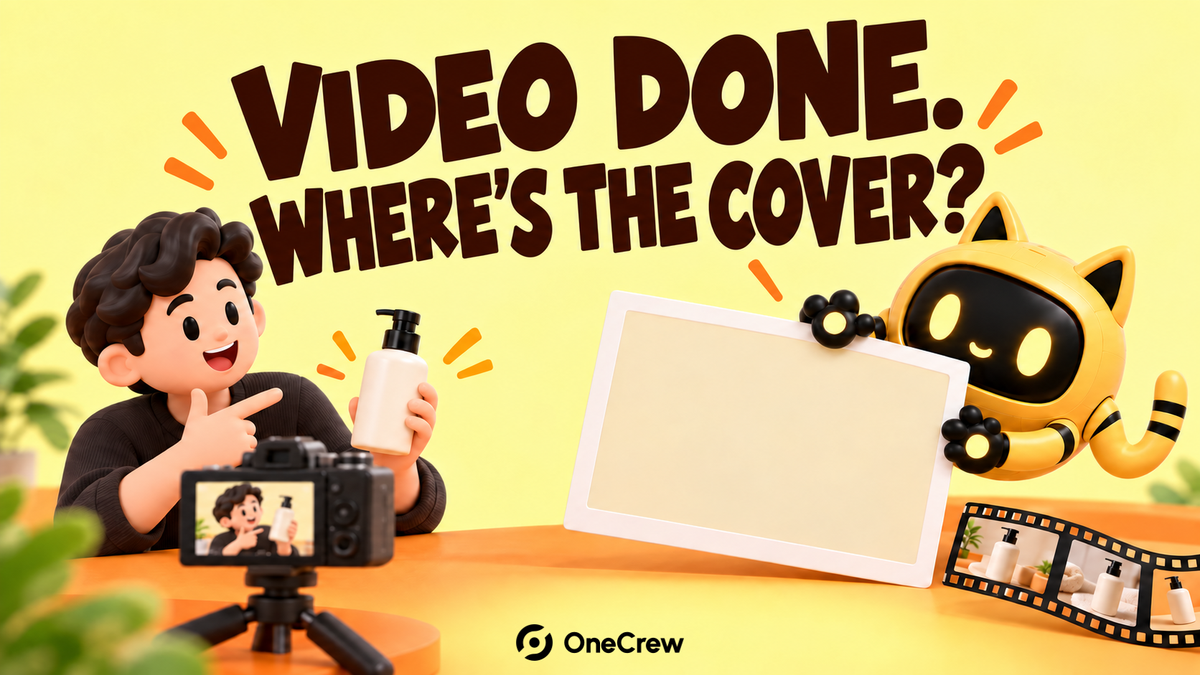
The video looks good in motion. Pause it, though, and the creator is blinking, a hand covers the product, or there is nowhere to put a headline. If you need still photos, scope them before filming with a clear purpose, composition, and delivery format.
Start with the layout where the photo will be used
A video cover, product-page detail, and ad image may need different compositions. Give the creator a layout reference showing the subject position, copy area, and essential information. Confirm dimensions and crop requirements for the intended use. Decide which placements can share a photo and which need separate shots.
OneCrew helps teams manage creator collaboration information and email. Record photo uses, layout references, quantities, file requirements, and pricing confirmation in the collaboration table. That gives the shoot team a clear handoff for both video and still deliverables.
Give each use a composition to review
| Use | Composition | Acceptance check |
|---|---|---|
| Video cover | Clear creator and product, with copy space matching the layout | Natural expression and no hand covering key information |
| Product detail | Close view of the specified part | Focus, reflections, and correct model |
| In-use image | The relationship between product and action is clear | The agreed use is visible without a distracting background |
These are possible uses, not automatic inclusions in a video fee. Confirm quantity, retouching, source files, usage, and cost separately. If you want several options, distinguish selection proofs from finished images that all need to be delivered.
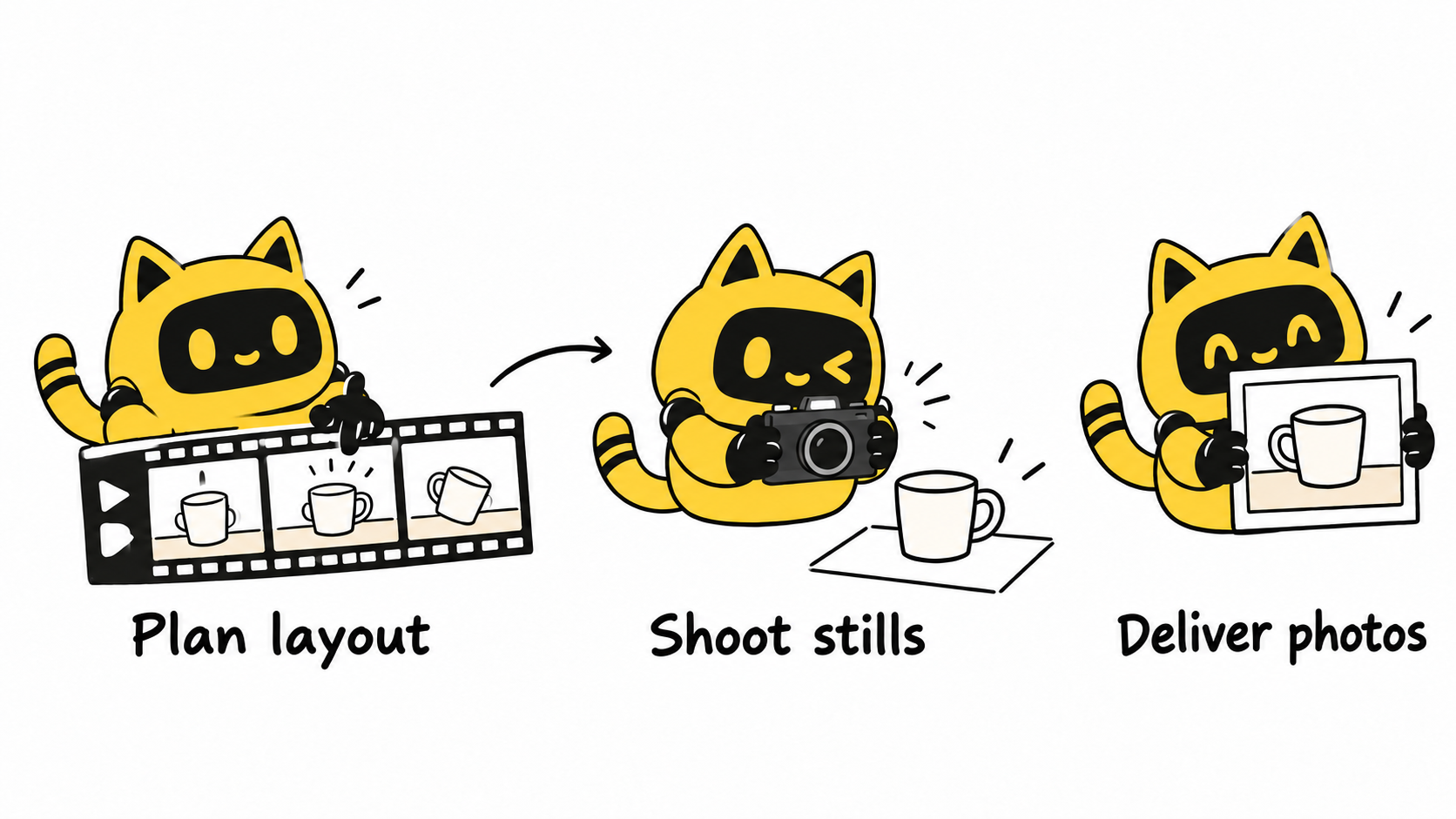
Reserve time for stills while the scene is ready
After a video segment, capture the agreed photos while the product, lighting, and creator remain consistent. Check the full product, hand placement, and expression before changing the setup. Avoid exaggerated expressions that imply a result the content cannot support.
In OneCrew, review synced scope confirmations, update the final layout reference and photo list, and prepare the shoot reminder. If the order also includes multiple video orientations, consult the landscape and portrait video delivery guide. Review the stills against their own composition requirements.
Alongside the agreed video, please confirm the separate photo scope in the attachment. For the cover image, keep the creator and product clear and leave copy space as shown in the layout. Capture this set before changing the scene. Please confirm quantity, file format, processing, usage, and the corresponding fee.
Choose the photo inside the actual layout
Check the full-resolution file for clarity, then test the crop and headline in the intended layout. Does the text cover a face or product? Does cropping remove the important action? Is the subject still recognizable as a thumbnail? An attractive standalone photo may need a different composition for that use.
Track photo IDs, purposes, selected versions, and file links separately at delivery so video approval does not hide a missing still. Start in OneCrew with the next commission’s cover layout and photo scope, then prepare the confirmation draft before the camera rolls.



