The Creator Posted an Instagram Collab—Why Is It Missing from the Brand Profile?
Check the invited account, acceptance owner, and brand profile. Includes a handoff checklist that separates Collabs, mentions, disclosures, and ad access.


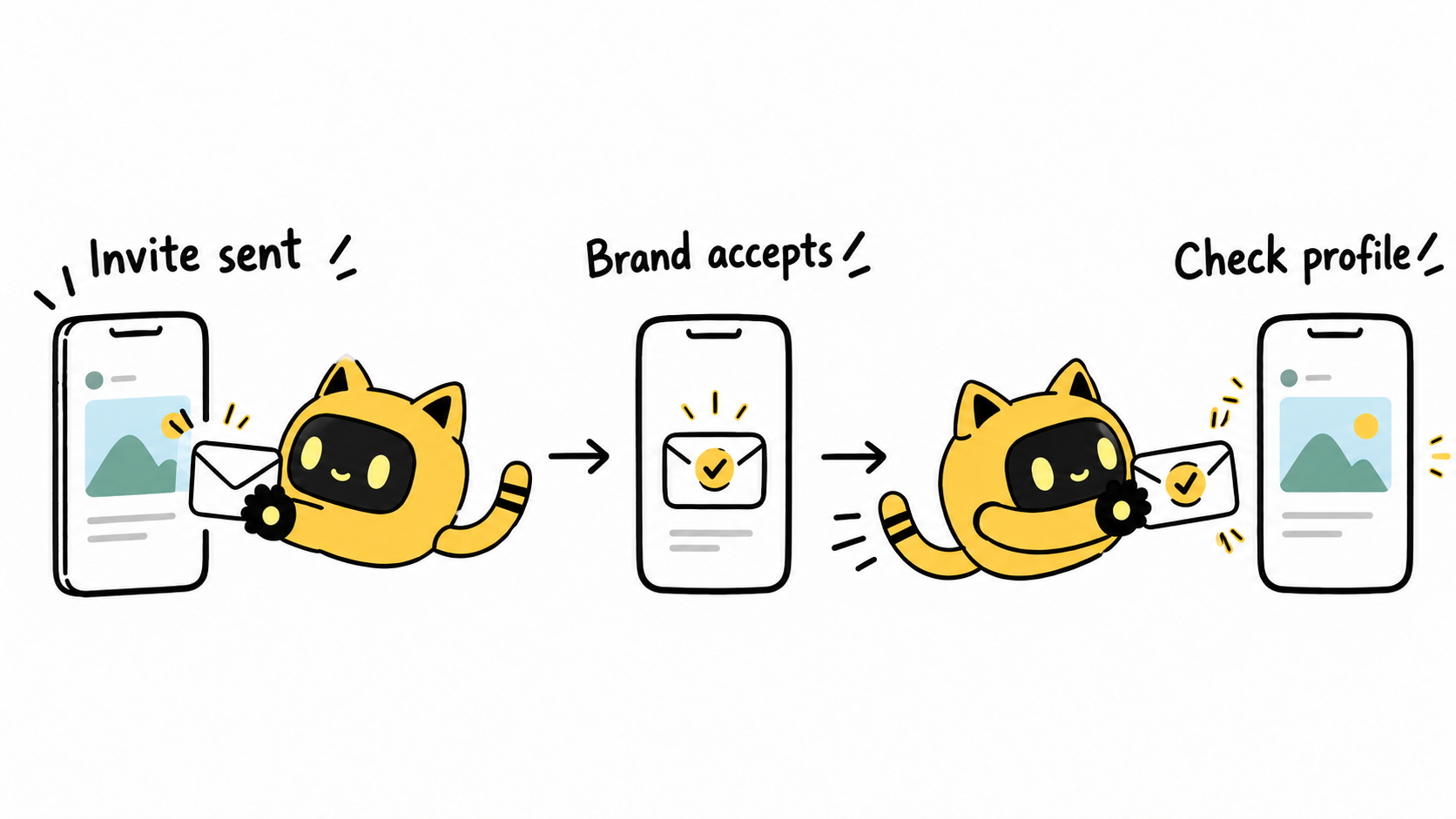
The creator sends an Instagram link and your brand is mentioned, but the post is missing from the brand profile. Check three things first: was a collaborator invitation sent, did it go to the correct account, and did that account accept? A mention alone does not establish an accepted collaboration.
Track publication and acceptance separately
Meta’s introduction to Collabs explains that content appears on collaborators’ profile grids after they accept the invitation. Collect the actual post link and check the brand profile after acceptance; a publishing screenshot is only part of the handoff.
OneCrew helps teams organize creator collaboration records and email. Record the publishing account, invited account, post URL, brand acceptance owner, and current status separately. That makes it clear whether the next action belongs to the creator or someone on the brand team.
Identify which action you are checking
| Action | What to verify |
|---|---|
| Mention or tag | It points to the intended account; it is not evidence of accepted collaboration |
| Collab invitation | Who invited whom, the exact account, and whether it accepted |
| Commercial disclosure | Labels and wording appropriate to the collaboration and applicable requirements |
| Advertising permission | The account and use covered by the separate advertising arrangement |
These actions can coexist, but each needs its own check. For advertising access, see the creator partnership-ad permissions checklist. One invitation screenshot should not stand in for the entire delivery review.
Give both sides a specific handoff
The creator provides the live post URL, original publishing account, and full username they invited. The brand owner checks and handles the invitation while using the agreed brand account, then checks the post on that profile. Similar usernames and regional accounts make exact identifiers useful.
Record who checked, when, which account they used, and what they saw. Interface locations and available options can vary by account and app version. If an option is missing, consult the current account interface and Instagram Help Center rather than relying on an old screenshot.
Review the relevant synced messages in OneCrew, add the new findings to the existing record, and prepare a follow-up about the missing step. The person accepting and the person contacting the creator should work from the same status.
We have the post at [link]. The remaining check is the Collab invitation to [full brand username]. Please confirm the account you invited and its current status. [Owner] will handle acceptance for the brand, and we’ll then check the brand profile. If your account does not show the relevant option, please share what it currently shows so we can agree on the next step.
If acceptance is confirmed, preserve the evidence
Check that the original post is still accessible, the collaboration remains in place, and you are viewing the same brand account. Record the observed issue and time. Agree on any deletion or reposting first, since it changes the original link and its associated records.
Start with one unresolved collaboration in OneCrew. Add the exact accounts, post link, and acceptance owner, locate the missing step, and prepare the corresponding follow-up draft. Completion means both sides can actually find the agreed content.



