Buying a Newsletter Sponsorship: Confirm Placement, Send Date, and Audience
Before buying newsletter sponsorship, confirm placement, issue date, audience, creative deadlines, and reporting. Track the agreed version in OneCrew.


A writer quotes you for “one newsletter sponsorship.” Your team expects a dedicated recommendation; the writer means a short placement halfway through a regular issue. The disagreement surfaces after the creative is already finished.
Define the issue, placement, audience scope, and approval dates before preparing assets. Then review a proof in the context of the full email. Your partner may be an individual writer or an editorial team, but the deliverable still needs a shared definition.
Identify the exact space you are buying
Ask for a placement example or a previous issue. Is the sponsorship at the top, in the body, or near the end? Are you buying a dedicated commercial email or a slot within editorial content? Confirm the requirements for copy, images, buttons, and links. Similar package names do not guarantee equivalent placements.
OneCrew is a workspace for managing partnership contacts, records, and emails. Keep the example, placement description, agreed quote, and confirmation email in one record so the design and procurement teams can see what this booking includes.
Confirm the send and its intended audience together
Ask which issue will carry the placement, when it is due to send, in which time zone, and whether it goes to the full list or an agreed segment. Total subscribers, eligible recipients, and delivered emails describe different quantities. A media kit’s largest number is not automatically a delivery guarantee.
| Agreement | What to record |
|---|---|
| Issue and timing | Date, time zone, and rescheduling contact |
| Audience | The stated recipient scope and exclusions |
| Placement | Its position and neighboring content in a full proof |
| Asset deadlines | Submission, feedback, and final approval dates |
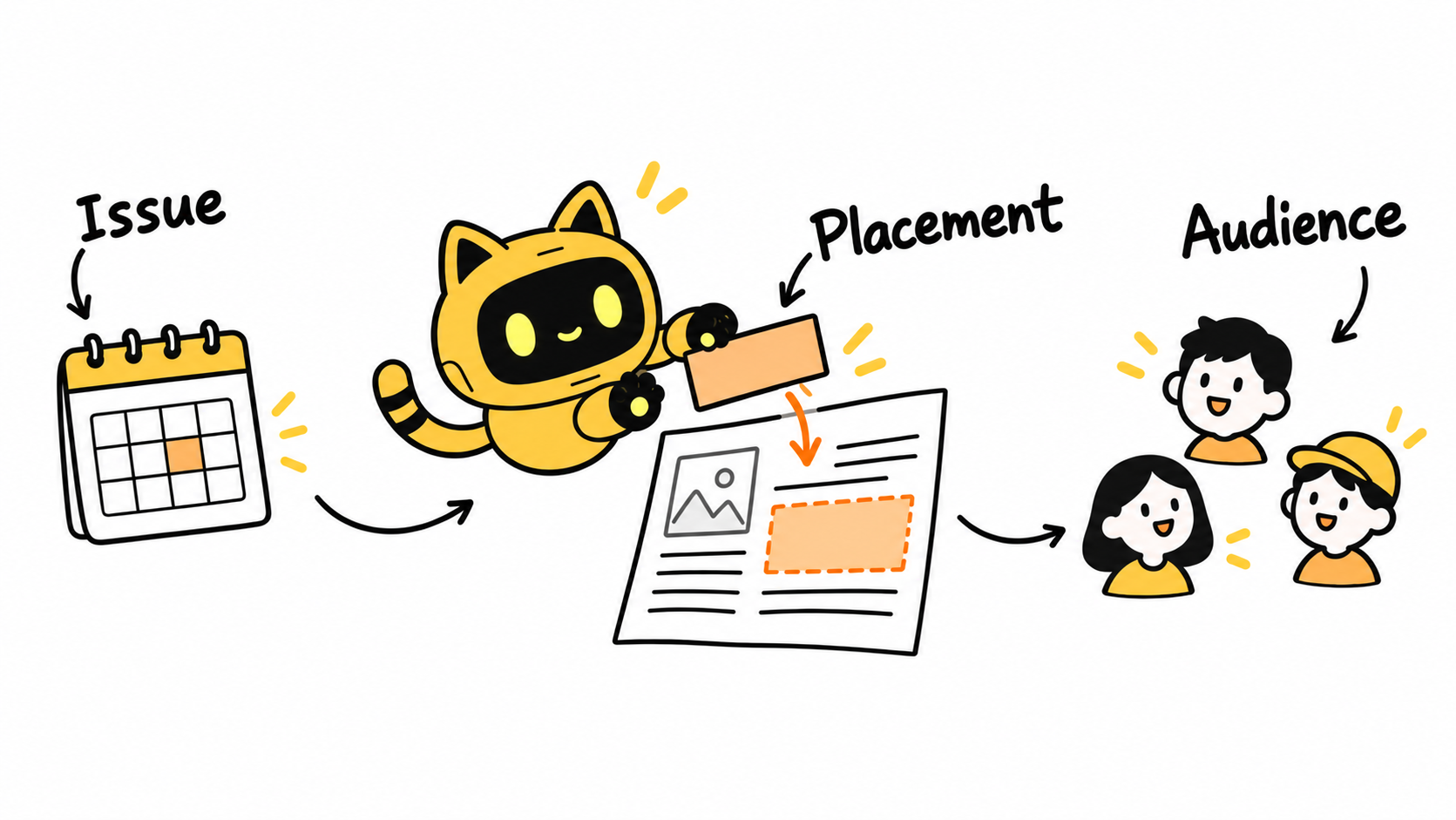
If you need exclusivity or the absence of competing advertisers, describe that requirement explicitly and ask whether the writer can provide it. “Presenting sponsor” alone does not establish that no other ads will appear.
Review the links and surrounding content
Request a test email or a proof that shows the complete issue. Check the image, copy, sponsorship identification, call to action, and final destination. Can a reader understand the product, intended audience, and offer conditions? A standalone paragraph cannot show whether the actual placement truncates or weakens that information.
Consolidate feedback into one version and assign one contact to return it. In OneCrew, record the proof link, changes, and approval time, then use the email history to prepare the response. Check prices, dates, and destinations before sending so an earlier campaign’s details do not slip through.
Agree on the evidence you will receive after sending
Specify what the publisher can provide: a final copy, actual send time, and an aggregate report using agreed definitions. A web archive establishes what appeared on a web page; it does not, by itself, prove an email went to the agreed recipients. For click reporting, record the measurement window and definition. Do not treat an open rate as guaranteed reading.
Please confirm [placement] in [issue, date, and time zone], sent to [audience scope]. We’ll provide assets by [date], with the complete proof approved by [date]. After the send, please provide [agreed evidence]. Contact [owner] before changing the schedule.
Once the issue is agreed, record a date and time zone both teams can verify using our guide to scheduling across time zones.
Start the next booking in OneCrew with four fields: issue, placement, audience, and proof approval. They give production and delivery checks a common reference.



