High Newsletter Open Rates? Check What the Sponsorship Report Actually Measures
Separate delivery, opens and sponsor-link clicks; check filtering and reporting windows. Includes comparison checks and a publisher clarification email.


The newsletter report shows a strong open rate, but no breakdown for your sponsor link. How many people actually read the placement? An open count alone cannot establish that.
Separate delivery, opens, clicks and downstream actions. Then check the definition, reporting window and filtering behind each metric. The aim is an interpretable sponsorship report, rather than an open count relabeled as confirmed readers.
Ask what the metric counts
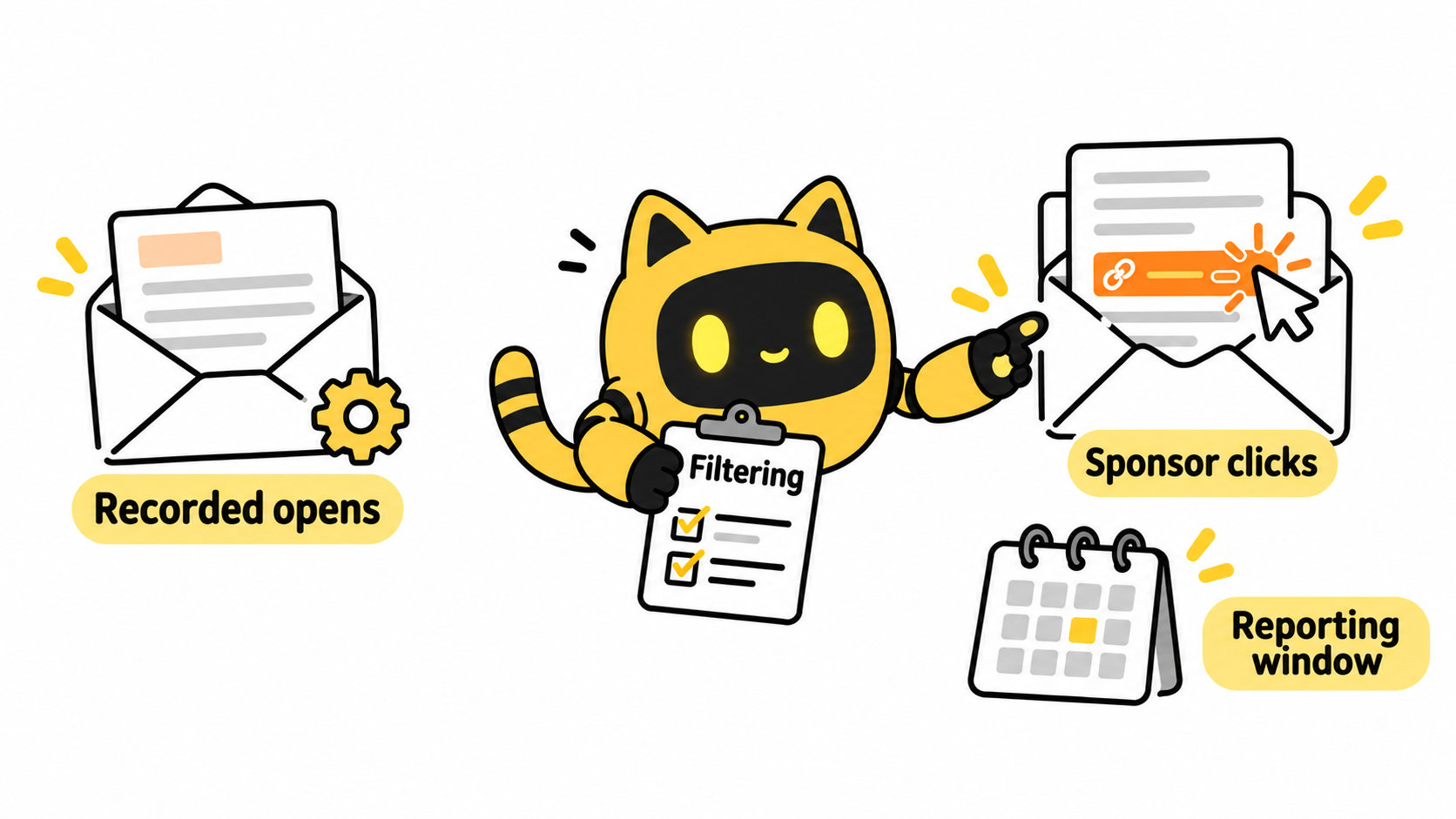
A loaded tracking pixel does not establish that someone read an email carefully. Privacy-related preloading and automated security activity can affect opens; automated services can also visit links. Mailchimp's guidance on bot activity explains that these non-human interactions can inflate both open and click metrics. Filtering identifies much of that activity, but a filtered report still does not prove each interaction was a person reading the placement.
Ask which sending tool produced the report, which edition it covers, when reporting closed and whether relevant filtering was enabled. Leave unavailable information as an open item. A high open rate cannot be converted into a precise count of attentive readers.
OneCrew is an AI workspace for partnership information, records and email workflows. Give the AI connected to OneCrew the publisher's report and metric definitions. Have it read your existing partnership table before recording delivery, opens and sponsor clicks separately, with their scopes intact. Keep a reference to the original report for review.
Review your sponsor link separately
An edition's total clicks can include its contents, editorial links and other advertisers. Establish which results belong to the placement you purchased.
| Check | Clarification to request |
|---|---|
| Sending and delivery | Which edition, what delivery means and which denominator is used |
| Opens | Unique opens or total events; privacy-related activity and filtering status |
| Sponsor clicks | Exact link, unique clickers or click events, reporting cutoff |
| Click filtering | Treatment of recognized bots and security scans |
| Brand-side results | Landing-page or conversion definition and observation window |
If the placement has several links, preserve each full destination, position and result. Before sending, check the destination and agreed tracking parameters. Forwarding, devices and different measurement tools can complicate comparisons. When two reports differ, compare definitions and windows before attributing a cause.
Make two editions comparable before calculating change
Keep filtering status, unique-versus-total definitions and reporting cutoffs beside the numbers. Total clicks including automated activity in one edition are not directly comparable to filtered unique clickers in another. Request a common reporting basis if the publisher can provide one; otherwise document the difference.
In Mailchimp, bot-filtering settings apply across the account's reports, rather than to one edition individually. When comparing saved screenshots, ask the publisher to export both editions under the same settings or identify the filtering state when each screenshot was taken.
A landing-page visit does not prove someone read the entire advertisement. A click is not an order. When registration or purchase is the objective, review the downstream data using the agreed method and retain its attribution scope. Combining different stages into a single “real reach” number hides the questions you still need to answer.
Update the same OneCrew partnership record with each report's date, definitions and unresolved differences. Use that evidence to prepare a focused clarification draft: acknowledge what was supplied, then ask about the unexplained measurement scope.
A focused reporting request
Hi [Name], thank you for the report for [edition/send date]. We have [supplied metrics]. Could you clarify the unique clickers and total click events for [our exact sponsor link], together with the reporting cutoff? Please also confirm the privacy-related and bot filtering used for opens and clicks. If those activities cannot be separated, please state the current reporting basis. We will record these figures separately from our [actual landing-page metric].
Before saving the draft in OneCrew, check that the request matches the reporting scope agreed for this sponsorship. If you originally requested a screenshot and now need additional data, discuss what the publisher can supply and when.
If the edition and placement are still unclear, use the newsletter sponsorship placement checklist first. You need a defined delivery before you can identify the results to review.
Start with one newsletter engagement in OneCrew. Add a definition, window and link to each reported number. A report you can explain provides a firmer basis for the next decision than an impressive open rate with an unknown calculation.



