Brief Creators to Keep Reflective Labels Readable
Mark the label details that must stay visible, review test angles, and check reflective product footage at its intended size and during playback.


The packaging looks glossy, but the brand name disappears inside a bright reflection. The creator sees a convincing metallic finish; the brand sees missing product information. They never agreed on what the viewer needed to read.
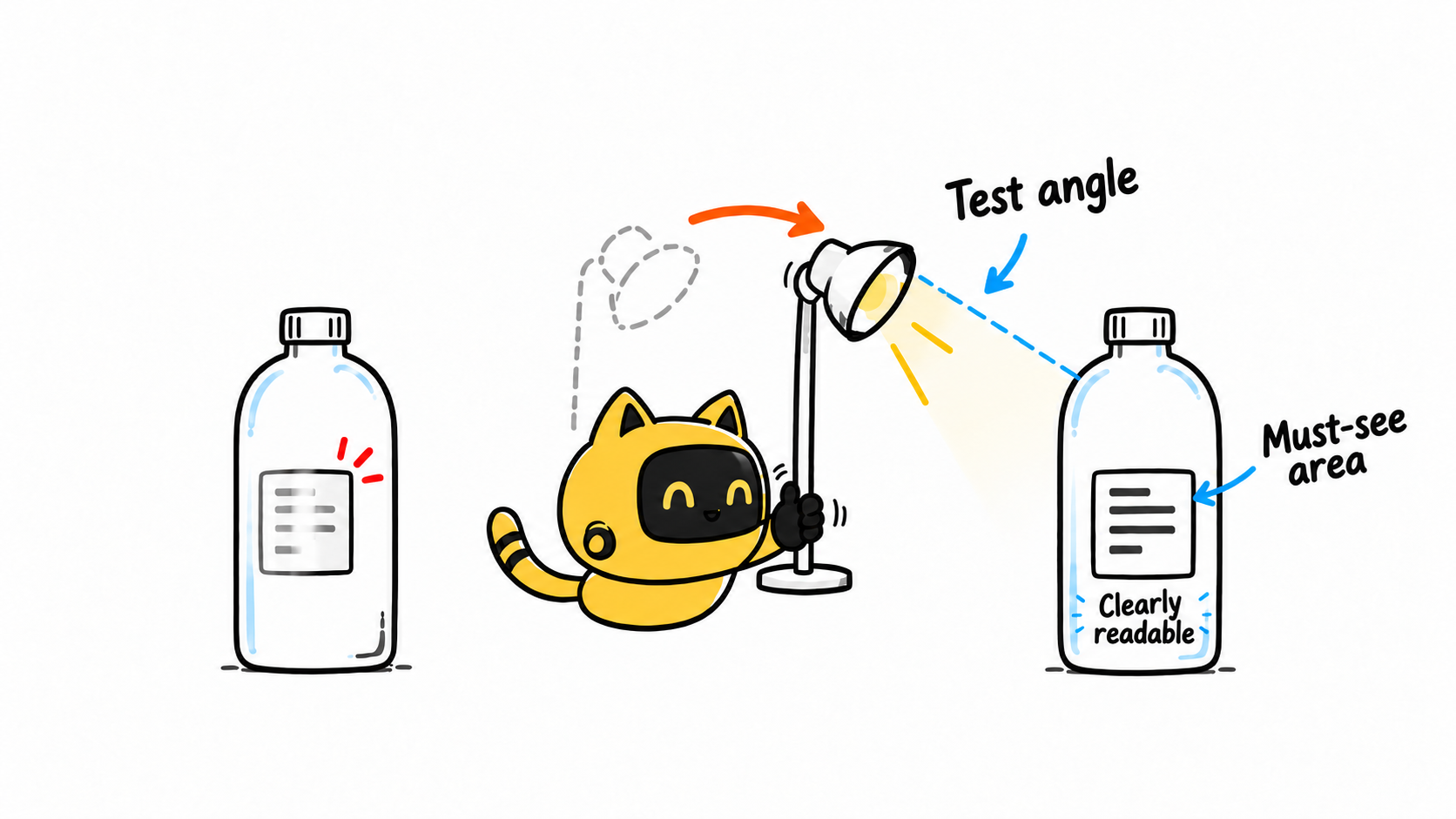
Brief reflective products by identifying the areas that must remain visible, then review test angles before the main shoot. The aim is often to preserve the material’s appearance while keeping the label, model, or operating detail clear.
Point to the information that must be visible
Send an annotated product reference showing the required brand mark, model, opening, or functional detail. Distinguish readable text from recognizable shapes and areas where natural reflections are acceptable. If the content will be cropped into several formats, identify what must remain in frame.
OneCrew helps brands organize creator information, working records, and collaboration emails. Link the annotated reference, intended use, and visibility requirements to the shoot. The brief can then describe an inspectable outcome instead of simply saying “watch the glare.”
Test the angle most likely to obscure the label
Ask for a small set of test images or clips in the planned scene, covering the front label and relevant turning or handheld movements. The photographer can try changes to light size and position, product orientation, or camera placement, then compare which setup preserves the required detail.
The appropriate adjustment depends on the equipment and surface. Glass, metal, and glossy plastic do not behave identically. Nor does one approved still prove that the label stays visible during a moving demonstration.
| Use | Test question | Acceptance check |
|---|---|---|
| Front product photo | Does a highlight cover the name or model? | Read the key text at delivery size |
| Handheld demonstration | Is there a sufficiently clear viewing moment? | Watch the actual movement and hold |
| Detail demonstration | Does glare hide the opening or control? | Identify the action being explained |
Describe the obscured area and leave room for a solution
For example: “In test two, the highlight covers the second half of the brand name. Please make the whole line readable while keeping the bottle’s curved finish.” This defines the result without prescribing equipment the creator may not use.
If the proposed fix requires substantial reconstruction of packaging text, discuss a reshoot or another option and confirm the retouching scope. Improving readability should not change the model, packaging facts, or product shape.
In OneCrew, connect the affected area, test frame, and selected approach, then prepare confirmation from the current version. If the scene or handling changes, flag the required areas for another check rather than carrying forward an approval that no longer fits.
Check the intended viewing size and movement
Text that is barely readable in a large image may disappear in a thumbnail. Review the agreed dimensions and crops. For video, watch whether viewers get a clear moment during playback instead of selecting only the best still frame.
The viewer must be able to identify [mark, model, or functional area] in [format and use]. Please provide [test angles or movement] for review under [conditions]. Natural reflections in [area] are acceptable, but they must not obscure [required detail]. Discuss substantial retouching in advance.
For footage used in both portrait and landscape formats, also review Need Landscape and Vertical Creator Videos? Plan Both Before Filming.
Start with one reflective product in OneCrew and mark its must-see areas. Prepare the shoot confirmation around that reference. Agree on what the audience needs to see, then let the creator find a workable way to show it.



