Asking a UGC creator to cast people and film on location? Agree on the extra work
Adding cast members and a location to a UGC shoot? Assign sourcing, product preparation, on-site work, and costs before confirming the shoot. Includes an email.


The original plan was a creator filming a product demonstration at home. Then the team asks for a family using it together. Now someone has to find participants, coordinate schedules, move the product, install it, and direct the scene. The final delivery may still be one short video, but the production work has changed.
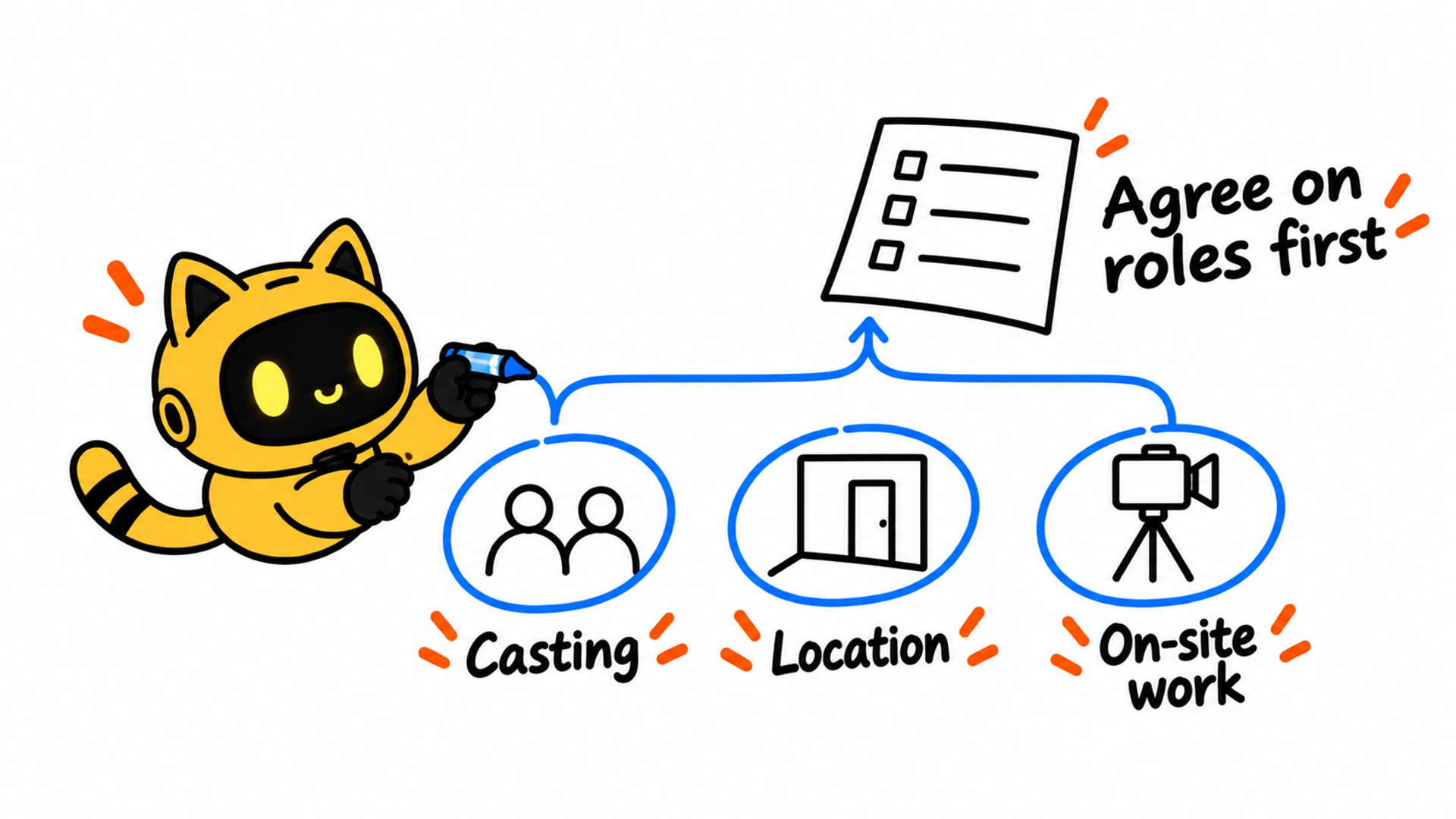
List the additional people, locations, and on-site tasks before confirming the shoot. Agree on who handles each task, what must be ready, and which costs apply. Establishing what changed is more useful than debating whether the project still counts as UGC.
In a Reddit question, a creator describes being asked to source models or families while also scripting, filming, editing, and recording voiceover. The work extended to installing the product and directing participants. They wondered whether to price it the same way as their original service. Brands can make these conversations clearer by defining the added production responsibilities early.
1. Compare the original scope with the new request
Find the approved quote, brief, and messages. The original arrangement might include the creator appearing on camera, arranging their own setup, and delivering an edited video. It does not necessarily include finding other participants, coordinating a location, or organizing an on-site shoot. Compare the actual wording and flag anything not previously agreed.
Replace “make it feel more authentic” with a specific request: who should appear, what they should demonstrate, what space is needed, whether installation is involved, and how the footage will be used. Mark undecided headcounts and locations as pending rather than asking the creator to start sourcing around a vague idea.
OneCrew is an AI workspace for organizing creator information, outreach conversations, and collaboration follow-up. Give the connected AI the original quote, current brief, and additional requirements. Ask it to compare those materials with recorded messages and separate included work, new requests, and unanswered questions. Check the comparison before sharing it with the creator.
Use confirmed scope as the baseline. A reference to “lifestyle content” does not explain every possible cast size or location. Equally, keep work already included in the agreement visible so it does not get discussed as an entirely new task.
2. Assign people, locations, and product preparation explicitly
A shoot with multiple participants introduces dependencies. Someone may become unavailable, a location may be inaccessible, or the product may require preparation that nobody has arranged. Use a production plan to identify who owns each requirement.
| Production area | Questions to settle before filming | Agreed output |
|---|---|---|
| Participants | Who sources and contacts them, when the brand confirms the choice, and whether a backup is needed | Confirmed participants and coordinator |
| Participation and usage | Who explains the intended use and collects the required permissions and documents | People, uses, and confirmation records |
| Location | Who provides or books it, which areas can be filmed, and when access is available | Address, contact, and access arrangements |
| Product preparation | Who transports, assembles, or installs it, with what instructions and conditions | Preparation checklist and responsible people |
| On-site filming | Who directs participants, checks the footage, and consolidates brand feedback | Shoot sequence and decision-maker |
| Costs and changes | Treatment of participant costs, travel, location, installation, production, and rescheduling | Itemized scope, approver, and confirmed version |
Friends appearing in the video still need a clear explanation of the content, intended uses, and agreed arrangements. For children, restricted locations, or other special circumstances, have the responsible person check the applicable requirements and necessary confirmations before committing to the shoot.
List installation separately. The brand should provide accurate setup and operating information and identify who handles work requiring a qualified professional. Confirm the people and conditions actually needed instead of assuming the filming assignment includes every preparation task.
Ask the AI connected to OneCrew to compare the plan with the creator’s replies and list missing owners or unresolved dependencies. Use that list for one focused follow-up. Add the confirmed version to the creator’s notes so colleagues can distinguish a creative suggestion from an arrangement ready to execute.
3. Discuss costs against the work involved
Ask the creator to explain the additional work and resources before discussing the revised quote. Production, participants, travel, location, and installation may be supplied or paid for by different people. State who pays, who approves, and what information is needed before a commitment is made. Agree on amounts and currencies for this project rather than applying a universal percentage.
For example, imagine moving a tabletop demonstration from the creator’s home to another residence with two adults appearing on camera. Added work might include participant coordination, travel, setting up the scene, and directing people during filming. If the brand supplies the location, that resolves one item; the rest still needs to be discussed.
Cover likely changes as well. What happens if the cast changes after confirmation, the location becomes unavailable, or the brand adds another use case? Agree on whom to contact and how revised costs and timing will be confirmed. A casual request for “one more shot” can involve more work than the wording suggests.
The AI connected to OneCrew can prepare a change summary from the old scope and new itemization, showing additions, retained work, removals, and unconfirmed costs. Check it before sending. Update the execution version after both sides confirm it, while retaining the earlier plan as a reference.
4. Confirm the plan before locking the shoot date
The date depends on people, location access, the product, and the brief being ready. You can ask about availability first, but distinguish a tentative hold from a confirmed shoot and state when the final decision will be made.
Before confirming, check the participants and required documents, location and product readiness, reachable on-site contacts, approved scope and costs, and the person handling unexpected changes. Share the planned sequence in advance so participants understand what they will be asked to do.
Subject: [Project] — confirming additional participants and on-site production
Hi [name],
Our original scope was [confirmed work]. We would now like to add [specific participants, setting, and actions]. Before confirming filming, we would like to agree on the following arrangements.
People: [Who sources and confirms participants, explains usage, and collects the required documents].
Location and product: [Who supplies the location, handles transport or installation, and completes the necessary preparation].
Shoot: [Who directs, who approves footage for the brand, and the proposed filming window and timezone].
Additional costs: [Confirmed items or specific work requiring a quote]. [Owner] will respond by [date]. If participants or location plans change, please contact [name] before making new arrangements.
We are tentatively holding [date/time] and will confirm whether the shoot is going ahead by [date]. Please flag anything you cannot take on, anything that needs adjusting, and information still missing. The agreed execution plan will be recorded in [document/version].
Use the recorded replies in OneCrew to help the connected AI complete this draft. Keep unanswered points as questions. Check headcount, location, dates, and costs before sending so an old detail does not slip into the new plan.
5. Review production and file delivery separately
After filming, confirm the on-site work completed, the agreed shots captured, and any changes caused by participant, location, or product issues. Preserve the approval records for additional work, then resolve related costs or follow-up filming according to the agreed arrangements.
Next, check the delivered assets, versions, and necessary confirmation documents. Coordinating the shoot and accepting the finished files are separate checks. Use the UGC brief and revision checklist for file specifications and feedback, rather than judging the whole engagement by the number of videos received.
Before asking a creator to cast other people or film on location, use OneCrew to assemble the original scope and list the added people, location, and on-site tasks. Turn those differences into a confirmation email so both sides can discuss the actual work before production begins.



