A Private YouTube Draft Won’t Open: Confirm Reviewer Access Before the Deadline
Check invited emails and signed-in accounts for a private YouTube draft. Test playback and consolidate timestamped feedback against one version.

If a teammate cannot open a creator's private YouTube draft, check the video's visibility, the email invited to view it, and the account the reviewer is using. Have the owner grant access to the required reviewers and test playback. Confirm the version and feedback channel at the same time so access does not become a last-minute review problem.
Check the invited account first
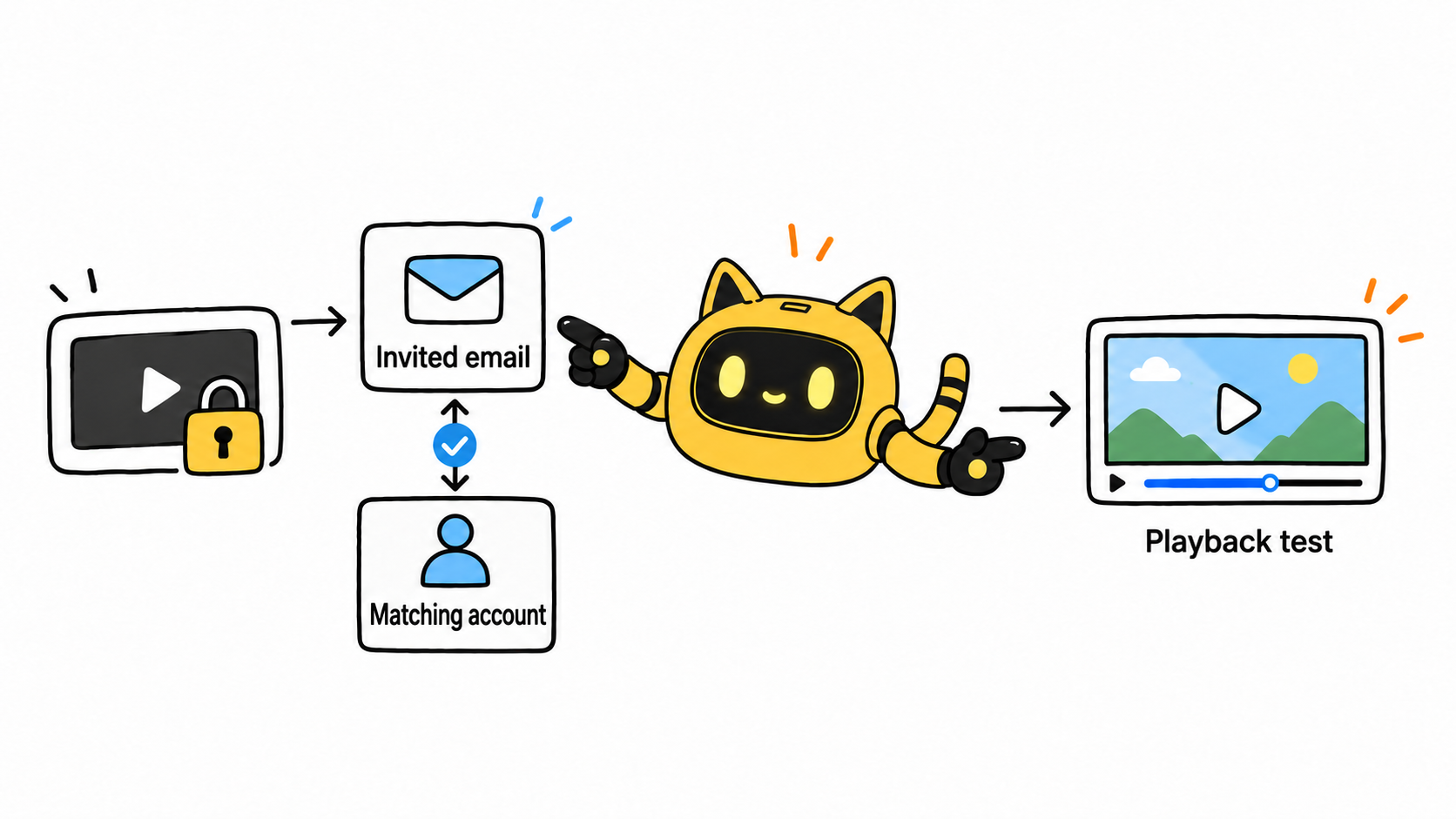
YouTube private videos can be shared with selected people. Ask the owner to check the invited email, then have the reviewer sign in with the matching account. Forwarding the URL to a team chat does not grant additional people access.
OneCrew is an AI workspace for organizing creator collaboration records, worksheets, and email communication. Give OneCrew the review roster, the creator's confirmations, and your team's responses. Organize a worksheet by reviewer, invited email, playback test, and feedback status, so the review owner can distinguish an access problem from an outstanding edit.
| Symptom | Check first | Next owner |
|---|---|---|
| Video will not open | Video availability, visibility, sharing list | Video owner |
| One reviewer can watch, another cannot | Invited emails and signed-in accounts | Owner and reviewer |
| Playback works but comments do not | Private visibility and agreed feedback channel | Review owner |
| Multiple links circulate | Link-to-version mapping | Creator and review owner |
Understand private and unlisted before changing access
YouTube's official guidance says private videos are available to the selected audience and do not support video comments. Agree on an external review document or collaboration email, using timestamps such as “00:18: replace the feature claim with the approved wording.”
Anyone with an unlisted video's link can generally watch and reshare it. Use that setting only if both parties accept the resulting access scope. Absence from ordinary search is not enough to establish confidentiality. If the project requires access for named reviewers, correct the private sharing list first.
Test access before the review window starts
After invitations are added, ask each required reviewer to confirm playback of the correct version. Starting the review window from a successful access check makes authorization delays easier to distinguish from late feedback. If access is fixed after the original deadline was set, record the reply time and the revised feedback deadline.
Try: “Please confirm that this is the current review version and share access with the listed review emails. We will test playback using those accounts and consolidate timestamped feedback by email. If the video link changes, please identify the new version.”
Use OneCrew to organize synced collaboration emails alongside the review worksheet and prepare follow-up drafts for people whose access is untested. Keep feedback associated with the same version. For questions about creative reference material, see the reference-video briefing method.
The next time you receive a draft link, bring the reviewer accounts, playback results, and version into OneCrew together. Establish who can see the same draft before consolidating the requested changes.



