Why Does Shipping Spike When a Bulky Item Enters the Cart?
Use controlled cart tests to diagnose combined shipping rates, then choose the right fix across profiles, subsidies, markets, and customer messaging.
A store that ships small items cheaply can see the entire shipping quote jump as soon as a bulky product enters the cart. The first task is not changing the warning text to red. It is finding out whether the increase comes from dimensions, weight, fulfillment location, or multiple shipping configurations being combined.
According to Shopify’s combined-rate documentation, products from different shipping profiles or locations can generate separate rates that are combined into one checkout price. A single number at checkout does not necessarily mean the shipping engine calculated the order only once. If the broader problem is clicks without orders, use an ecommerce conversion checklist to confirm that abandonment actually rises after the shipping quote appears.
Run six controlled cart tests
| Cart | Record |
|---|---|
| One small item | Rate, service, and fulfillment location |
| Several small items | Weight or price threshold changes |
| One bulky item | Billable size, available services, and rate |
| Small items plus bulky item | Combined rates or missing services |
| Different states or countries | Zone rules and carrier availability |
| Inventory at different locations | Multi-location fulfillment behavior |
Change one condition at a time and record the products, location, package, market, and final rate. This separates an inherently expensive bulky shipment from an avoidable configuration problem.
Inspect profiles, location groups, and rate names
Shopify’s current documentation says products from different shipping profiles or locations can have their rates combined. Rates with matching names across profiles can be added and displayed under that service name. If the names differ, the least expensive available options may be combined and shown under a generic “Shipping” label.
A single flat rate may apply once when fulfillment uses multiple locations in the same location group. Weight-based, carrier-calculated, and app-provided rates are generally combined. Stores being upgraded to market-based shipping options should verify the behavior in their current admin rather than relying on an older setup guide.
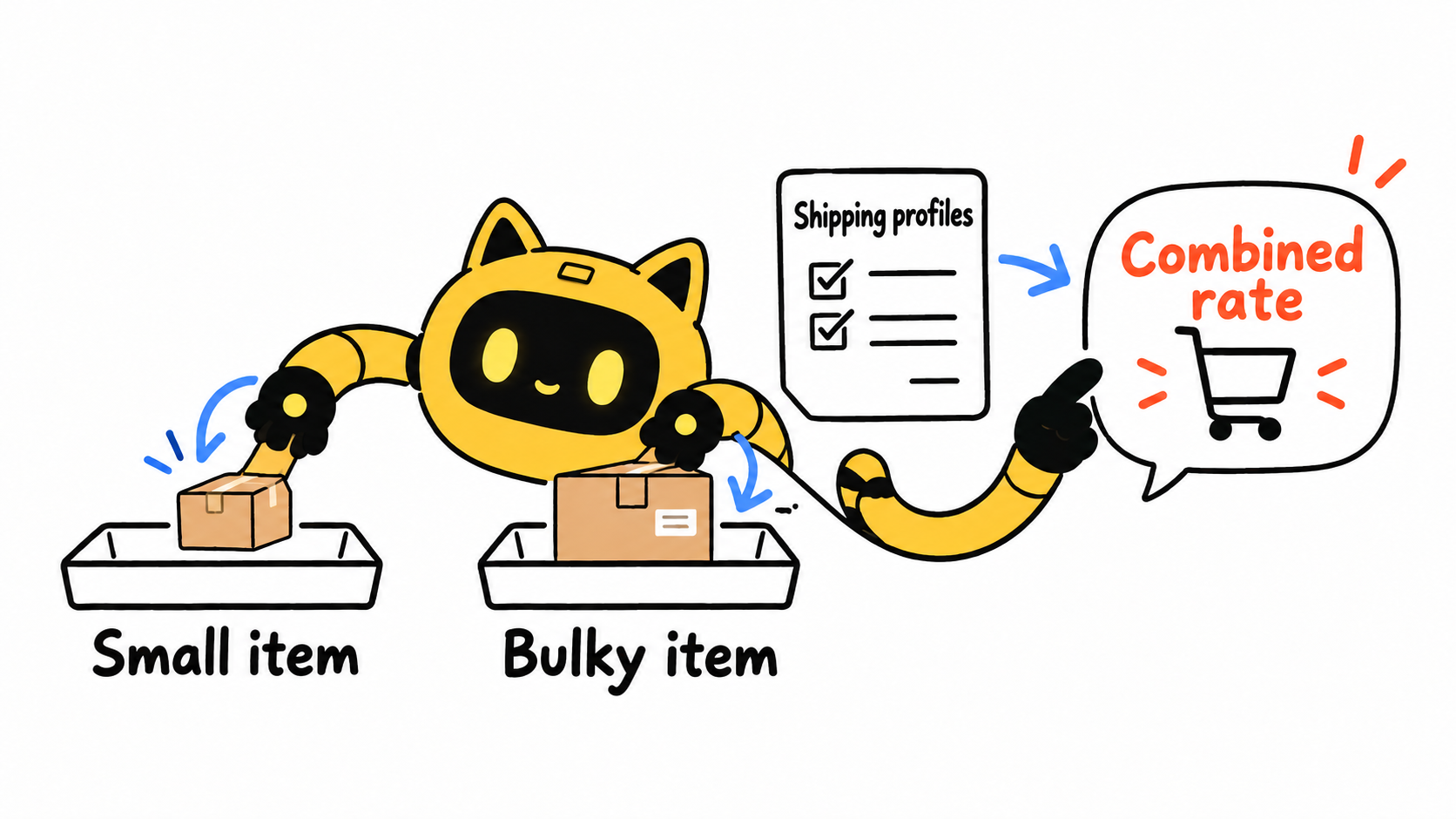
Four responses, each for a different cause
1. Give the bulky item its own shipping profile
This can help when the item needs different packaging, carriers, or service areas. Test real mixed carts first: a separate profile does not automatically reduce the combined total.
2. Subsidize part of the rate
A flat rate or free-shipping threshold can reduce sticker shock, but the subsidy belongs in the product’s contribution-margin calculation. Do not quietly use small-item profit to fund an untracked bulky-item loss.
3. Limit the item to viable markets
If dimensional surcharges are extreme in some countries, begin with markets where carrier rates or local stock make the economics workable. Base the restriction on quotes and order profit, not intuition.
4. Explain the difference before checkout
The product page and cart should say that the bulky item may ship separately, that the rate varies by destination, and when the shopper will see the final price. Clear copy cannot repair a broken configuration, but it can prevent a last-step surprise. With limited traffic, use a low-traffic product-page test to change one message or placement at a time.
Use order profit to set the subsidy ceiling
- Product revenue
- Cost of goods
- Actual carrier and packaging cost
- Shipping paid by the customer
- Payment and platform fees
- Expected refund or reshipment cost
Calculate this separately for small-item, bulky-item, and mixed orders. A higher average order value does not guarantee a more profitable mixed cart.
Customer-service explanation
Hi [Customer name],
Your cart includes [Bulky product]. This item requires a different package or delivery service, so the checkout rate differs from an order containing only small items. The final amount is calculated from the destination and the combination of products in the cart.
We can help you compare the available options for a small-item-only order and a mixed order. You can also review the final services for your address before completing checkout.
[Brand name]
Fix the rating path before rewriting the warning
Use the cart matrix to identify why the bulky item changes the rate. Then inspect profiles, location groups, and combined-rate behavior. Only after that should you change the configuration, restrict markets, subsidize the cost, or improve the explanation. This prevents both a hidden logistics loss and a warning that scares away shoppers who would have accepted the real price.



