What Evidence Does Shopify Need for a Verified Buyer Review?
Learn how Shopify verifies buyer reviews, which customer, order, and product links matter, why badges go missing, and how to request reviews neutrally.
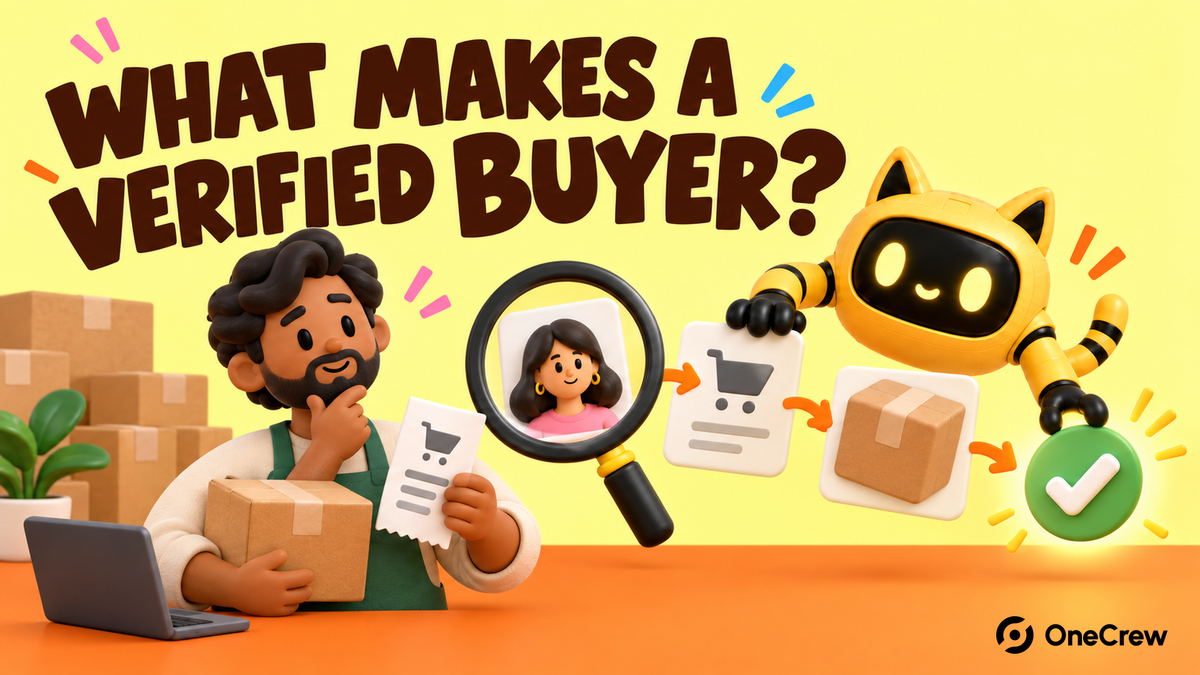
A “Verified Buyer” badge on a Shopify storefront is not one universal setting that a merchant can switch on. First identify whether the review came from Shop or from an app such as Judge.me, Loox, Okendo, Stamped.io, or Yotpo. The wording and verification logic can differ by system.
According to Shopify’s Shop review documentation, only customers who purchased the product can submit a review in Shop. When a Shop-collected review is displayed on the online store through a supported partner app, it carries a “Verified by Shop” badge, indicating that Shopify verified the review against a product and order. The badge is only one product-page trust signal; a low-traffic store can use this product-page testing method to learn whether it changes buyer behavior.
Identify who created the badge
Open a review with the badge and record its source, review app, review ID, product, and order origin. The word “verified” may be used by Shop or by an app’s own verification system, so the storefront badge alone is not enough to diagnose the data behind it.
If the review came from an app, check that app’s current documentation and fields. If it is being synced into Shop, it must also meet Shop’s eligibility rules.
Shop partner reviews need three verified links
Shopify’s current partner-app synchronization rules require a review displayed in Shop to be linked in metaobjects to a verified customer using a Customer ID, Order ID, and Product ID. If any one of the three is missing, the review is not eligible to display in Shop through that path.
Reviews uploaded from CSV, or migrated between review apps through CSV, are also ineligible for display in Shop. That does not automatically mean the review is false; it means Shop cannot verify it through the same order-linked data path.
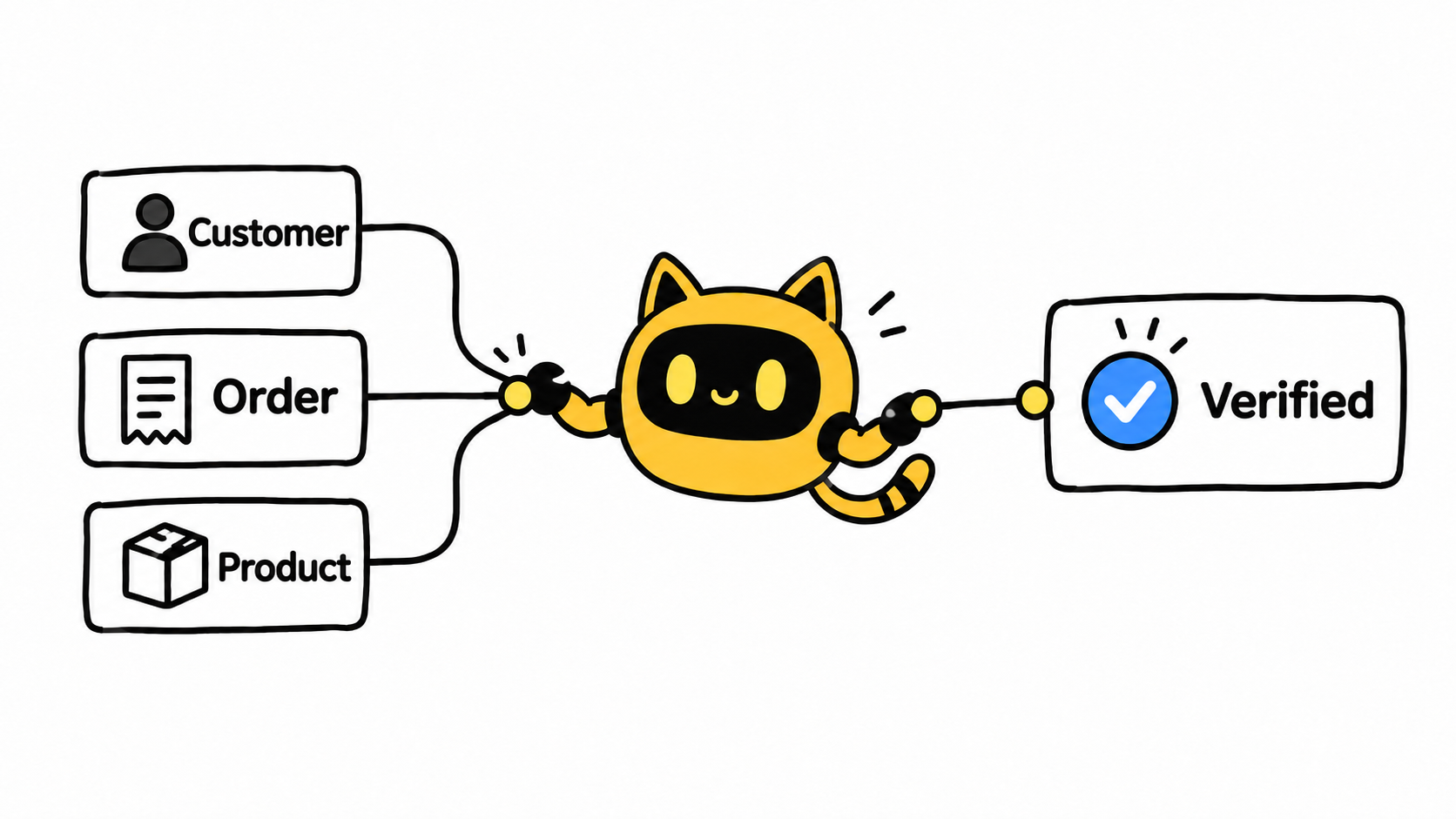
Troubleshooting a missing verification badge
- Confirm whether Shop or a partner app collected the review.
- Check that the review belongs to a genuine completed order.
- Verify the Customer ID, Order ID, and Product ID links.
- Check whether the review passed through a CSV migration that Shop does not accept.
- Confirm that the review is published and meets Shop’s content requirements.
- If the review appears only on the storefront, check the app’s own badge rules.
Build review requests from delivered orders
A clean workflow starts with a delivered order, sends the request for the specific product, preserves the order relationship, and moderates only for policy and support needs—not for star rating.
Shop’s merchant guidelines say review requests should be neutral. Merchants should not ask specifically for positive reviews or offer money, discounts, free products, or refunds in exchange for a review.
Neutral review-request email
Subject: Would you share your experience with [Product name]?
Hi [Customer name],
Your order [Order number] was delivered on [Date]. If you have started using [Product name], we would appreciate an honest review. You can share what worked for you, any problem you encountered, or anything that could help another shopper make a better decision.
Leave a review: [Product-specific review link]
Thank you for taking the time to share your experience.
[Brand name]
Do not break the evidence chain by asking for five stars
Purchase verification shows that the review is connected to an order and product. It does not guarantee a positive opinion, nor does it mean every customer had the same experience. Treat the badge as one part of a trustworthy evidence chain. When feedback is negative, a clear public response is more credible than pressuring the customer to change the rating. If orders remain scarce, use an ad-clicks-without-sales checklist to inspect traffic, the product page, shipping, and checkout instead of blaming the review badge alone.



